
Tap Master - Take Blocks Away
Block Puzzle - Tap Master 3D
Ratings
Age
13+
Category
Puzzle
Languages
English
Wed Dec 03 2025
Bug fixes and performance improvements.

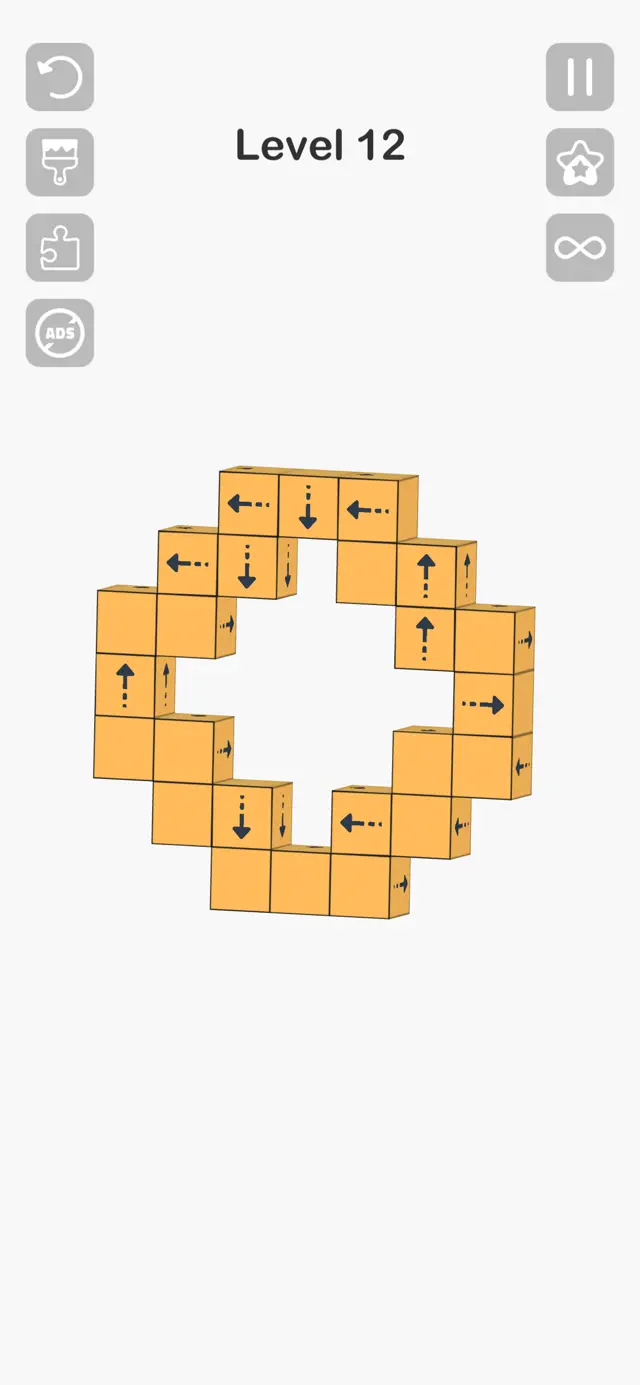
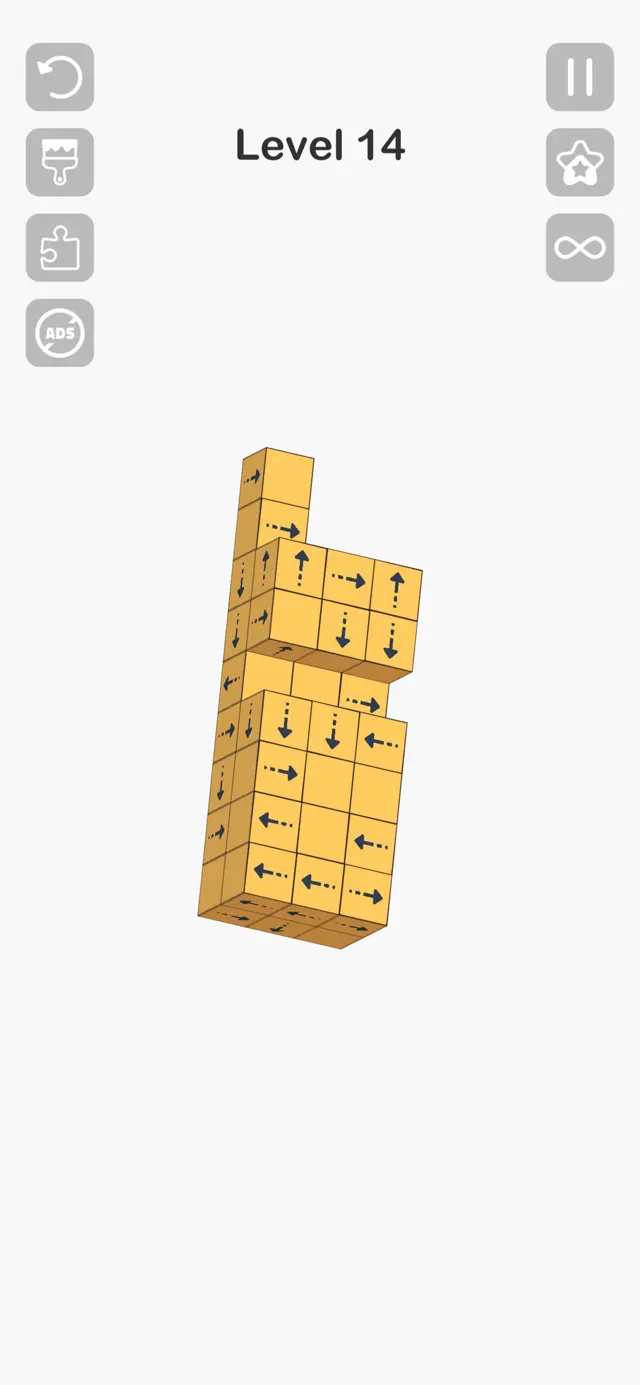
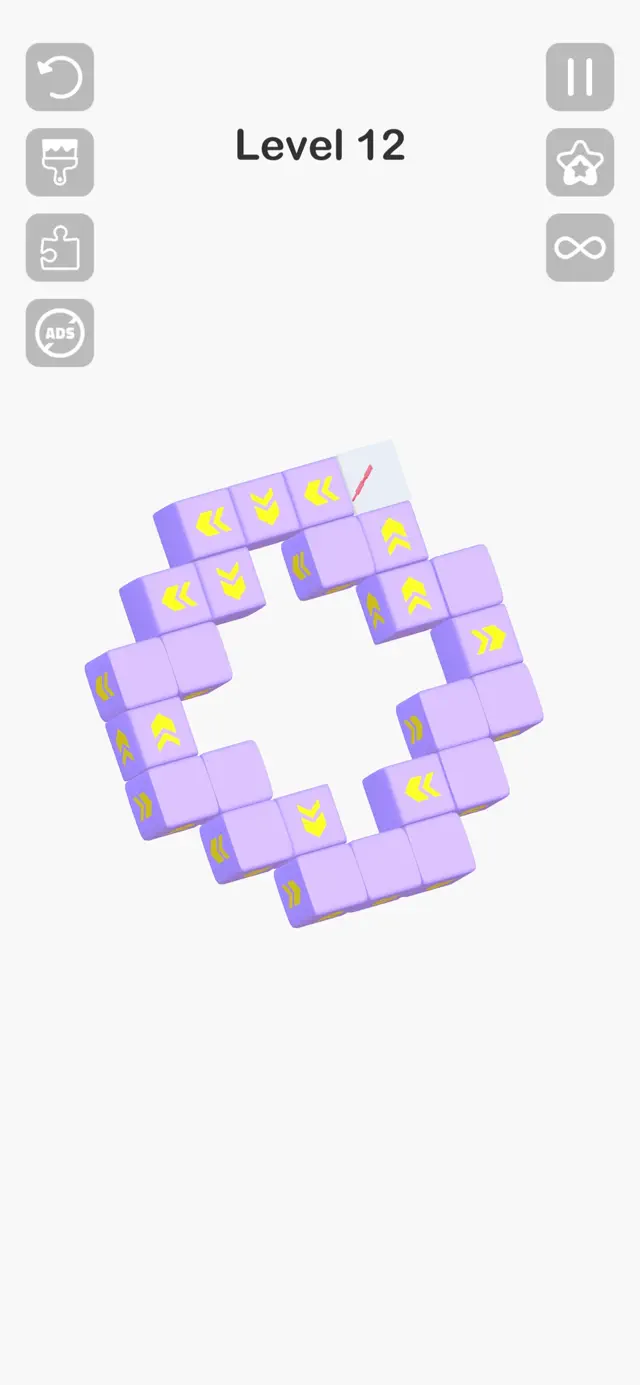
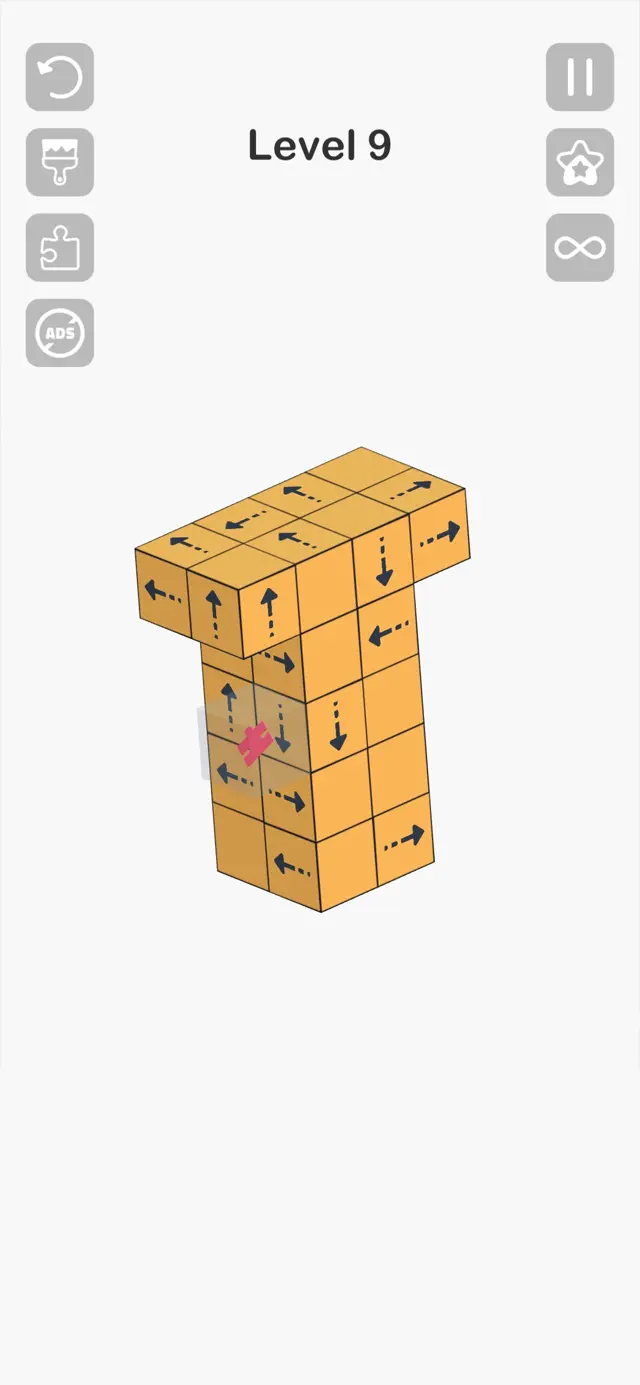
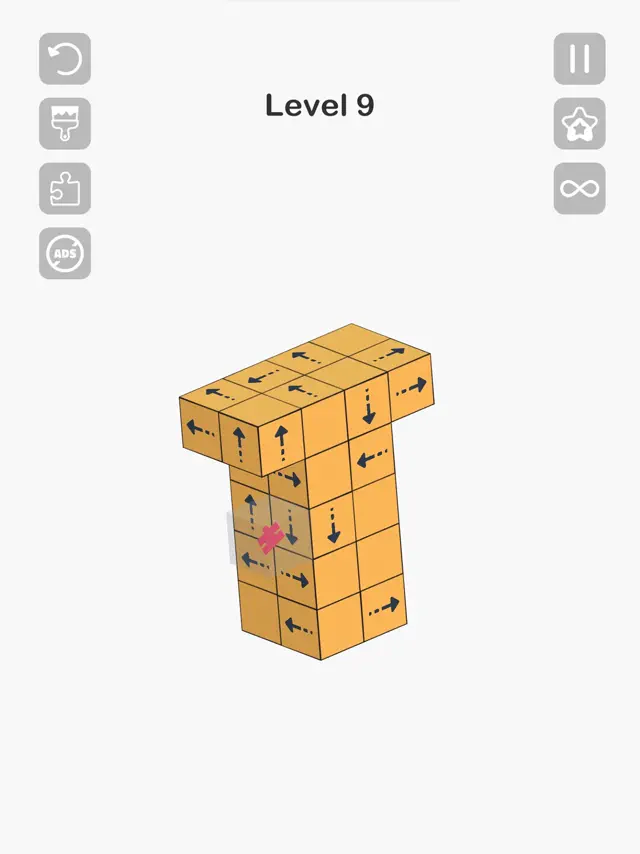
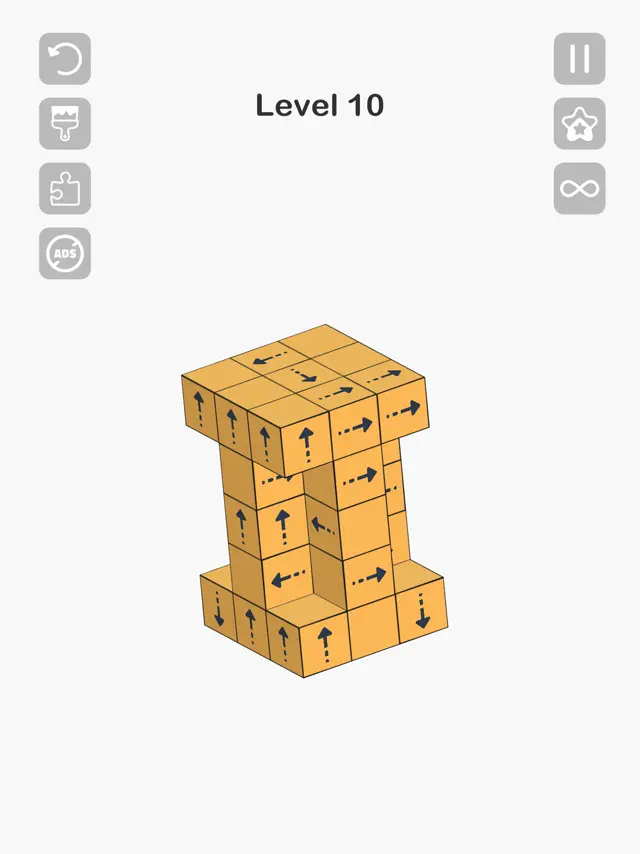
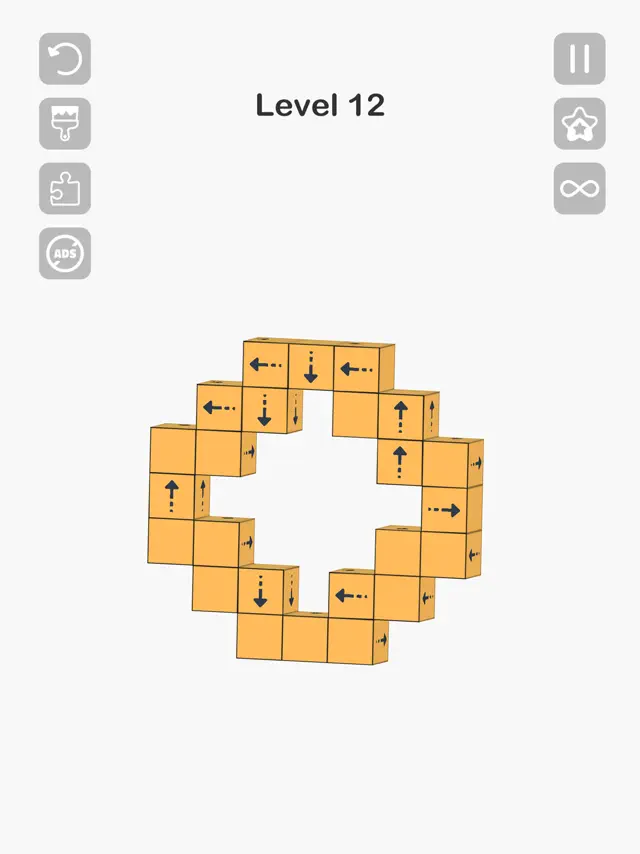
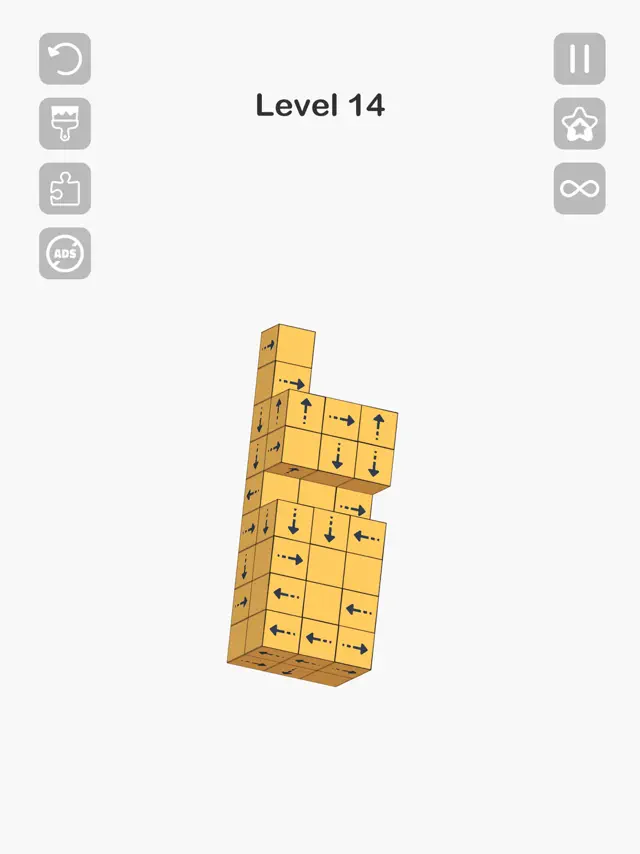
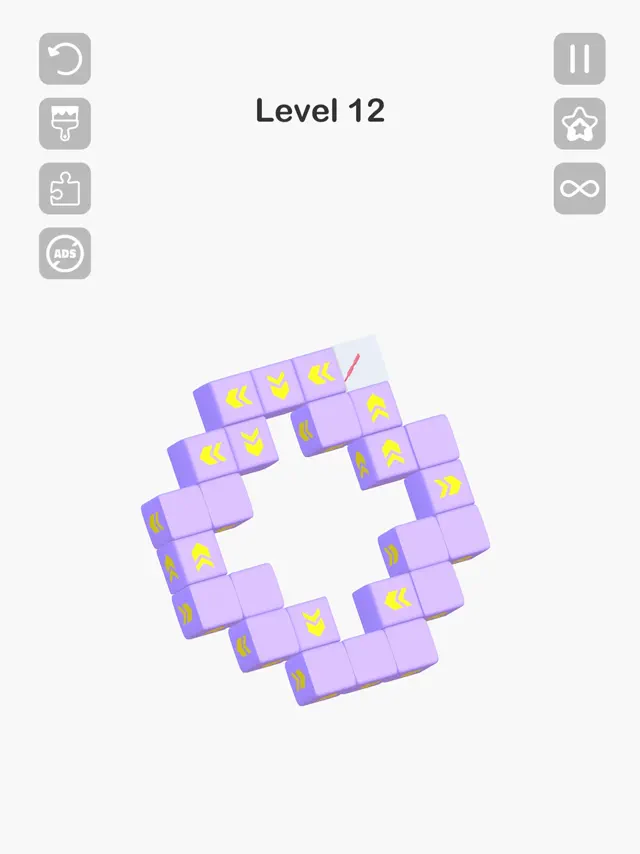
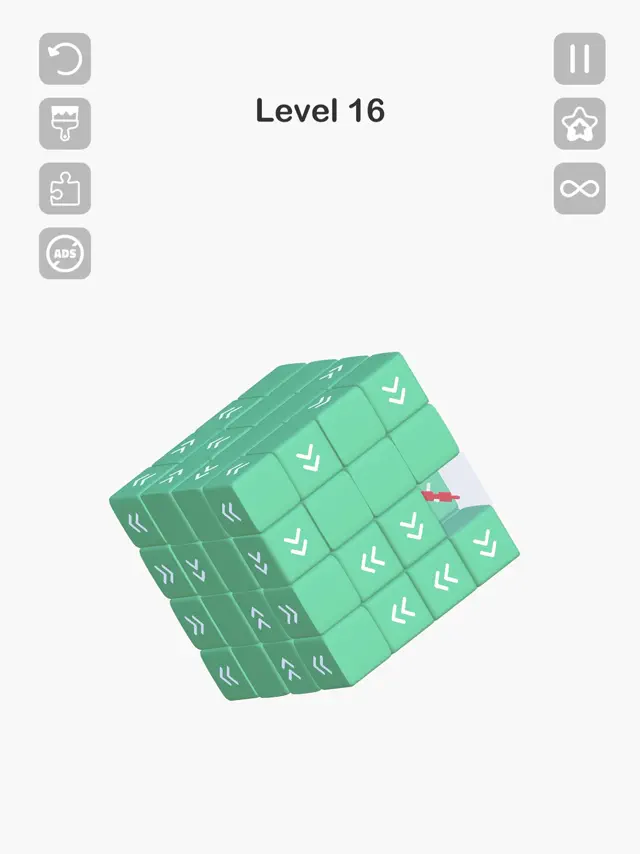
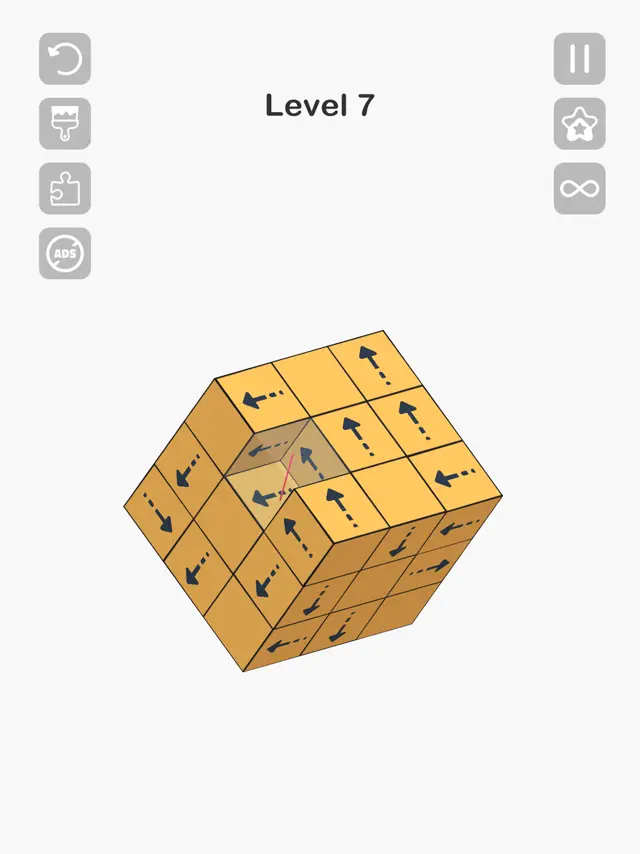
Tap Master: Take Blocks Away is a 3D puzzle game that tests your spatial logic and perspective. Each level features a complex structure of blocks, each pointing in a specific direction. You can only clear a block if its path is unobstructed. Rotate the structure to see it from every angle and find the correct order to dismantle it. With thousands of levels, relaxing music, and satisfying haptic feedback, it's the ultimate 'Zen' puzzle experience for mobile.
Dinsun Expert Review
Our Expert Score
Tap Master: Take Blocks Away is a masterclass in 'flow' gaming. It takes the simple concept of clearing blocks and adds a 3D spatial layer that requires you to rotate the entire structure to find the right angle. The mechanic is simple: you can only 'tap away' blocks that have a clear path in the direction they are pointing. This turns a simple clicking game into a complex 3D logic puzzle.
The tactile feedback and the sound of blocks flying away are incredibly satisfying. It’s a very clean, minimalist experience that is perfect for 'brain training' without feeling like work. As the structures grow in complexity, you’ll find yourself carefully rotating the object to find that one 'key' block that unlocks a whole section. It's addictive, polished, and the perfect digital toy for puzzle lovers.
Features
Thousands of 3D puzzle levels
Satisfying tap and clear mechanics
Various block skins and themes
Offline play supported
Tips & Walkthrough
Start by clearing the blocks on the outer edges that are pointing away from the center. This opens up paths for the inner blocks. If you tap an inner block first and it hits another block, it won't move, so work from the outside in.
Gameplays
Some blocks are hidden deep inside the structure. Rotate the object frequently; often, a block that looks stuck from one side has a perfectly clear path when viewed from the top or bottom.
Screenshot



Q&A
The standard mode has no time limit, allowing you to solve at your own pace. However, there are challenge modes for those who want to test their speed.
Ratings & Reviews
Flaws but good enough
Fri Sep 26 2025 fafoo322Another update: I’d like to play this on my other iPad, so normally I’d use “Restore Purchases” to go ad-free with that one too — if I could find it. There isn’t even a settings button afaict. Update: you don’t get to pick which pieces to remove, so I guess that feature was working even when it didn’t seem like it. I almost never pay to remove ads, but did for this one, so now I get better flow :-). I’m enjoying this game — the ads are bearable and it’s relaxing. But the “watch an ad to remove pieces” feature has stopped working. After the ad, instead of letting me remove pieces, another ad pops up and then I’m right back where I was with nothing. There’s no way to get out of a failed game, but at least I can play other levels, though only up to 30. I’m also confused that the game let me sneak out pieces by moving one out before a blocking one bounced back, but only a few times. Another glitch, or a non-working feature? And there’s no info, I had to click the remove ads button to get the name of the game and then search here to review it. So OK, good enough, but I’m cooling on it.
Worth The No Ads Version
Tue Jan 30 2024 eggburt1103I downloaded Tap Master on my iPhone 14 Pro and was quickly addicted to this challenging game. I was using the free version so adds would pop up at the most inopportune time and I’d sometimes lose my place in the game. I rarely pay for games and never do in app purchases but I decided to pay the mere $5 to remove the adds on Tap Master since it was clear that this game holds my attention, is challenging yet winnable and has 500 Levels. I started enjoying the game even more and thought it might be even better on the iPad so I downloaded it to the iPad. Unfortunately the game started me at Level 1 on the iPad when I was on Level 132 on the iPhone. Same Apple ID on both devices, logged into Game Center on both devices, performed restore purchases on iPad and restarted both devices with no change. Is my progress stored locally and not in the cloud? Is there a way to pick up on one device where I left off on another? Tried to send an email to the developers from their website but it wouldn’t send. Also all the on screen buttons get in the way sometimes and they get pushed by mistake. Very frustrating when you’ve been playing for an hour or so and reset the game by mistake. Please fix this. - 1 Star In summary I do love this game, would like to see some minor changes, highly recommend and will continue my quest to conquer Level 500.
-1 💫 Ad traps and no explanation of how to play
Mon Jun 10 2024 MicaSigningWhile I love the concept and excelled quickly there are options and puzzles connected to the cube elimination game that I never learned what to do with them. You find a puzzle piece hidden in each cube puzzle that goes to complete one of several other 2D puzzles. Once you have completed one of these puzzles you earn a colorful cube… not sure what or how the coins are accumulated or how the cubes earned correlate to the coins and cube block puzzles. Then there is a paint and infinity option. Idk if I purchased paint with coins or cubes or puzzle pieces… but it changed the whole look of the original puzzle and made it much easier to complete by showing me which blocks to tap to delete. Now I was going faster but not as challenging. Wish there was some tutorial or guide to show how to play so I wouldn’t tap on options I don’t want. If you have a weakness to quitting challenging games don’t get hooked on this one!!!! The worst part is the ads. They pop up and immediately if you are a fast tapper take you to either an App Store or their website or both. I spent more time closing each of these tabs or pages to get back to the game and would loose my place when on a good trail of deleting cubes. I guess that is their plan to get you so frustrated with the ads that you will pay them to play ad free. Not me… I’m out. 🎤 💨
Need to be able to move puzzle within the screen
Fri Nov 10 2023 MamaMayr2I’m really enjoying this game but now that the puzzles are getting so big, just enlarging the puzzle doesn’t help because then a portion of the puzzle is off the screen. I realize that when we’re spinning the puzzle and enlarging or shrinking it, we may be using every touch option there is; but it would be really helpful if we could move the puzzle from left to right or up and down - not just spin it. If I complete one side of the puzzle and then try to enlarge it to see the side I’m still working on, much of it is completely off the screen and so I cannot see it. If I have the whole puzzle on the screen, chances are the cubes are too small to see and / or tap. Is there a way to go back and redo a puzzle or see our progress of puzzles? Also, where do our coins go? I see that it says I’ve earned them, but I have no idea how many I have or where to find and spend them. Finally, can you please move the “remove 3 blocks” button? It’s right in line with the bigger puzzles and sometimes I hit it by mistake.
Best tap game out there
Sun Apr 02 2023 Ashley4kI have to write this review, because I played a few tap games before I found this one. All the other tap games I played, still showed a bunch of ad’s even after I payed to not have ad’s They also give you a certain amount of taps for each game you play. This game doesn’t do that. Once you pay to have no ad’s, you do not get anymore ads at all, unless you want a bigger reward, but thats your choice! Plus this game allows you to have as many moves as you need. There are still some challenging puzzles, but there is no stress, since you have as many moves as you need to solve the puzzles! This game is fun, relaxing, no ad’s if you pay a very small fee to not have any, and all the moves you want. What else can you ask for! Thank you for creating a great game without being greedy! I’m finished with all my puzzles. I hope you add more. I am gonna go back through some to try to fill up all my puzzle pieces! Thank you for the best relaxing game out there!
Frustration master!
Wed Apr 05 2023 Shadowhawk71Frustration master should be this this games name! Don’t get me wrong, this is a great game. On the other hand there are so many ads. I have played this game every day. An ad pops up about every 10 blocks I click away. As the puzzles get bigger it becomes incredibly difficult to maintain your place in the game and clicking the help is not worth it. I get 2 ads every time I do. One longer ad followed by a shorter one as it is removing the blocks so half the time you don’t even know which blocks have been removed. It’s become so irritating that I’m taking time to write this review. I’m not asking for ads to be removed I’m just asking that it gets dialed down from a 10 to maybe a five. I’m signing off the the game for now and I’m Really not sure the game is worth the effort anymore. I might get back on again in couple of days. But when there are so many ads that it ruins game play on a fantastic game is frustration at it best!
Not Ad Free
Tue Oct 14 2025 Gr4FunI paid for the ad free version of Tap Master in August, 2025. I’m still getting ads. They don’t start showing up until I reached level 74. Now, when I am blocked in every direction and I tap the “Remove 3 Blocks” button I get an ad. When I do tap to remove blocks I get 2-3 cleared blocks and can make as many as 6-12 moves before I’m completely blocked and need to remove more blocks. This means that I must endure 3-5 ads before I can close out the game and move on. In levels 74, 75 and 76, the ads would not let me skip for at least 30 seconds. I’m stuck in level 77 because the ad is no longer letting me back to the game. It no longer times out. I’ve closed the game and reopened it and I still have to hit the remove blocks button and I’m still stuck. I reported the problem to Apple and have gotten no acknowledged. I wanted to give this game 5 Stars because it really is a great app. I didn’t want to write a review like this either, but I hope the developer cares enough to correct the problem.
DO NOT WASTE TIME ON THIS MONEY GRAB. BADLY DESIGNED!! BADLY RUN!!!!!
Thu Apr 25 2024 Color Me NBSThis is a horrible waste of time. The first few puzzles are so easy it’s ridiculous. Then they get more complicated but there’s no way to work it out. There are a bunch of icons on each page but no explanation of what they are for. Most just delete your current puzzle and give you no info. No FAQ page. Puzzle pieces are awarded but no explanation for what they’re for? And they’re disconnected into different puzzle plates but no idea how to finish. What good are the coins you’ve awarded, where are they and what are they for? The biggest joke of the whole game is a “remove 3 tiles” but after you tolerate a minute of ad it flashes back to your game and a split second later there’s another ad!!! I’ve never seen pieces removed and the supposed removal of tiles has NEVER opened up any moves! I did EIGHT remove tiles in a row and NEVER saw any change. And the constant interruptions with obnoxious ads break your view and concentration every couple of minutes! DO NOT DOWNLOAD THIS GAME. LIFE IS TOO SHORT AND THE GAME DEVELOPERS HAVE NO INTEREST IN ENTERTAINING. IT IS A HUGE MONEY GRAB FROM ENDLESS ADS!!!!
Some Youtube Videos found!


News found!
 The best Amazon October Prime Day 2023 headphone deals: Last ...
Master & Dynamic MH40: $319 (20% off) � master-dynamic-mh40.jpg ... They feature one-tap setup and intuitive controls for better convenience.
CBS News Wed Sep 17 2025
 42 Products People Have Taken On International Trips And Highly ...
An Apple AirTag designed for simple one-tap setup with your iPhone ... taking off. They'll also reduce the noise from that loud passenger...
BuzzFeed Wed Sep 10 2025
He previously taught at the Indiana University Jacobs School of Music, where, as as student of Atar Arad, he earned a master's degree and Artist Diploma and was...
B Square Bulletin Wed Sep 10 2025
 Looking for Eileen: how George Orwell wrote his wife out of his story
The newlyweds were living in a tiny cottage in Wallington, 30 miles from London, with no electricity, one tap and an outdoor privy.
The Guardian Fri Aug 01 2025
 Logitech Tap Meeting Room Touch Controller
Route cables out the back or through the bottom. Keep connections tight with built-in strain relief and retention mechanisms.
Logitech Sun Jan 01 2023
 Yale Assure Lock 2 Review
... take care of my dog Bradley. Auto-unlock setup and notifications. (Credit ... As mentioned, you can lock and unlock the Assure Lock 2 with one tap...
PCMag Sun Dec 01 2024
 Shreegopal Kabra, Promoter & Managing Director, RR Kabel Ltd
One tap Investments, Automated trading & much more; Minimum 1 lakh ... We have over 35 international product certifications, enabling us to export...
IndiaInfoline Mon Sep 01 2025
 Roku Smart Bulb SE Color Review
Tap the Rules option to create shortcuts for controlling multiple Roku devices with one tap, create on/off schedules, configure location...
PCMag Fri Aug 01 2025
 Game of the Week: Pirate Nation
... take off. With its NFTs on Ethereum, the game is deployed on ... Gameplay is straightforward and based on one tap on the screen. Although...
Blockchain Gamer Wed Sep 17 2025
 Should you opt out of the AI data grab?
... out master blacklist that AI companies inform their web crawlers to avoid. ... The future: one tap on your phone. Contactless debit brings more...
BusinessDesk Fri Aug 01 2025


