Scorecard: Point Tracker
Keep score in any game
Ratings
Age
4+
Category
Board
Languages
English
Tue Feb 14 2023
• Widgets! Add the small, medium, or large widget to your Home Screen to keep an eye on scores for your current session
• Adds support for iOS 16
• Makes creating new sessions faster
• Makes it easier to tap “+” and “−” buttons in game sessions
• Adds a space after the “=“ when calculating scores
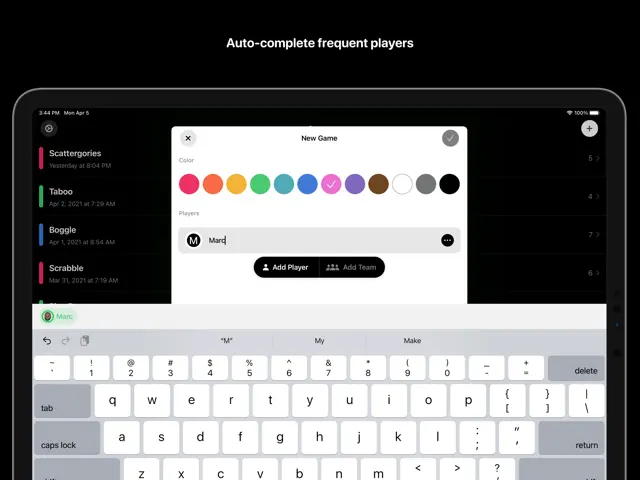
• Hides players already in a game from autocomplete
• Centers avatars when sharing scores
• Fixes the Game Details sheet layout on iPhone Pro Max
• Fixes a bug where scores would sort incorrectly when changed during sorting
• Fixes the color of the disabled “Add Team” button
• Fixes crashes
If you love using Scorecard, leave us a review on the App Store or follow us on Twitter at @getscorecardapp.

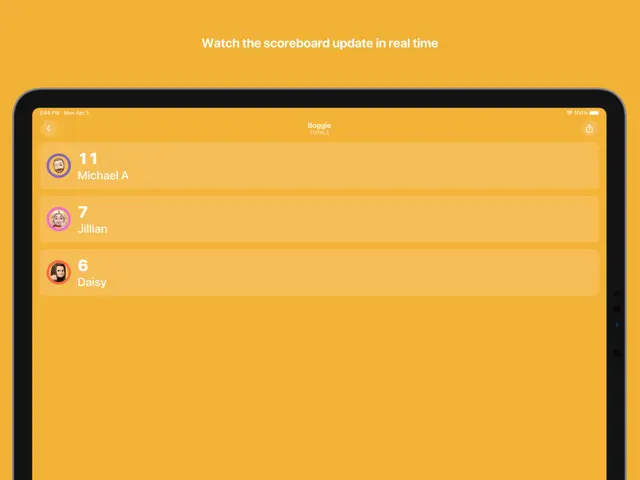
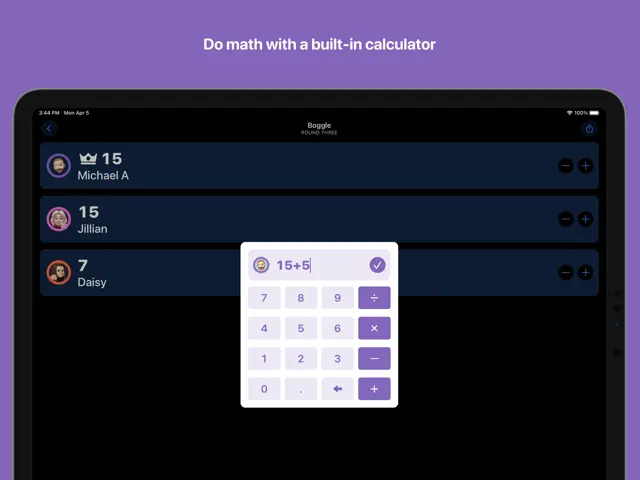
Scorecard Point Tracker is designed to replace traditional paper scoring for any competitive activity. Whether you are playing a board game, a card game, or tracking a local sports match, this app allows you to add players, set custom increments, and view a detailed history of every point earned. With support for Dark Mode and iCloud syncing, your data is always accessible and easy on the eyes.
Dinsun Expert Review
Our Expert Score
As a utility app masquerading as a companion for gamers, Scorecard Point Tracker is an essential tool for anyone who frequently hosts board game nights or sports tournaments. It solves the age-old problem of hunting for a pen and paper or struggling with a tiny notepad. The interface is clean, modern, and surprisingly flexible, allowing you to track scores for an unlimited number of players and teams.
The inclusion of iCloud synchronization is the real winner here, ensuring that your long-running campaign scores are safe even if you switch devices. While it lacks flashy animations or gamified elements, its reliability and ease of use make it a standout in the 'utility' category. It’s the kind of app you don’t realize you need until you’re halfway through a complex game of Catan and realize no one has been keeping track of the points.
Features
Unlimited player and team support
iCloud synchronization across devices
Game history and logs
Customizable point increments
Tips & Walkthrough
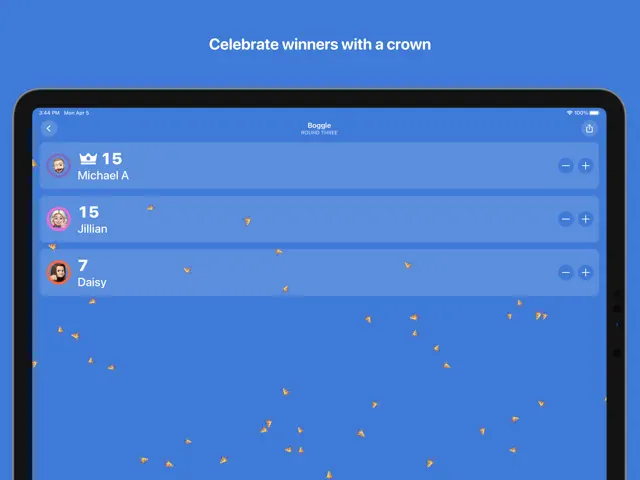
Tap the '+' button to add players, then simply tap their name to add or subtract points during the game.
Gameplays
Swipe left on a player to see a chronological log of all point changes to resolve any scoring disputes.
Screenshot




Q&A
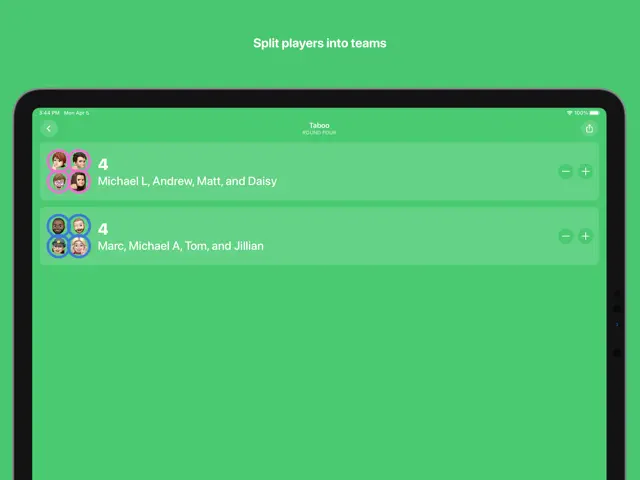
Yes, you can group players into teams and track collective scores easily.
Ratings & Reviews
Love this app
Tue Nov 30 2021 ImaxchickUsed this app over thanksgiving and it worked amazingly. The only recommendation would be a bit of a walk through (I didn’t find the rounds portion until the game was done) to show a few more of the features. Still love it and can’t wait to use it again.
Almost perfect
Sat Jul 05 2025 akrabu139My only complaint is that there is no custom ordering. It would be helpful to be able to select a custom option, then hold and press and drag players up and down, to mirror their real world seating positions - especially handy when you've got a lot of new people playing and don't have everyone's name memorized yet. When adding a new session, it would be great to be able to quickly add all previous players at once, or tap them all quickly and hit add - instead of hitting add, tapping one, hitting add, tapping one, etc. Also for the life of me I can't figure out how to add Bitmoji's instead of real photos, like in the screenshots.
Great app, doesn’t get in your way
Fri Feb 17 2023 Willie AbramsLatest update fixes all my crashes and slowdowns. It’s a perfect app for keeping score and it doesn’t get in your way. Lots of nice touches make it so easy to use.
Great app, missing one feature
Tue May 04 2021 swburkThis app serves the purpose of keeping score in games very well and isn’t over-complicated. It works and looks great. The only addition I hope to see is the ability to view and edit a list of players. I have accidentally created duplicates I cannot get rid of.
Needs a history
Fri May 07 2021 WillFitzgI was convinced to buy this because it was supposedly simple and beautiful. But there’s no history, so you can’t see the score as it changes over time. For a game like Scrabble, this takes the fun out of reviewing a game. Also, it is way too easy to type in the wrong number and mess up scoring. It is pretty, though.
Great
Tue Jul 01 2025 nathanI’ve tried quite a few scorekeeper apps and this one is by far the easiest and most fun to use.
Beautiful smart and perfect
Tue Jun 01 2021 darthktThe more you use this app, the more you remember how iOS attracts the most talented app designers. So so awesome.
Awesome app
Fri May 14 2021 kariemilMakes scoring board games easier