Retrocade
Golden Age of Gaming
Ratings
Age
9+
Category
Action
Languages
English
Fri Feb 20 2026
In this release we've made it easier to jump straight into the action! Enable "Auto Play" to skip inserting coins when you play. We've also taken care of many of the issues you've raised since release. All games are now unlocked for everyone to play! Thanks for playing Retrocade!

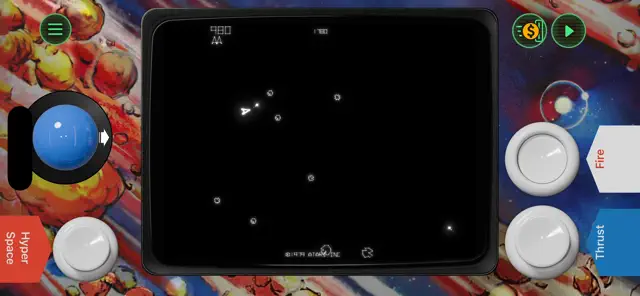
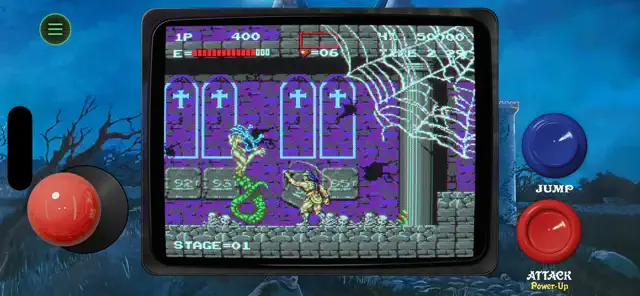
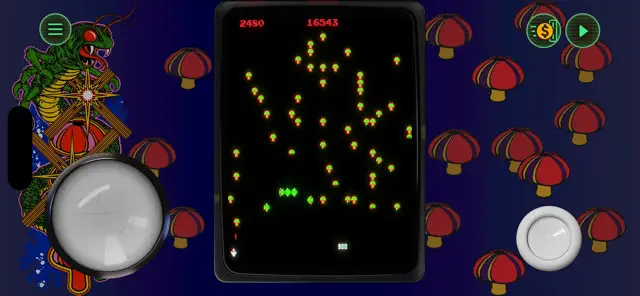
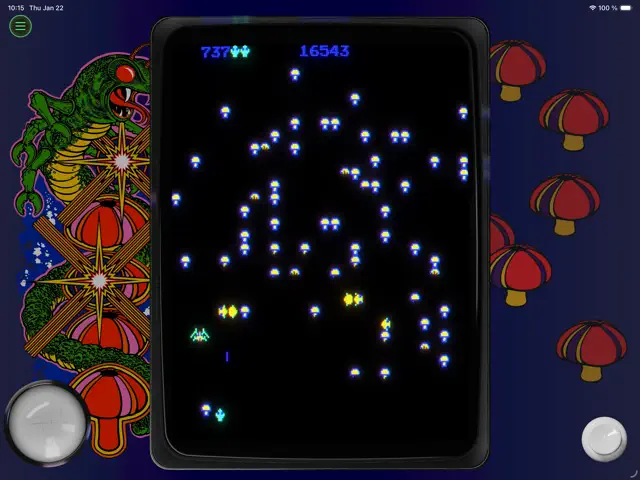
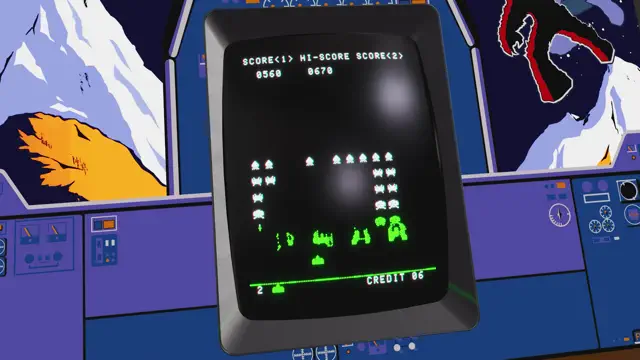
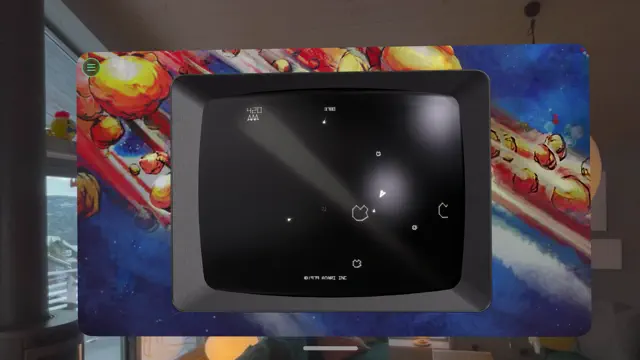
Retrocade is a digital museum and arcade hub. It offers a curated selection of pixel-perfect games that capture the spirit of the 1980s. Whether you want to defend Earth from aliens, navigate a snake through a maze, or conquer a high-speed platformer, Retrocade has it all. The app features global leaderboards, customizable scanline filters for that authentic CRT look, and a 'Token' system to unlock new titles.
Dinsun Expert Review
Our Expert Score
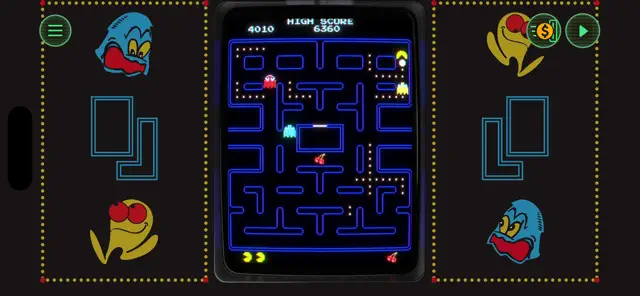
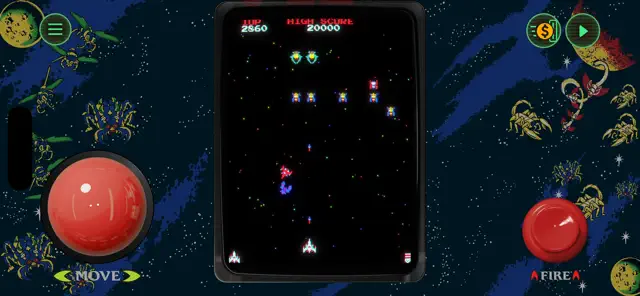
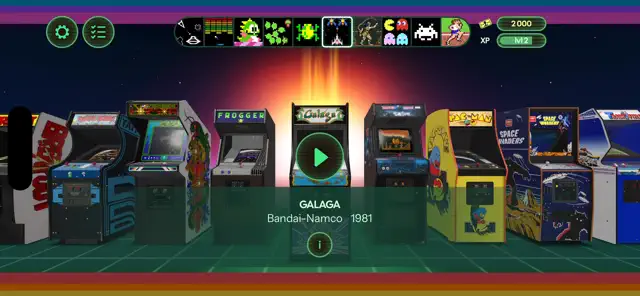
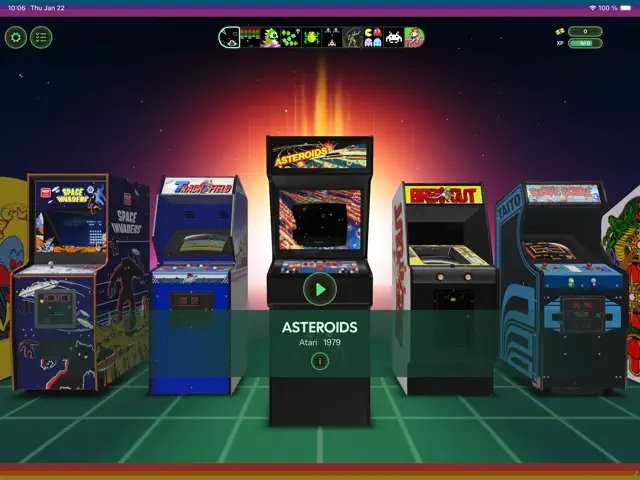
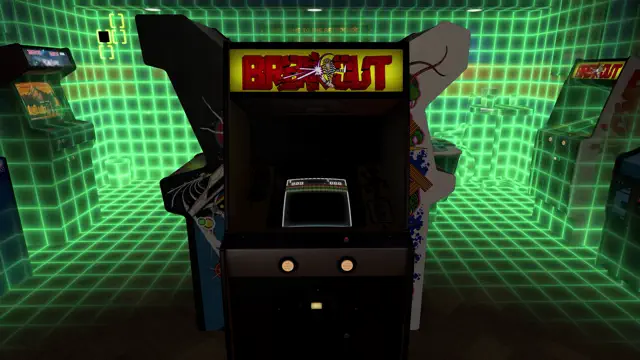
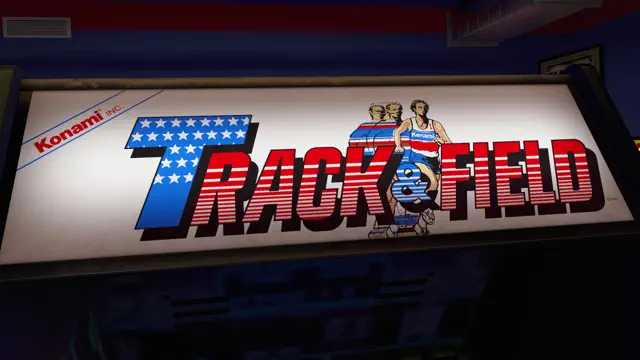
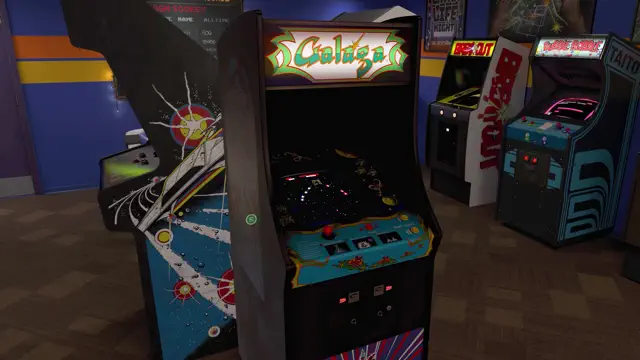
Retrocade is a love letter to the 8-bit era. It’s not just an emulator; it’s a beautifully curated museum. The way the app presents its games—on virtual arcade cabinets with glowing buttons—creates an atmosphere that is missing from most retro collections. The games themselves are pitch-perfect recreations, and the optional 'CRT Scanline' filter is one of the best I've seen on a mobile screen.
The 'Token' system is a smart way to handle monetization. You can play most of the library by earning tokens through daily play, but paying for 'Infinite Coins' for your favorite cabinets feels like a fair deal. Whether you're a veteran who remembers the arcades of the 80s or a newcomer looking to see where modern gaming began, Retrocade is a stellar package. It’s a concentrated hit of nostalgia that never feels cheap.
Features
20+ unique 8-bit games
Authentic retro sound effects
CRT and scanline visual filters
Global high-score competitions
Tips & Walkthrough
Complete 'Daily Quests' in the free-to-play titles to earn Gold Tokens. These are required to permanently unlock the premium arcade cabinets.
Gameplays
Each game in the collection has its own specific controls, but all are optimized for a virtual d-pad and two-button setup.
Screenshot
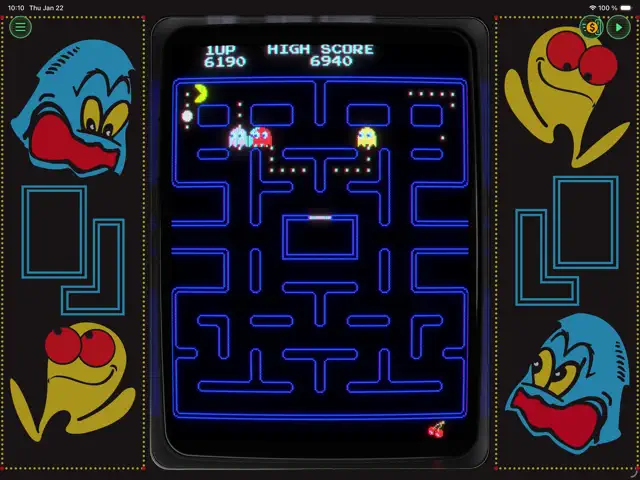
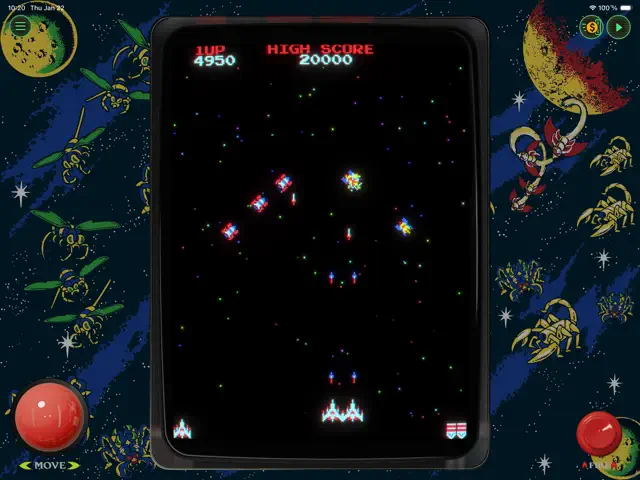
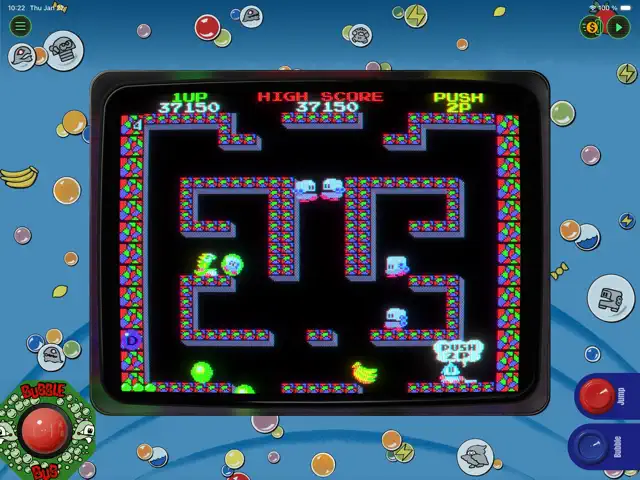
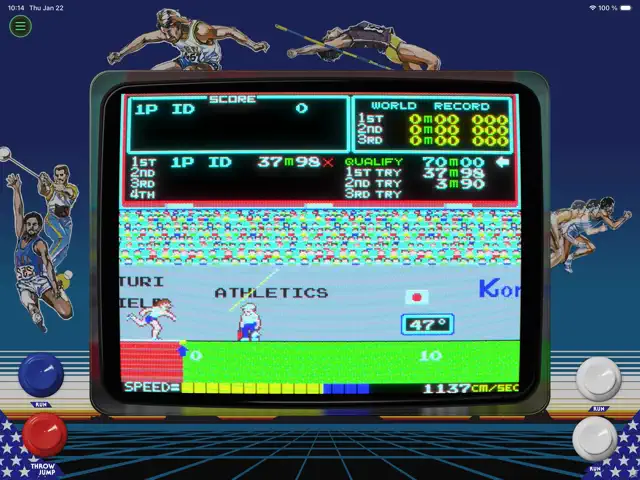
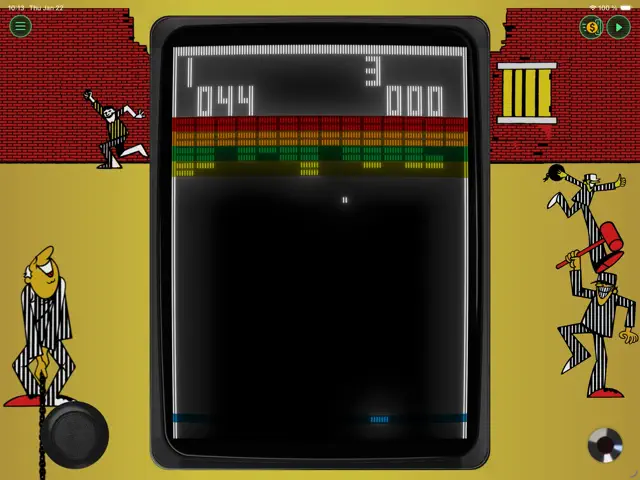
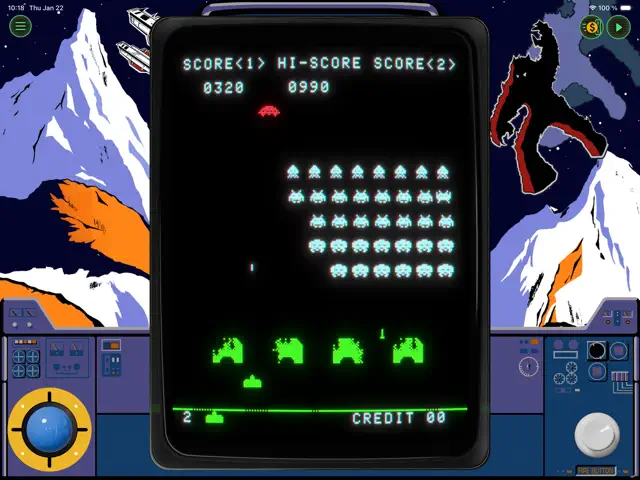
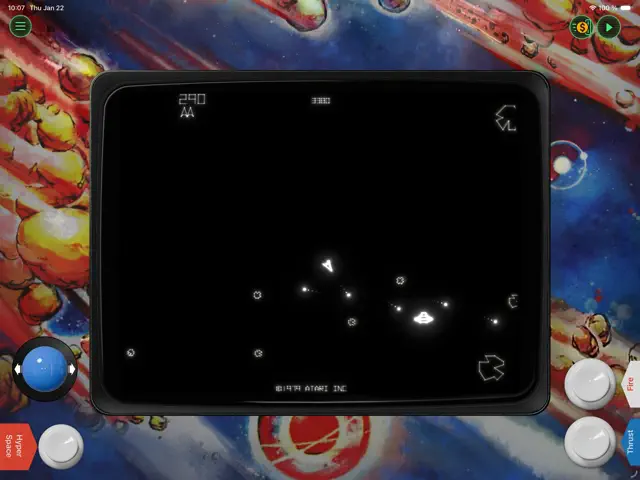
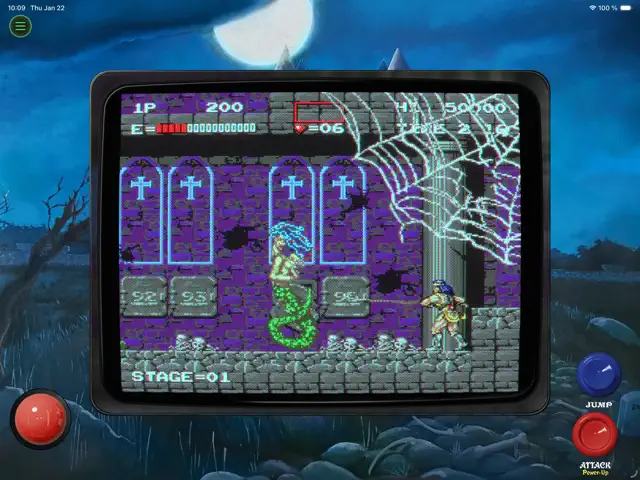

Q&A
Yes, Retrocade fully supports MFi and other Bluetooth gamepads.
Ratings & Reviews
Off to a great start
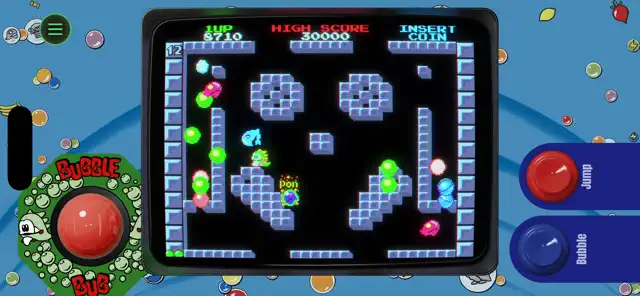
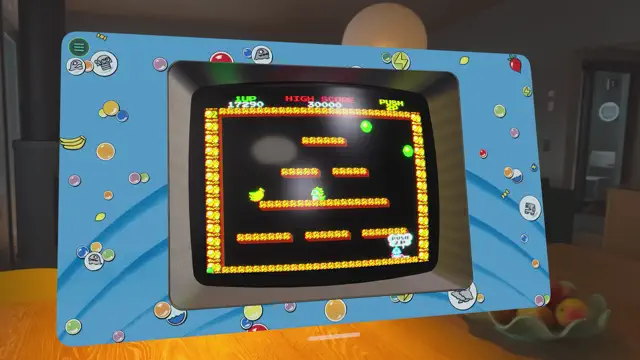
Thu Feb 05 2026 SpamcanAs far as retro collections go there is a lot here to offer. Hopefully more games will be added in the future. The CRT effect looks great and most of the bezel choices look good. The Pac-Man one feels kind of lazy compared to the other bezels. There’s a few minor issues that need to be addressed. There needs to be an auto fire open for the shooters. Centipede for example sprays out a constant rate of fire when holding the button down with no reason to ever stop firing so there is no reason I should have to hold an on screen button down the entire game. Other games like bubble bobble feel like I should be able to just hold the button down to spray out bubbles instead of having to press it every time using touch screen controls. Everything works, touch screen controls don’t feel like a hindrance but little quality of life improvements to make the games better suited for touchscreen would make the games more fun to play in this format. I’m also not thrilled about the points system for unlocking things. While these points aren’t difficult to acquire having to spend additional points just to unlock dip switch settings is pushing it.
Back to a Slower Time
Sun Feb 08 2026 BWA SwitchI’m absolutely loving playing all these classics once again. Takes me right back to my most formative years. I was a little too young for the arcade scene, but I played most of these at home on my parents’ Atari 2600 before starting Kindergarten. Retrocade gives me a little taste of playing all of these titles on a cabinet, which I am thoroughly enjoying. Love the added sense of progression with not only leaderboards, but also the experience system and rewards of unlocking new games. Experience is fairly easy to get, you just have to log in each day, play the games you have, and complete challenges. Gives me a reason to keep coming back to the game. Please don’t change a thing in regard to this! Real gamers who love a challenge will persevere to unlock all of the content. Would love to see more games in a future update, but I know how licensing is in the gaming world, so I won’t be too picky about which titles I expect. Keep up the great work, Retrocade team!
Buggy as hell.
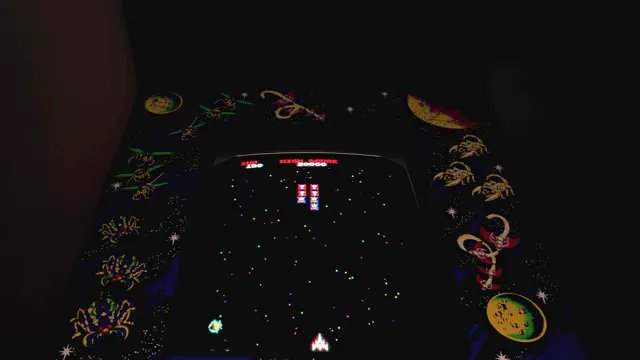
Wed Feb 25 2026 allspelldecksucksThe flagship game of retrocade (aka the one the game uses for its promotion, and the game retrocade starts up with) Galaga is far too buggy to be playable. I don't mean the actual "game" is buggy. It's the controls. The "joystick" on the virtual arcade machine has an experience RUINING bug. You hold right? It flicks to left. You hold left? It randomly flicks right. It's terrible, with no effort put into the controls. THE MOST IMPORTANT PART OF THE GAME. Let's not forget other bugged controls for other games. Frogger, wherein you control the joystick to move in the 4 cardinal directions by DRAGGING the joystick. Well this game also has a bug that ruins the experience. SIMPLY CLICKING ANYWHERE ON THE SCREEN MOVES THE FROG FORWARD. Now I understand the game should be able to be controlled from anywhere on the screen, that helps a lot and improves control. However when ALL of the directions are controlled by DRAGGING it's inconceivable that ONE direction is controlled by both dragging and CLICKING. That's insane. The amount of misinputs you get while trying to drag one direction you get is INSANE. Oh want to move frogger left? Well too bad, you dragged for 0.1 microseconds too short so it registered as a click, now your frog is splattered by a car, you lose. Overall: AWFUL CONTROLS WITH NO CARE PUT IN. ABSOLUTE SLOP.
Very cool!
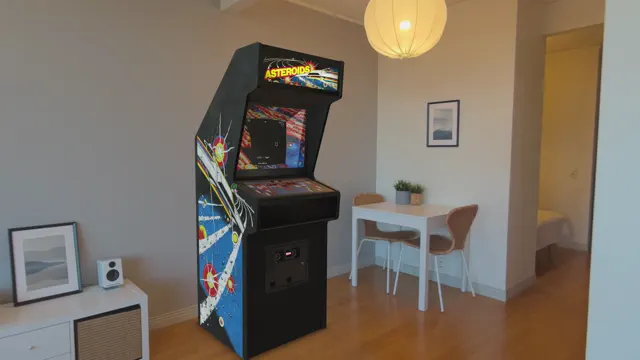
Sat Feb 07 2026 Chris(topher)Would love to see more games of course but I love the immersive full-size game cabinets. Little bit of a shame you can’t interact with the controls but of course it would be near impossible to play the games well that way. The cabinets are really the best part – they’re so well crafted and detailed. Note the simulated reflections from both the game graphics and from the windows and lights in my house reflecting on the cabinets and the “glass” screens. Ah, but they need to allow placing more than one cabinet at a time and they need to let you leave them in place in your house while you use other apps, like how the VisionOS spatial widgets work.
This HAS to stop. Now.
Tue Feb 10 2026 JazGalaxyAn arcade compendium of classic arcade games? Awesome! How could they screw that up, right? How about by making a pretentious introduction that “tutorialises” every game wrapped up in an obnoxious “production” of documentary-like nonsense that you have to skip through section by section in order to play the games? These are games that CHILDREN just walked up to and started playing. It’s harder to DOWNLOAD THE APP than it is to play most of these games. Not everything needs to betutorialized to death with hard-to-skip garbage that wastes your time. I just want to play the games! By all means, put an option on the main screen for people who can’t figure out how to walk and chew gum. Give them all the help they need. But don’t FORCE it on people when these games originally took over the entire world and nobody was confused. I may not go back to the game. And not because I was too confused to make it work, it’s because your design is trash and I don’t want tos it through a who-knows-how-long introduction before I can have fun playing what is supposed to be a game.
Old games good, new tech bad
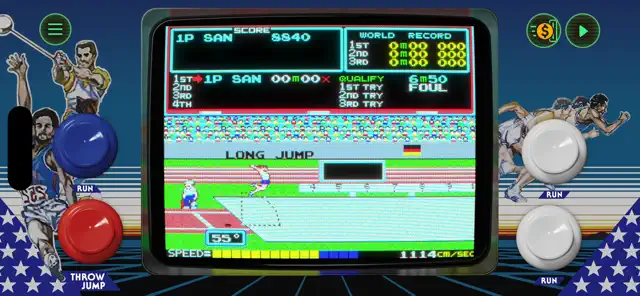
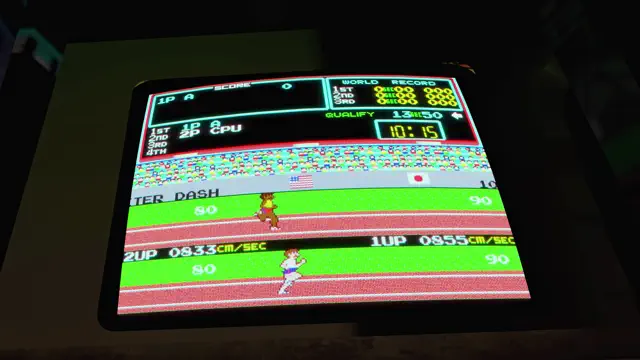
Thu Feb 05 2026 Crocakahn!I was pretty excited for this, I love old games. But it’s the new technology that is giving me issues. First, the “hold to skip” intro button didn’t work. Then it did. Then I accidentally unlocked Asteroids, which was probably as much my fault as the game’s. But then, when trying to earn XP to open a different game, the app crashed. Upon reopening, Asteroids was no longer available, the 1000 XP I spent to open it was still spent, and the XP I earned from playing was not saved, so I had to start all over. I thought resetting game progress would take me back to the intro and give me back the free XP, but nope. Also, I can’t figure out how to hit a bird with the javelin. I keep getting close, but can’t seem to hit the “buttons”fast enough. But again, that could be on me, not the game. Hard to tell.
Fun Games, Annoying Unlock Mechanism
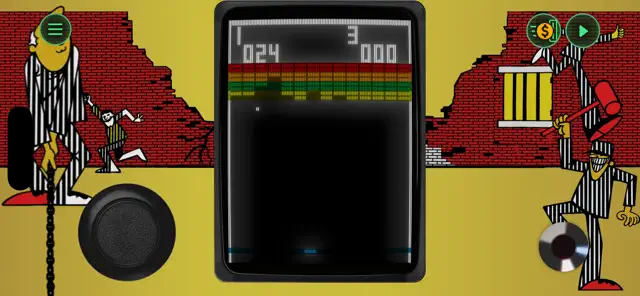
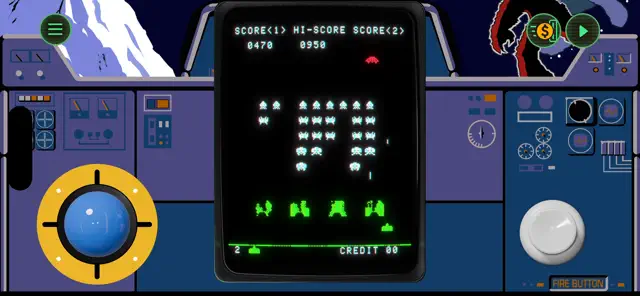
Thu Feb 05 2026 jkeitzThis is a good implementation of classic arcade games complete with dip switch settings and an arcade atmosphere. The controls are pretty good for a touchscreen. It is well thought out and very accessible. Now, the one defect. For some reason, they decided to keep most of the games behind what used to be a paywall. Here, you have to grind at Breakout or Space Invaders in order to earn enough to unlock other games. They’re expensive, so there’s a lot of grinding involved. With the availability of multiple emulators, which let me play whichever game I want, this is an odd choice for a game to take. I may stick with it, for the presentation at least, but I’ll probably give up grinding and just go back to Arcade Mania after a short trial.
Great games; Needs a little work
Tue Feb 10 2026 OKBoomer00For Vision Pro… It looks like the only way to start a game is if it’s an immersive mode, then you can click the buttons to start the game. However, if you use the windowed feature, there doesn’t seem to be a visible way to start a game. As someone that needs to sit or lay down a lot, I love using the windowed version with the immersive background. But I find a troublesome to switch back-and-forth just to start the game. I would love to see more of the immersive backgrounds. I would also love to see games from the 90s if possible. My favorite way to play is with Vision Pro. I look forward to seeing what you can do with the immersion.
Some Youtube Videos found!

You may also like


WHAT THE CLASH?

Vampire Survivors+

Arkanoid vs Space Invaders+


PPKP+

Jetpack Joyride+

Tomb of the Mask+

Super Mega Mini Party

A Slight Chance of Sawblades+

Bleak Sword