Word Lookup Pro
Word Finder for Games
Ratings
Age
4+
Category
Word
Languages
English
Sun Mar 15 2026
∙ Updated for the latest version of iOS
∙ Updated icons
∙ Updated word list
Here's some of the added words that may be useful: ANTBIRD, BRACK, BRITH, DUPATTA, LATEISH, OUTRO, PALAK, SHORAN, VIEUX, VIVRE, YEAHS.
Thanks to Janene, Jerel, Jonathan, Juanita, Marc, Mike, and Sherry for their submissions.
If you have tips on any other new words that are valid in the Words With Friends game, please send them to feedback@appspired.com

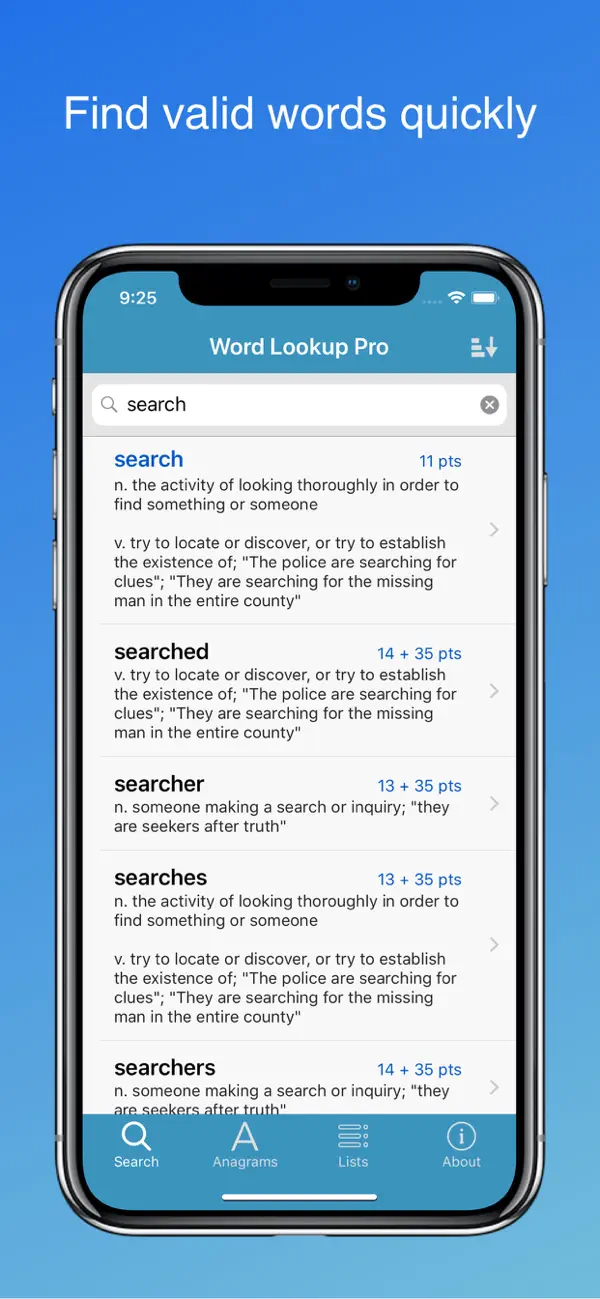
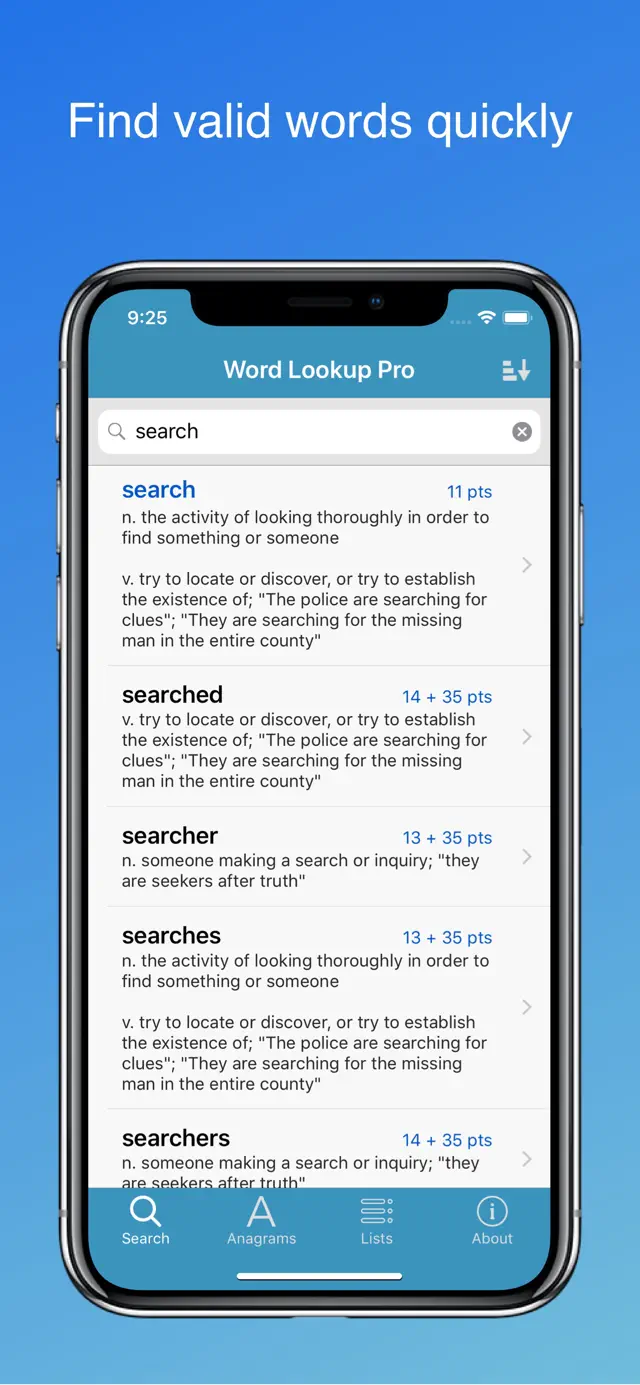
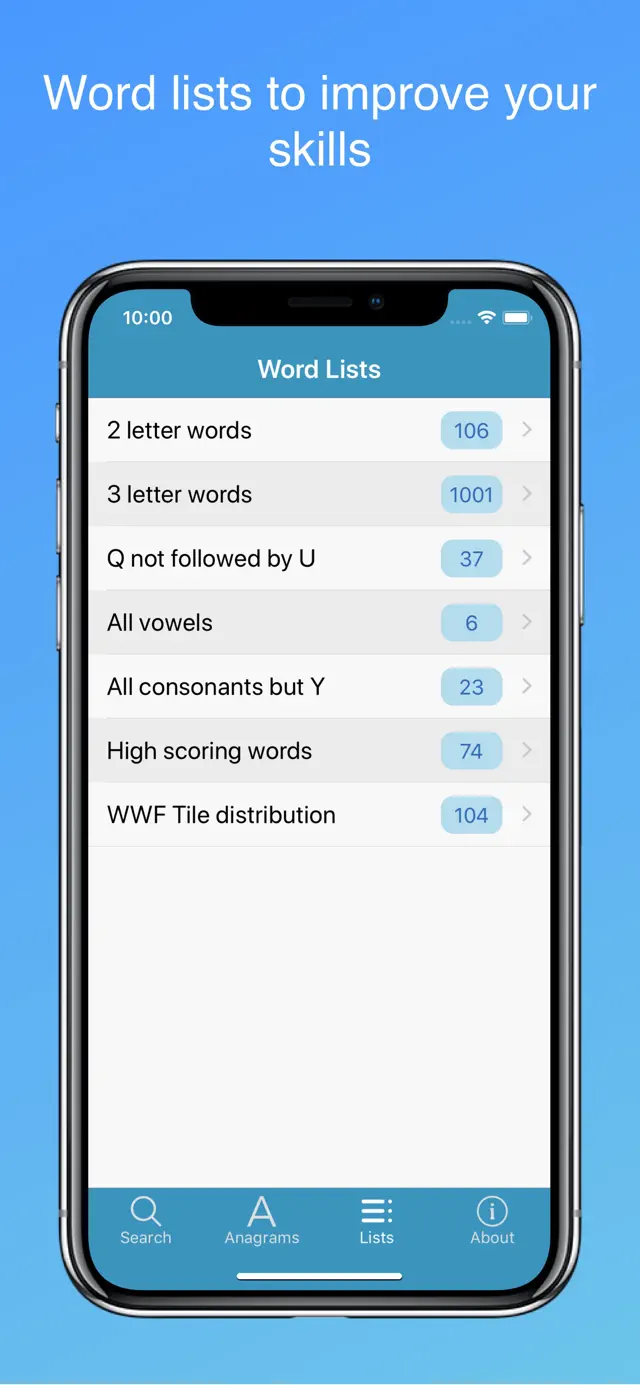
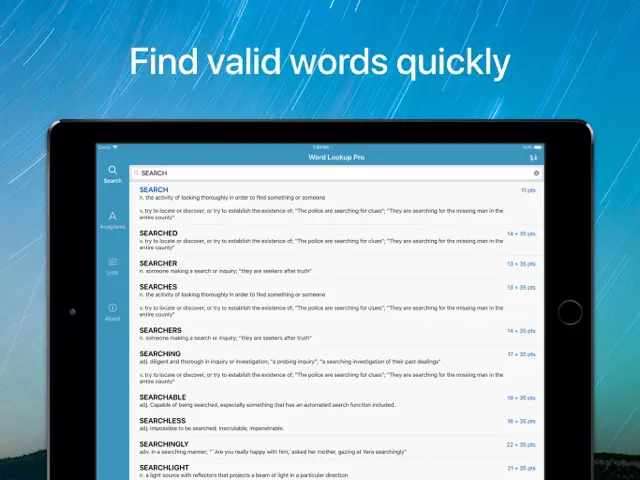
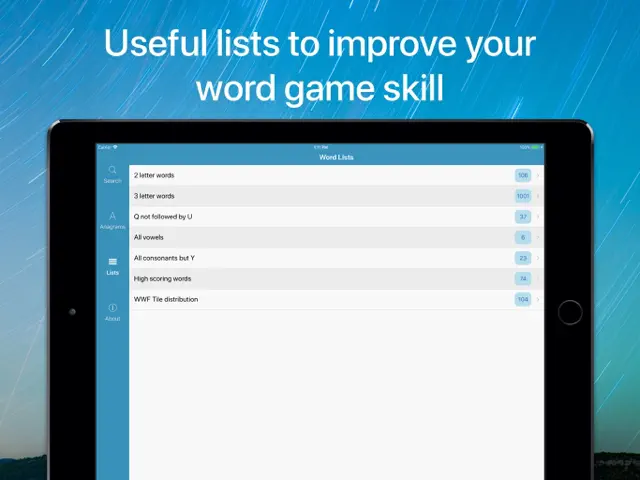
Word Lookup Pro is a powerful utility for anyone who loves word games. Featuring an extensive offline dictionary, the app allows users to find words based on specific patterns, lengths, or available letters. Whether you are stuck on a difficult crossword or trying to find the highest-scoring play in a board game, this tool provides instant results. It includes specialized lists for competitive play and supports multiple English dialects.
Dinsun Expert Review
Our Expert Score
Word Lookup Pro is the 'Swiss Army Knife' of word tools. As someone who plays competitive Scrabble, I’ve tried dozens of these apps, and this is the one that stays on my home screen. The speed of the search is what sets it apart; there is zero lag even when filtering through thousands of words.
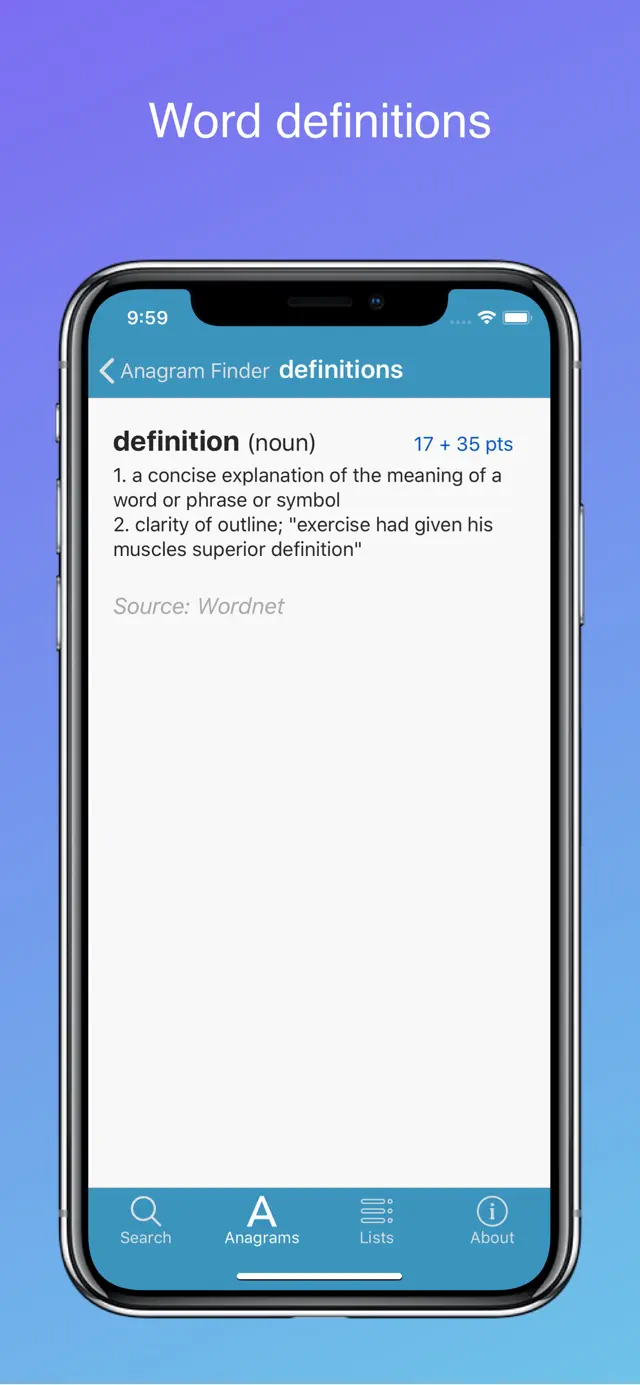
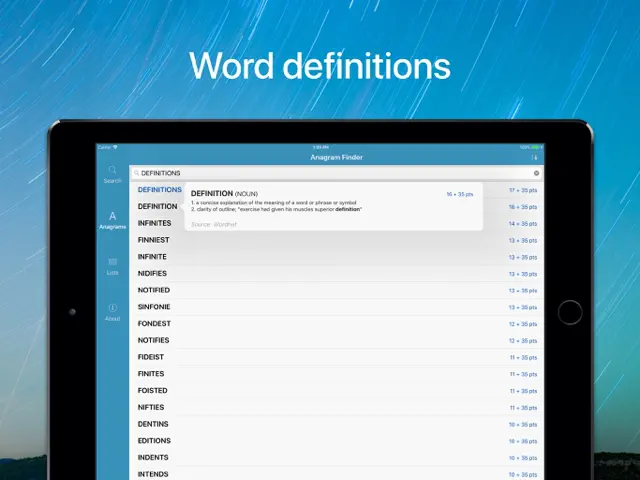
The interface is strictly utilitarian, which I actually appreciate. It doesn't distract you with flashy animations; it just gives you the data you need. The inclusion of definitions alongside the word lists is a nice touch, helping you actually learn the words you're using. If you take your word puzzles seriously, the investment in the Pro version is well worth it for the ad-free experience alone.
Features
Large offline dictionary database
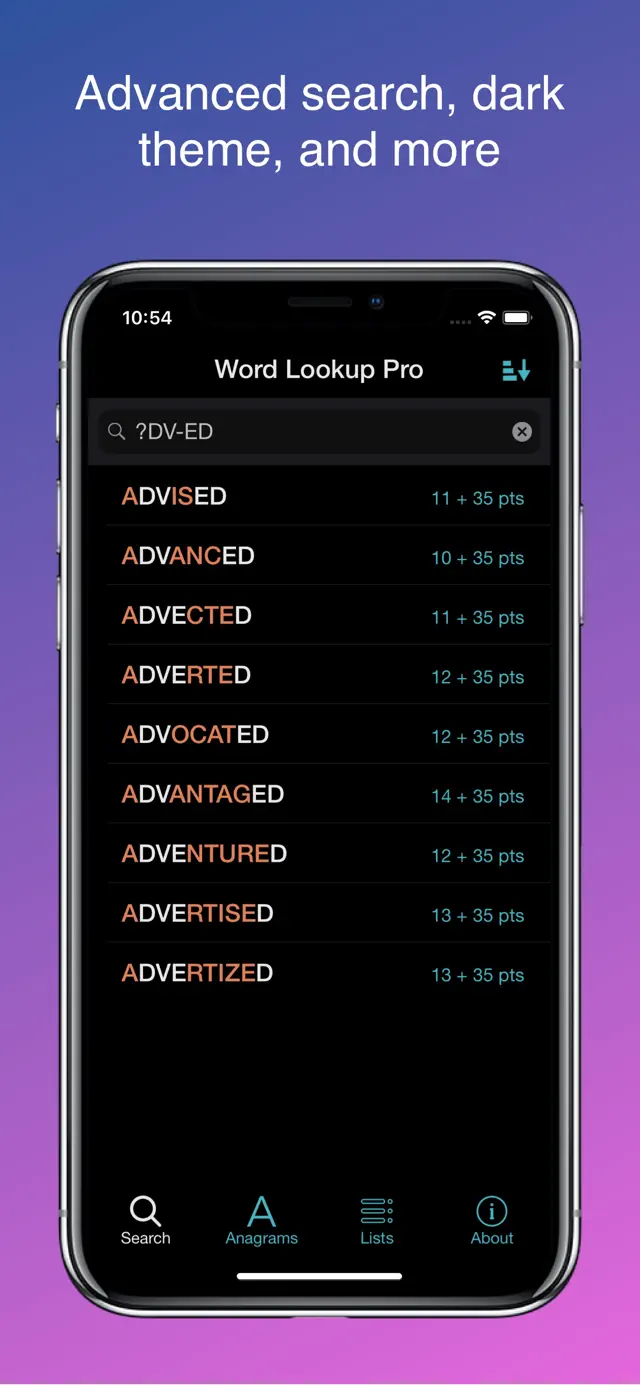
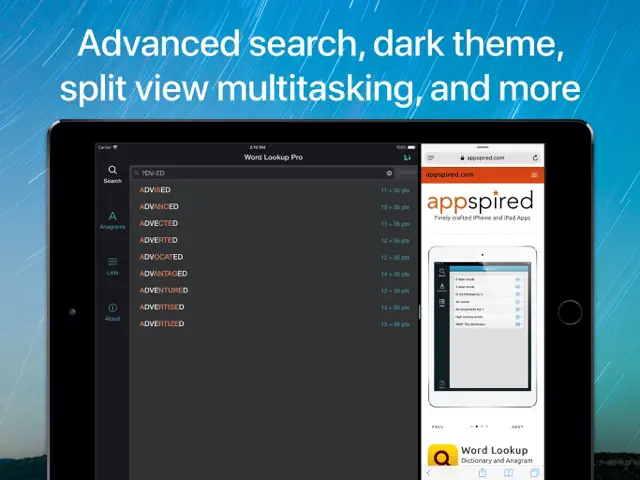
Advanced wildcard and pattern search
No ads to interrupt your concentration
Tips & Walkthrough
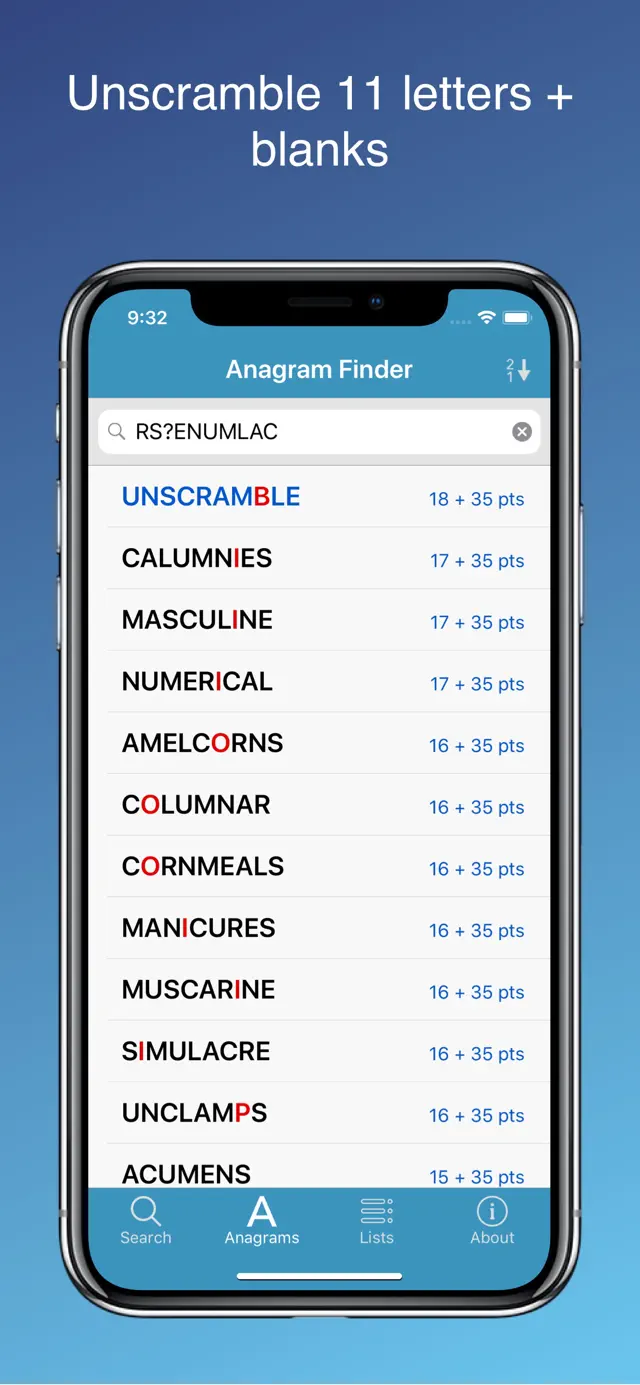
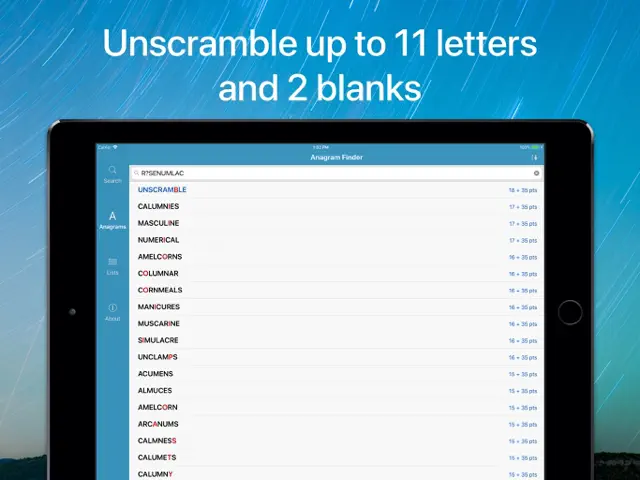
Enter your jumbled letters into the search bar and hit 'Solve' to see all possible word combinations categorized by length.
Gameplays
Use '?' for unknown letters to find words that fit into your crossword grid. For example, 'C?T' will return 'CAT', 'COT', and 'CUT'.
Screenshot
Q&A
The Pro version is a one-time purchase with no recurring fees.
Ratings & Reviews
A few update suggestions...
Wed Sep 06 2017 ChyleenWhen I consider an app to purchase, I look at when it was last updated to see if the developer is actively keeping things going. Of course, if the app works without problems, why update it. Word Lookup Pro, as of today's date, has not been updated since 2015... but it works very well! I submitted a question to the developer and received a quick response. Question: Will Word Lookup Pro work in 64bit IOS 11 on an iPad Pro? Same day response: Yes, Word Lookup Pro is 64-bit compatible. As a result of the quick positive response I purchased the Pro version! Three things that I would still like to see in an app update: 1) The ability to search within an anagram for specific character combinations such as a T--T or A-E. 2) The ability to display the anagram in all caps like the Scrabble tiles. 3) The ability to reassign the point values to the letters and bonus' to match the point values on the tiles of the game I am playing. A wonderful app! I have now actually been able to occasionally score higher than my spouse when we are both using the app on our iPads playing Scrabble. Great app! I am now looking for an update to make it even better...
WORDS Dictionary Stinks 🤨
Sat Mar 05 2022 loudnclrOften used words are not in your dictionary. Words that aren’t really words are accepted. The dictionary in Words is so frustrating and irritating and confusing. I would love to have a place in WORDS to suggest words to be added to the dictionary. I am currently playing WORDS with three others and we all feel the same about the dictionary. We are all realizing words that are usually capitalized are sometimes accepted in Words, others are not - weird. All three of us are also Scrabble players where no Capital Words are accepted. Anything you can do to improve the dictionary will be appreciated 😊 Other then my complaints, I love playing WORDS
Saved me!
Tue Jul 28 2015 WilderTravelerIn WWF, I like to see what the best I can come up with, then I check word strength & try to see if I can figure out what the best I could have done would have been (though I'll still eventually submit my original best). But when I can't figure that out (especially when I can't even come close), it kills me. That's where this app comes to the rescue! I also find the word lists super helpful. Plus, this app is great for when you have a word on the tip of your tongue & only remember how it starts or ends or a piece of it because of how you can search with the wilds!
Very helpful tool
Sun Nov 03 2024 Prog Rock UserThis dictionary contains almost all of the words recognized by WWFs. I use it to answer questions I have about words like, “Do any words begin with, contain or end with , ‘<letter combination>’?”, but I don’t look at the wordlist. If I see a word, then I can’t play it. I wish it had an option to show the number of words found instead of the list of words. After I I’ve chosen a word, I sometimes use this to find what would have been the best word to satisfy my curiosity. It can be used to ensure every word played is the best possible word, but then it is really this tool playing and winning the game.
New release is a step backwards.
Mon Nov 05 2018 rda987Previously when you looked up the definition of a word there was a link to the base form of the word. Now you have to perform a search for the new word sometimes going through multiple searches before you get to the definition. I used the old feature a lot to learn new words. The new version is very inconvenient and time consuming in comparison to the older version.
So many ways to use this!
Sun Feb 25 2018 LoujawsLove the things you can do with this. Use your imagination.. I’ve been using this for years, and the only thing I’d like is a few more words in the anagram finder. In the game, Whirly Word, for instance, they have more words than I can come up with many times. But it is a great way to learn. Also, I can only try for so long without getting too flustered. Even have friends help try. There used to be another app that did anagrams better. It quit.
Problems on iOS that I can’t fix
Sun Oct 03 2021 KenwitzGreat app, nice features, please make it more up to date with the WWF dictionary. 1. With the latest update, very often the screen shifts to the left so that about half of each word is visible. The only way out is to close the app down and restart it. I tried reinstalling the app and rebooting the iPad — no help. 2. On the iPad, there is no Settings option to switch to lower case.
Worst app ever
Sat Apr 23 2016 Smarty pants67The app had served it's purpose for. About 6 mos when it started to go a bit haywire. It kept giving me definitions in every language except what I paid for ENGLISH. I wrote for help and like all ten useless apps no one except a computer generated reply gets back to you. And on this one not even a generated reply was sent. Worst app for assistance. Fix the issue or delete yourself. Can not understand why people pay for apps and get no help. DONT BOTHER TO BUY THE FREE VERSION WAS BETTER.