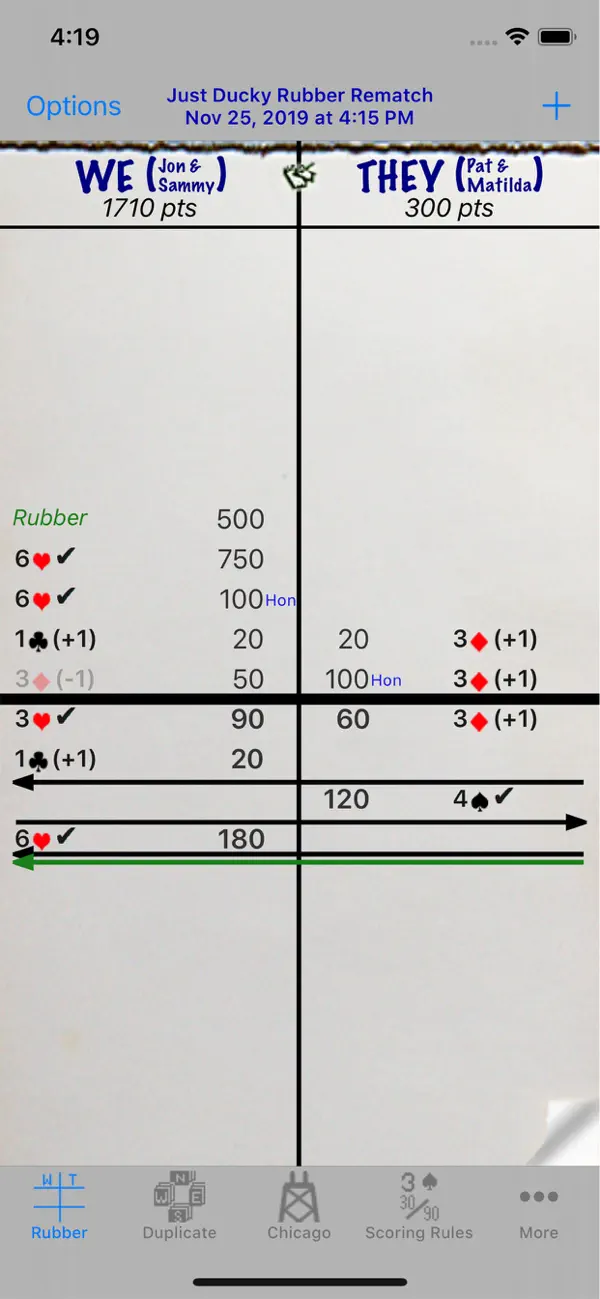
Bridge Scorepad
Card
Ratings
Age
4+
Category
Card
Languages
English
Wed Jul 19 2023
Fixed bug that prevented SumThing from automatically updating when going back and forth with scoresheets.

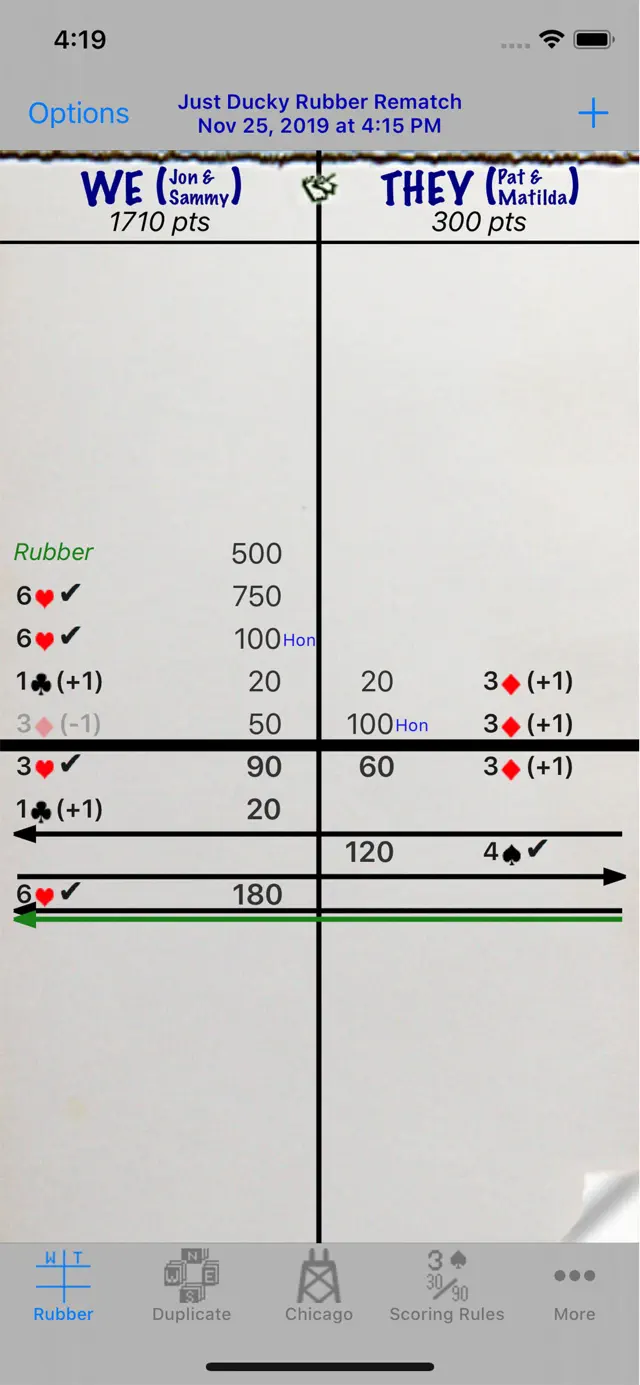
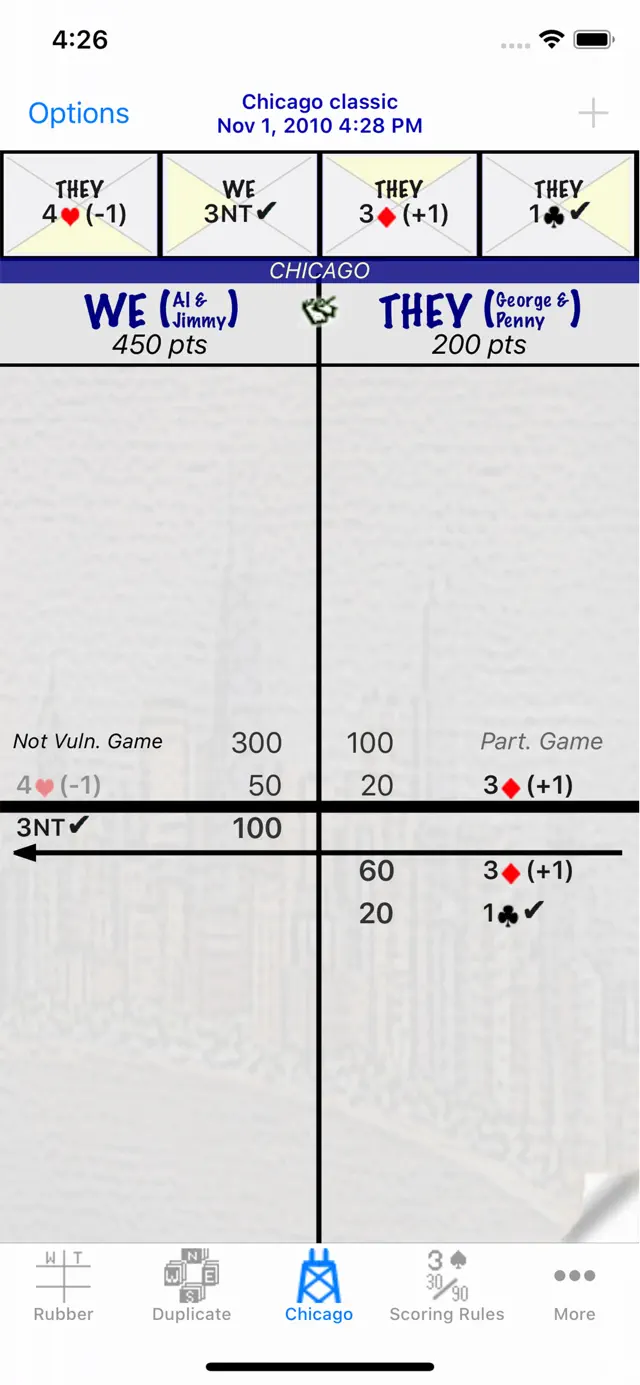
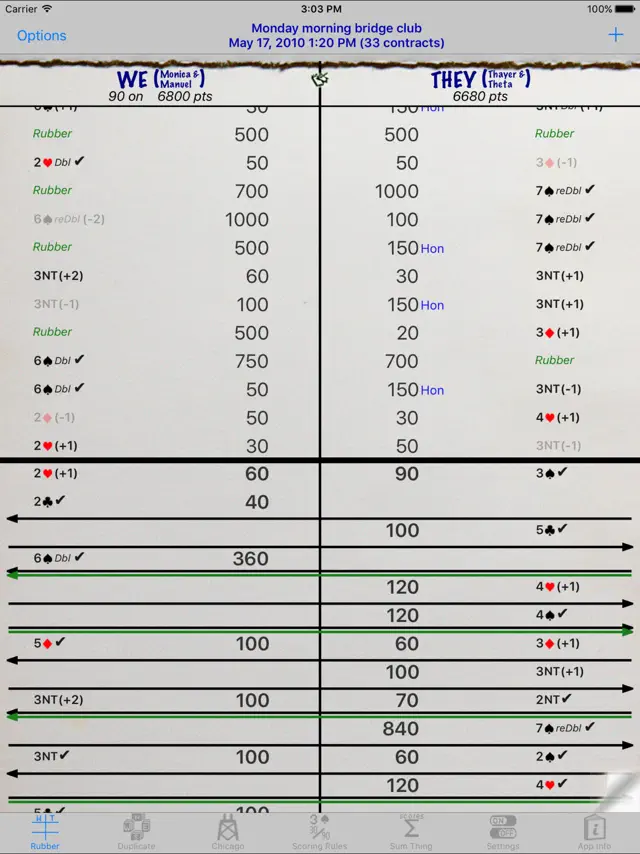
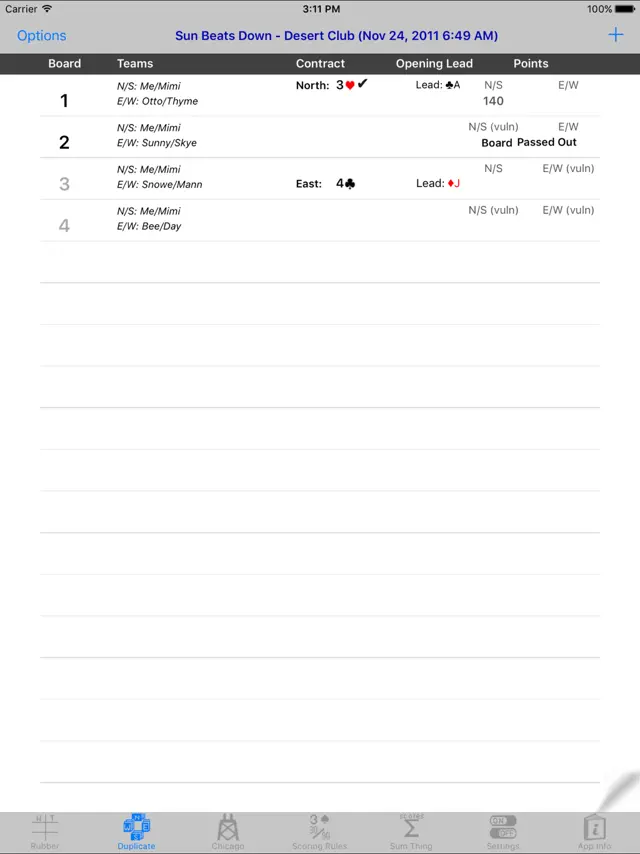
Bridge Scorepad takes the busy-work out of scoring Contract Bridge. Whether you are a veteran or a beginner, this app helps you track scores for Rubber Bridge, Chicago (4-deal), and Duplicate Bridge. It features a graphical notation of contracts, vulnerability tracking, and total score calculations. Users can personalize scoresheets, sum scores across multiple sessions, and export their results as professional PDF files.
Dinsun Expert Review
Our Expert Score
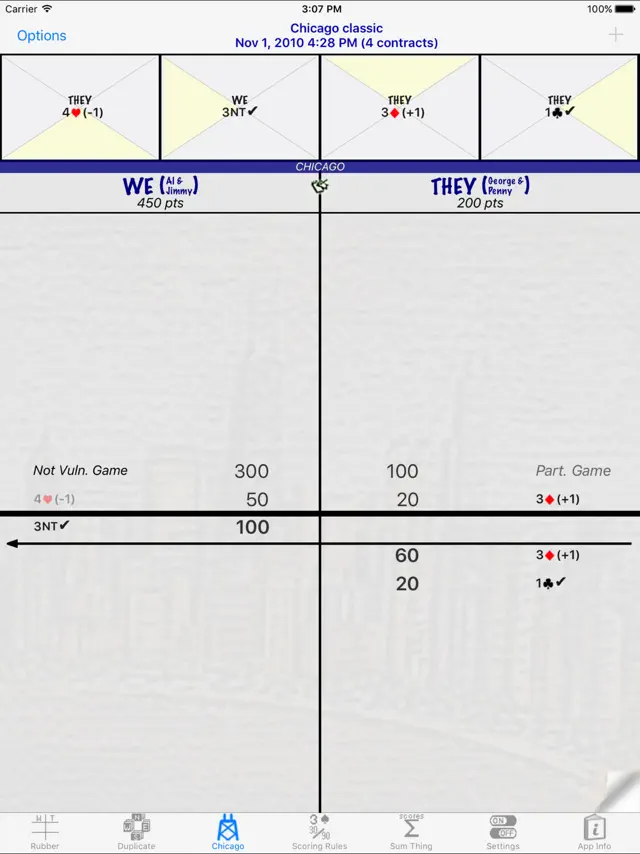
Bridge Scorepad is a masterclass in utility design for hobbyists. Scoring for Bridge can be notoriously complex, especially when switching between Rubber, Chicago, and Duplicate styles, but this app handles the math with effortless precision. It effectively replaces the traditional paper scorepad with a digital interface that feels familiar yet vastly more capable. The 'Large Font' option on iPad is a thoughtful touch, making the scores visible to everyone around the card table.
What sets this apart from basic calculators is the depth of reporting. Being able to email a PDF of the scoresheet or print it via AirPrint makes it an essential tool for organized Bridge clubs. The inclusion of the 2004 International Laws of Contract Bridge as a reference within the app is the cherry on top, settling table disputes instantly with official rules. It's a niche tool, but for its intended audience, it is indispensable.
Features
Supports Rubber, Chicago, and Duplicate Bridge
PDF export and AirPrint support
Built-in 2004 International Laws of Contract Bridge
Large font mode for iPad visibility
Detailed scoring explanations per entry
Tips & Walkthrough
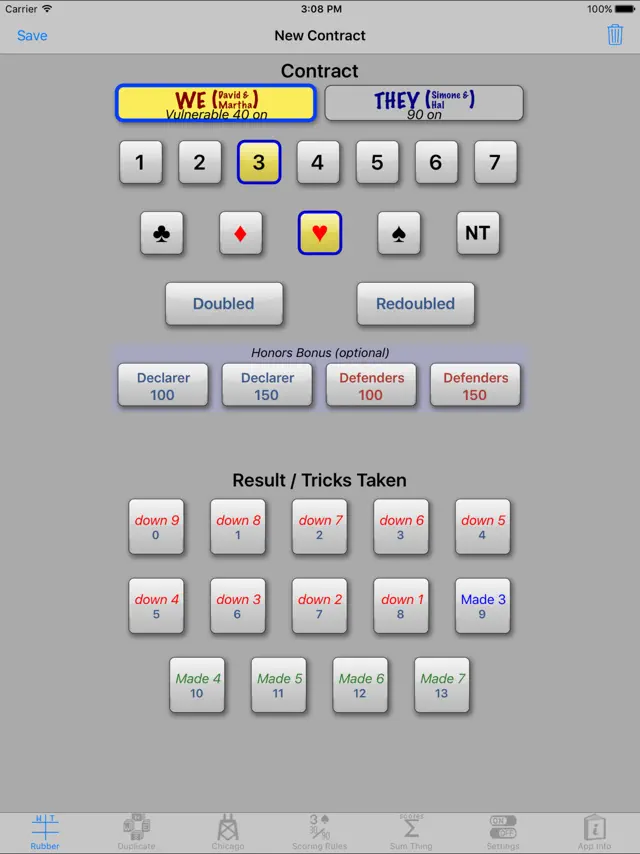
Choose your game type (Rubber, Chicago, or Duplicate) from the main menu. Enter player names to personalize the sheet. For each hand, tap 'Add Score' and input the contract, suit, and result to see the math calculated instantly.
Gameplays
The app automatically updates vulnerability status based on previous games and calculates bonuses for honors and slams, ensuring your final tally is always accurate according to international rules.
Screenshot
Q&A
Yes, the Chicago Bridge section supports both the Standard Chicago and Cavendish vulnerability systems.
Ratings & Reviews
Absolutely perfect
Mon Oct 27 2025 ThinksDeeplyI am always impressed by application developers who are able to remain focused on delivering outstanding functionality. Developers who are not continually fiddling with apps to add “features” or tweak what works great to “make it better.” ScorePad, and its developer (Yannis S. Arvantis) is just such an app. It delivers straightforward functionality that has not wavered in its excellence for many years. If you are looking for a Bridge score keeping app that will replace paper and pencil and let you see your game history at the touch of a button then here it is. If Yannis ever asks me for a modest contribution to ensure it’s continued availability then I will be the first to make that contribution. Thank you, thank you, thank you.
Really good app
Sat Jan 26 2019 DelbertmaceIt keeps score better than I do. it’s very easy to use, almost intuitive if you’ve been keeping score with paper and pencil. I was sold after the first use and haven’t gone back. It even taught me that I’d been scoring penalties (doubles and redoubled) incorrectly. And it looks just like a paper score pad so you’ll be able to read it from the start. If you score bridge, you want this app.
Great app!
Wed Jun 27 2018 7846432196380421We use this for Chicago scoring and it works perfectly. Fairly intuitive once you get the hang of it. You can print and mail scoresheets and it has a scorekeeper for points over multiple rubbers. Well done!
Great job!
Tue Nov 08 2011 Bob Stewart97401Amazing how a single purpose app can be so cool. I haven't used it in a real bridge game yet, but I "played" several simulated games and the scoring seems accurate. Also a really nice way to keep running scores. When I was in college (in the 70's...way pre-Apple!) four of us lived off campus and rotated partners and kept a year long tally to determine the individual winner. This app would have made our competition much easier!
Great app, easy to use
Sat Jan 03 2015 Pesky muttLove the app, very simple to use and to correct mistakes! One thing I'd like to see is more options on partial game scores. Our group uses Chicago but adds 50 for part games. Maybe add a config for using part scores on all scoring variations along with the points to be awarded in this situation.
Needs one more thing.....
Sat Nov 06 2010 JCWeasleyThis app needs an option to total the score in the duplicate interface and keep track of scores for each player for those playing party bridge and using duplicate scoring. It'd be nice if it could also calculate winnings for party bridge players. What it does so far is good. I'll give it five stars when it adds these features.
Excellent
Fri Aug 08 2014 bookmaidMeets our needs in every area except: we usually rotate players on each rubber. I hate having to retype names. Would be great to have list of players and be able to tap on the names for the new scoresheets. We've used this app for 2 yrs. and love it.
bridge scorepad review
Tue Jun 08 2010 mgbnycNot thrilled- was a bit misled- thought it would not be JUST a scorepad, but also have games- would like to be able to return it and get my $ back- really no room on the bridge table for my i-pad- I am too used to the pencil and paper- have been playing bridge for 40 years but I love my new i-pad for other things- maybe i might buy a more expensive bridge game- but for right now I am happy with the social aspect of getting together with my friends to play.