AD Boy: All-in-One-Emulator
GBC, GBA, NDS, SG and more!
Ratings
Age
4+
Category
Action
Languages
English
Wed Dec 17 2025
Nintendo DS Emulator
- Added new Nintendo DS engine (Beta II)
- Added support for system languages
- Added button to toggle between 4 screen layouts
- Added button to swap screens per screen layout
- Improved touch input handling
Settings
- Added menu to change Nintendo DS system language
General
- Added "Cheat Boy" banner
- Minor bugfixes
- Minor UI changes

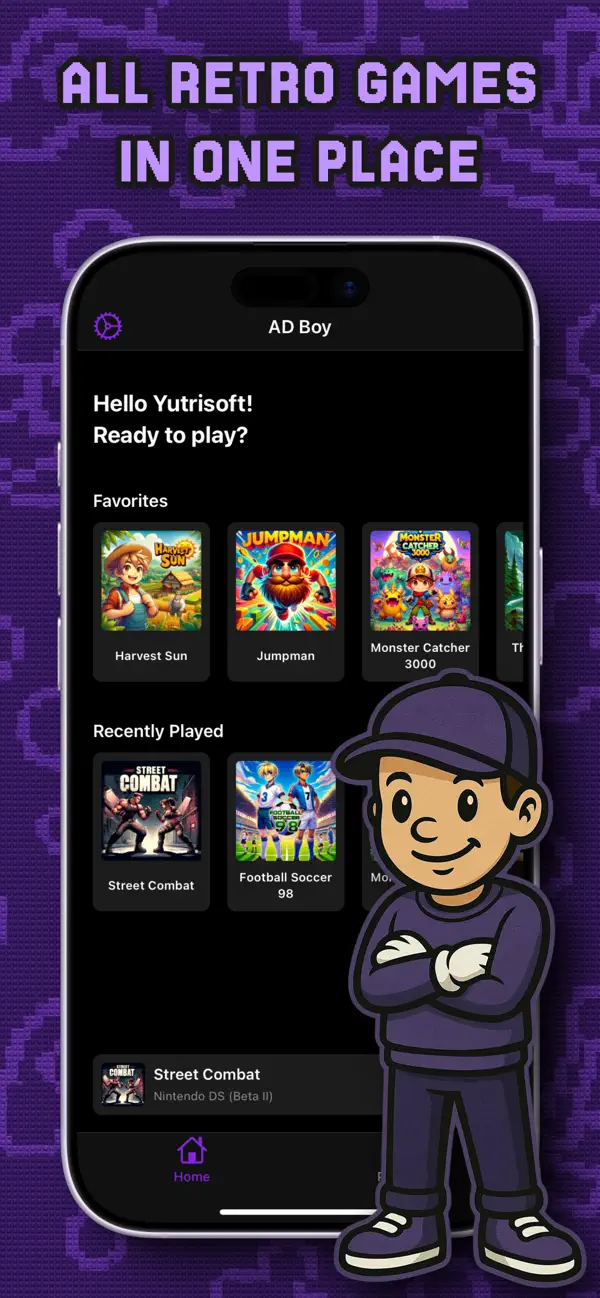
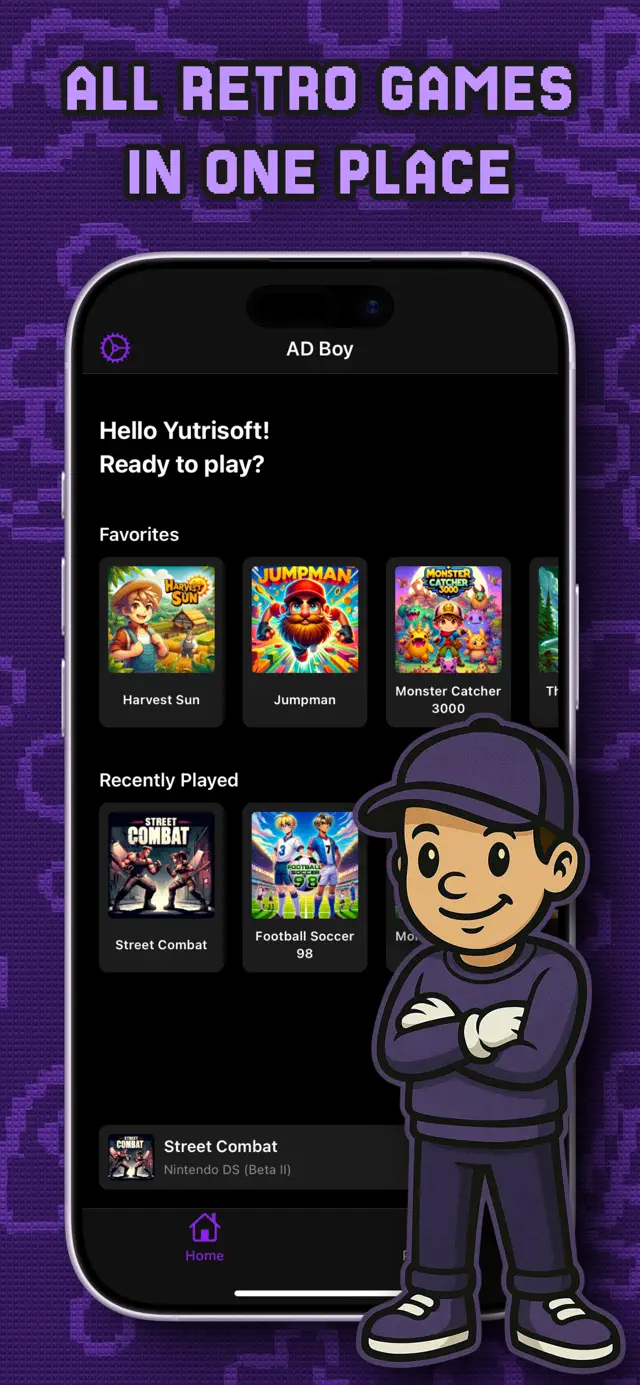
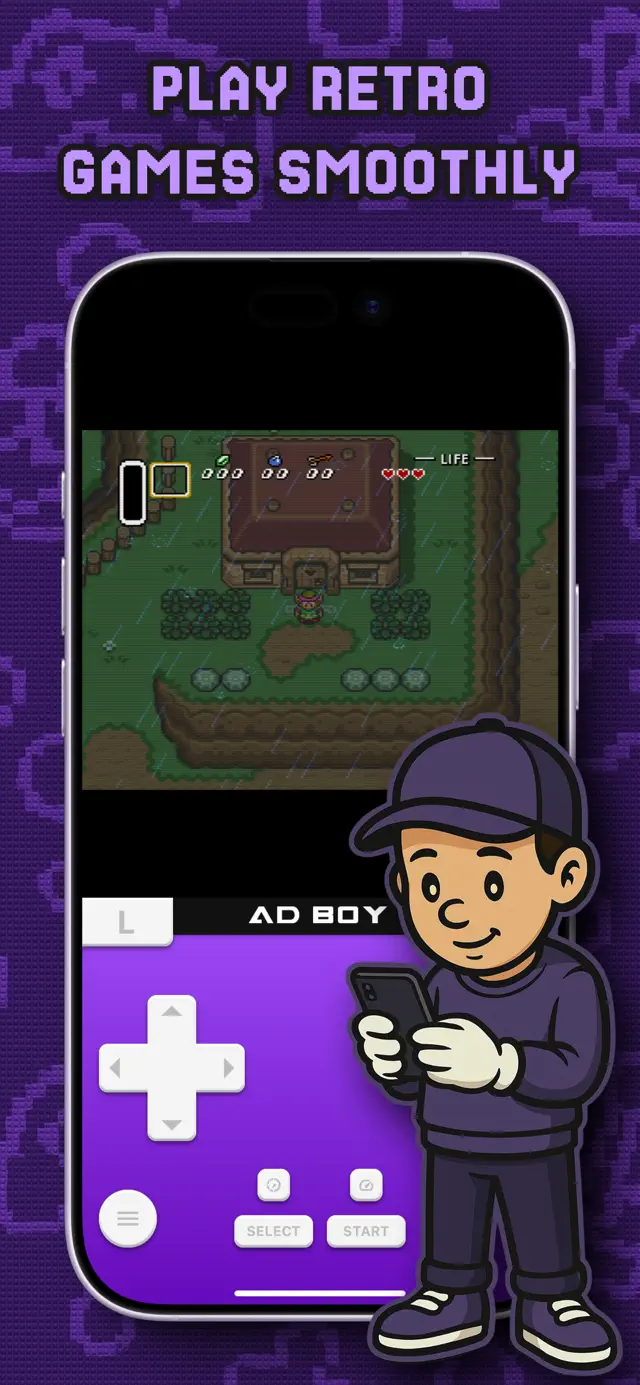
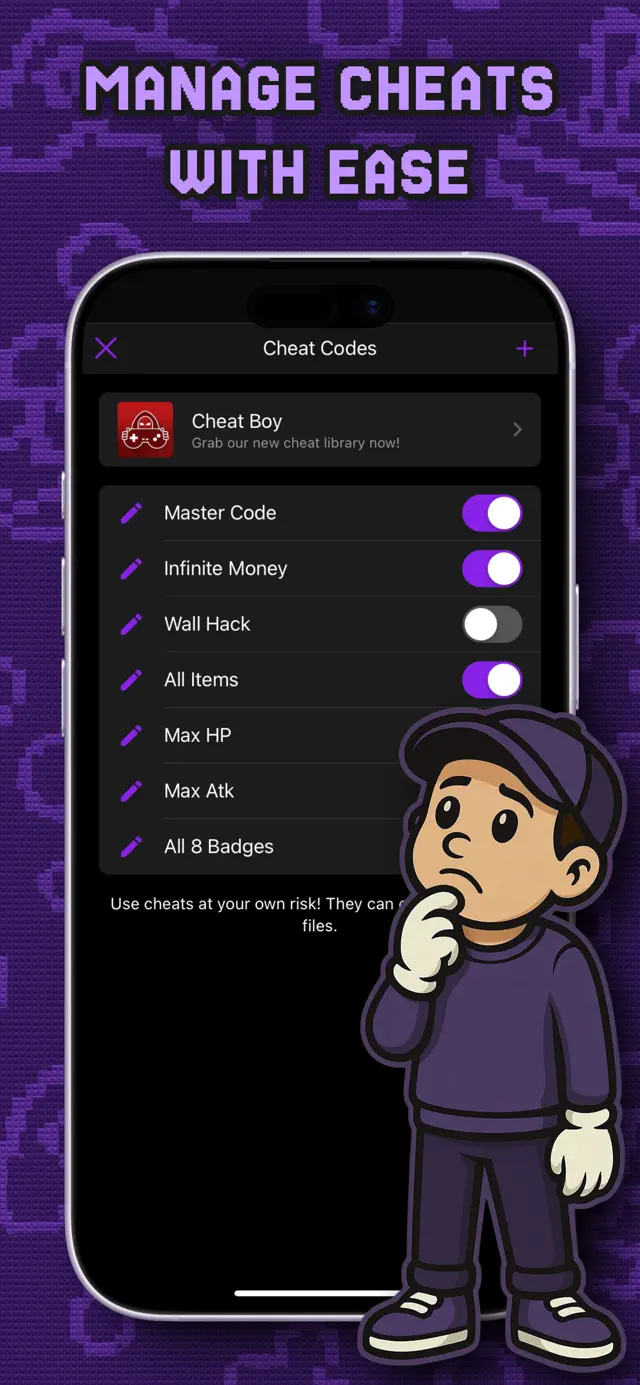
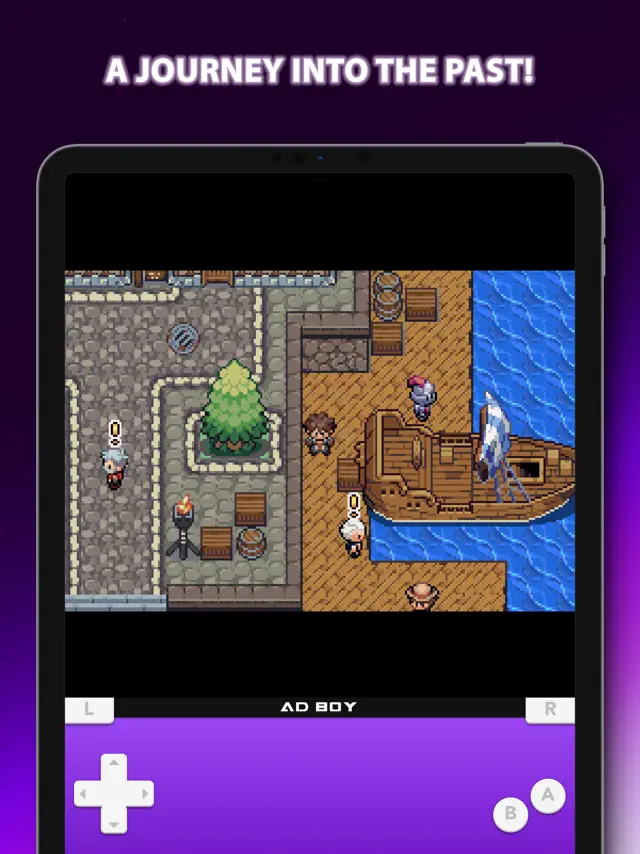
AD Boy is a comprehensive all-in-one emulator designed for classic gaming enthusiasts. It supports a wide array of systems including Nintendo DS, GBA, GBC, NES, SNES, and several Sega consoles. Organize your collection with the PlayStack library, utilize quick save/load features, and enhance your gameplay with fast forward and cheat codes. With customizable skins and support for MFi controllers, AD Boy transforms your device into the ultimate retro gaming machine.
Dinsun Expert Review
Our Expert Score
AD Boy is a solid, all-in-one solution for anyone looking to carry their classic game library on their iPhone. The range of supported systems is impressive, covering everything from the NES and SNES to the Nintendo DS and Sega Genesis. What I appreciate most is the 'PlayStack' library, which makes organizing a large collection of ROMs feel like a premium streaming service rather than a messy file folder.
The features like Fast Forward and Save State export/import are essential for modern play, and the inclusion of customizable skins lets you bring back that nostalgic handheld feel. While the touch controls are serviceable, the app really shines with an external controller. It’s a clean, efficient emulator that respects the source material while adding the quality-of-life features we expect today.
Features
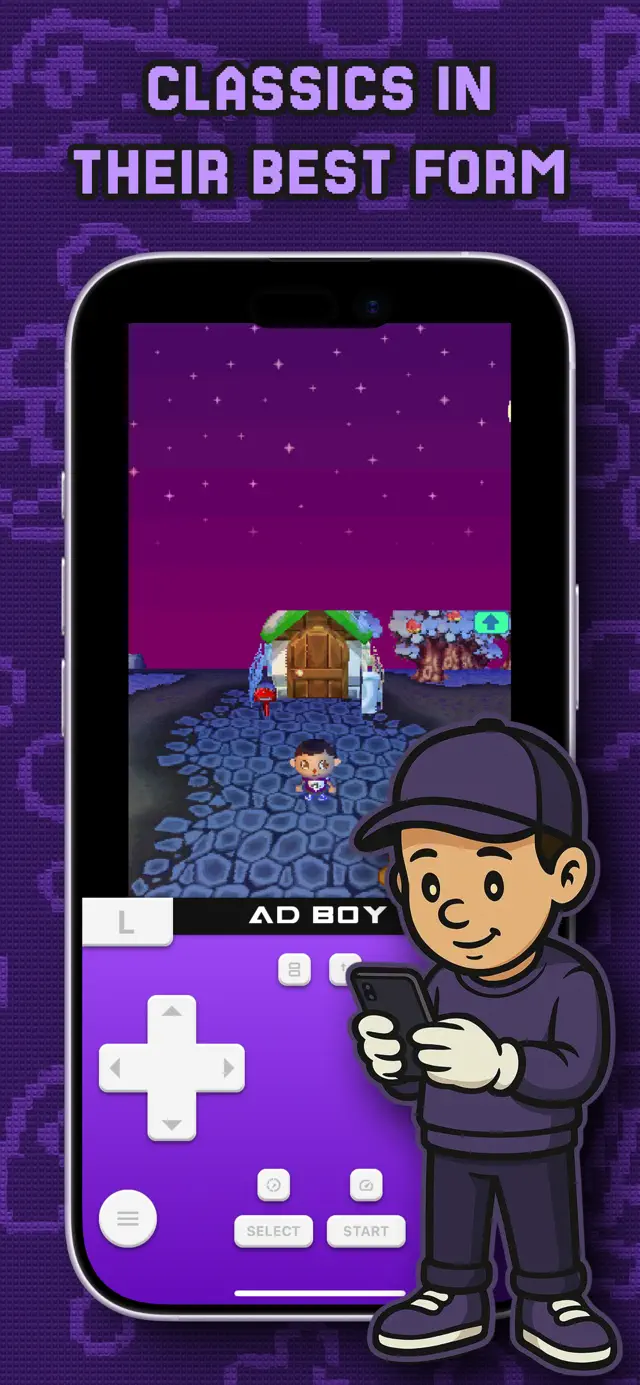
Supports NDS, GBA, GBC, NES, SNES, SMS, and Sega Genesis
PlayStack library for organized game management
Customizable emulator skins and fast-forward options
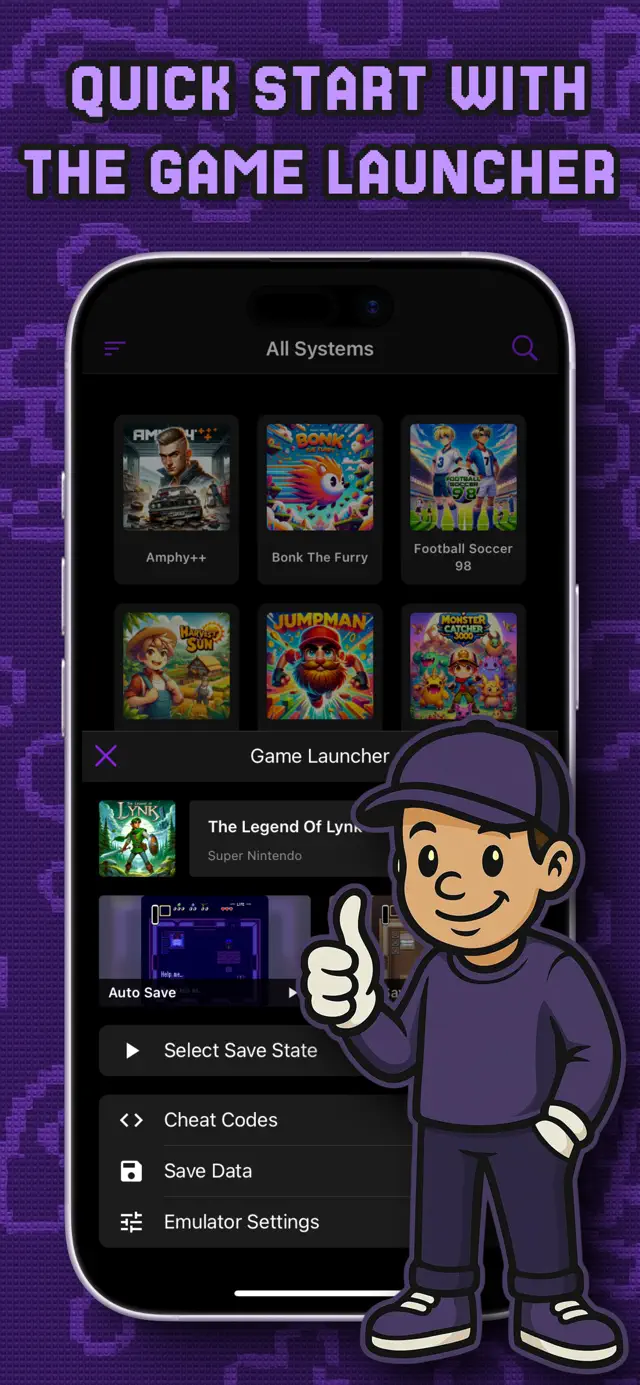
Cheat code support and save state export/import
Tips & Walkthrough
Use the PlayStack feature to import your legally acquired ROMs. You can filter by system and search for specific titles. For Nintendo DS games, ensure you experiment with the 4 different screen layouts to find the best fit for your device.
Gameplays
Don't rely solely on in-game save points. Use 'Quick Save' and 'Quick Load' in the emulator menu to save your progress at any moment. You can also export these save files to use on other devices.
Screenshot

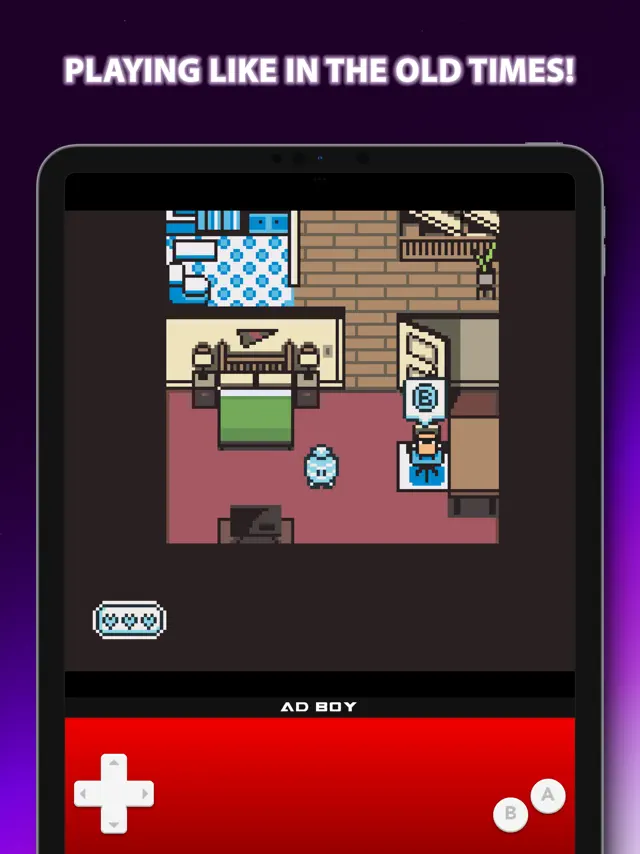

Q&A
Yes, the emulator supports .zip files for easier ROM management.
Ratings & Reviews
Worth downloading.
Fri Jul 25 2025 Not Potato FredPretty decent app. I just got it and I’ve been playing it for the past two hours. That definitely says something about the quality. The layout is organized, also I like the customization options, and how many different emulators there are. Of course, there are always downsides when it comes to apps like these. The controls are fine, but occasionally unresponsive, even when I’ve hit it on the right stop. I also want there to be a Sega CD emulator to be added, since I absolutely LOVE Sonic CD and for some reason can’t play it on the App Store anymore. Definitely one of my top 5 best emulators apps.
One-Time-Purchase Option and future possibility of 3DS Emulation.
Fri Aug 15 2025 P. - G.A terrific emulator, however one critic. It would be nice to have a non-subscription option for those who don’t want a subscription but still wish to support the developers. I want to buy it so that I can better encourage the devs to look into 3DS Emulation as that is currently the most challenging to complete but still possible. Provenance before the update that attempted to merge Azahar and EmuThreeDS into one core was the best current 3DS emulator. But I think there is a chance this emulator could fill that spot and charge money for it as a result.
Beautiful, but Flawed
Fri Jun 06 2025 EmilyApricotIt is great they are showing love to Sega. Also, the design and Interface is a worthy competitor to something like Delta. However, at the time of writing this review, the app has a fatal flaw. When switching to another app and switching back to AD Boy, the emulator crashes. You have to close the game and re open it to play it, and the autosave might not save you either. I had the same behavior on Sega Genesis and NES testing. I have also seen other reviews concerned about slowdown, but I did not see any in a quick session with Sonic 3 on my iPhone 12 Pro Max. This is a really well made app with great systems, but needs a few bugs ironed out.
Solid, but a ton of baggage.
Wed Dec 25 2024 divinecashewThe emulation is okay, it runs just fine. I didn’t test anything too gimmicky, so i am unaware of the limitations, but i hate how you need to disable Low Power Mode to actually properly play it. Also, when i opened the app, everything was gone?! My games, my data, all of it was erased..? I’m too lazy to re-add all the games again, so i just never used this app again. Don’t necessarily recommend.
Amazing! To notch
Tue Feb 03 2026 Tobias78I have tried many others and they all have quite a few issues. The speed is quite good, no lag. Only hiccup playing games has been on DS with a few glitches but it does not impede gameplay. Audio has been on par with the actual cartridges. The one improvement would be key bindings. As some games don’t have in game settings to change buttons. Other than that this truly is a remarkable app 👍 10 stars if possible.
Really want Controller Support
Wed Apr 17 2024 borser21I’m not sure how difficult it would be to implement but at least on iPhone whenever you have to double tap and hold, the text selection magnifier comes up. That causes none of the buttons to work for a second. Nothing awful, just annoying. Controller support would be awesome, otherwise the app works great! Hopfully Apple doesn’t take this one too lol
Remove controller interface
Fri Jul 05 2024 2020 timeLooks like controller support is there, as it works with my Backbone, with the exception of the control stick; only the D-pad works for movement. Also, recommend there be an option to remove the controller interface on the screen, especially for when the user is using a controller.
Slow, use other options
Fri May 03 2024 WindowToasterThis emulator is incredibly slow. Out of all the games I tried, none of them run at full speed. Alternative for Nintendo stuff: I would recommend Delta for retro Nintendo roms of many varieties. Alternative for Master System: If you want to play Master System roms on your phone, I would recommend using Eclipse. It’s not on the App Store, but you can install it for offline play using the “Add to Home Screen” function in Safari. If you want to play. Master system games don’t always play sound on Eclipse, but that’s better than the sound This thing puts out! If you need sound in your Master System games, you can use a tool for PC to convert them to GBA format and run them in the “GBA” section in Delta, though these may drain the battery slightly faster due to the use of a nested emulator.
News found!
 Why iPhone App Store emulators are falling one after another
He took half a life passionate about retro gaming. I have coordinated video game conservation projects and you just have to see my iPhone...
Gearrice Tue Sep 30 2025