iBingo Caller - Play Bingo at Home with Friends!
Family
Ratings
Age
18+
Category
Family
Languages
English
Sun May 03 2015
This app has been updated by Apple to display the Apple Watch app icon.
- Added an option to stop the animated balls on the home screen. If you want the balls to be animated, you will need to enable the option in the settings.
- Increased the size of the in-game toolbar buttons

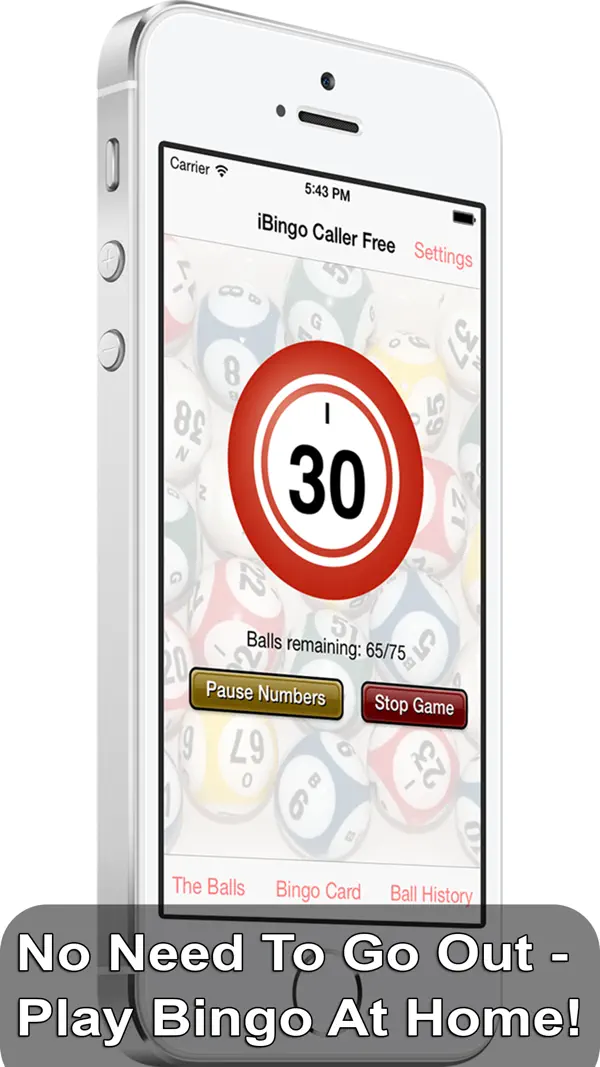
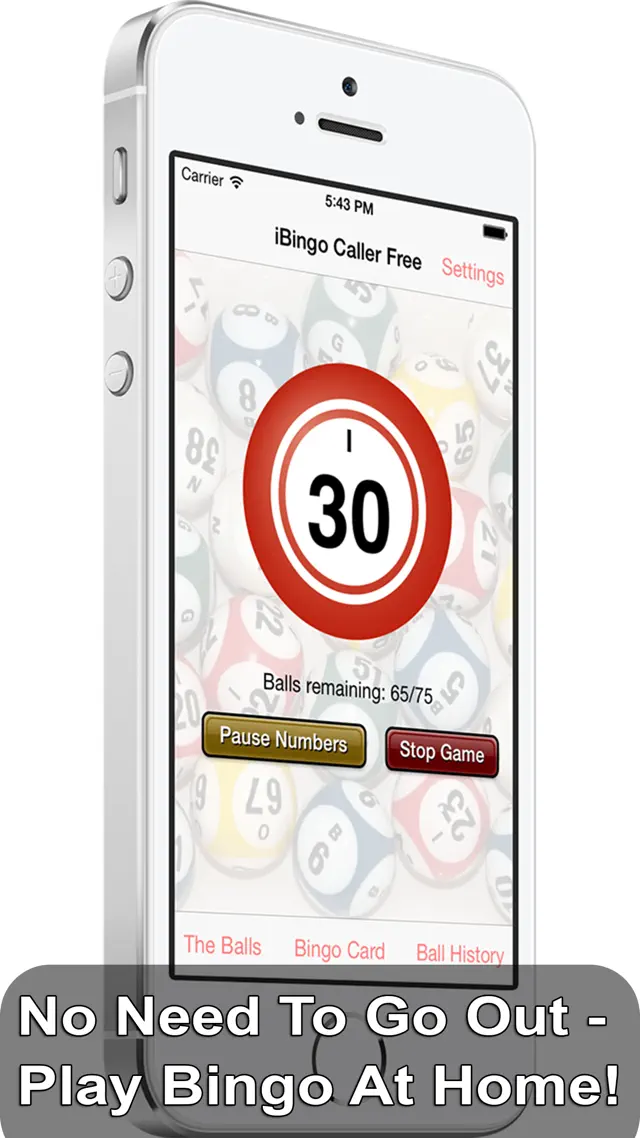
iBingo Caller is the perfect tool for hosting your own Bingo games. No more physical cages or lost balls—this app handles the randomization and calling for you. Featuring a large, easy-to-read number board and a professional-sounding voice, iBingo Caller allows you to focus on the fun. Adjust the speed of the game to suit your players and easily track called numbers for quick verification of winners.
Dinsun Expert Review
Our Expert Score
iBingo Caller is a fantastic utility for anyone who wants to host a bingo night without the hassle of a physical cage and balls. It’s clean, professional, and very easy to use. The voice caller is clear and the pace is fully adjustable, which is vital for catering to different groups of players.
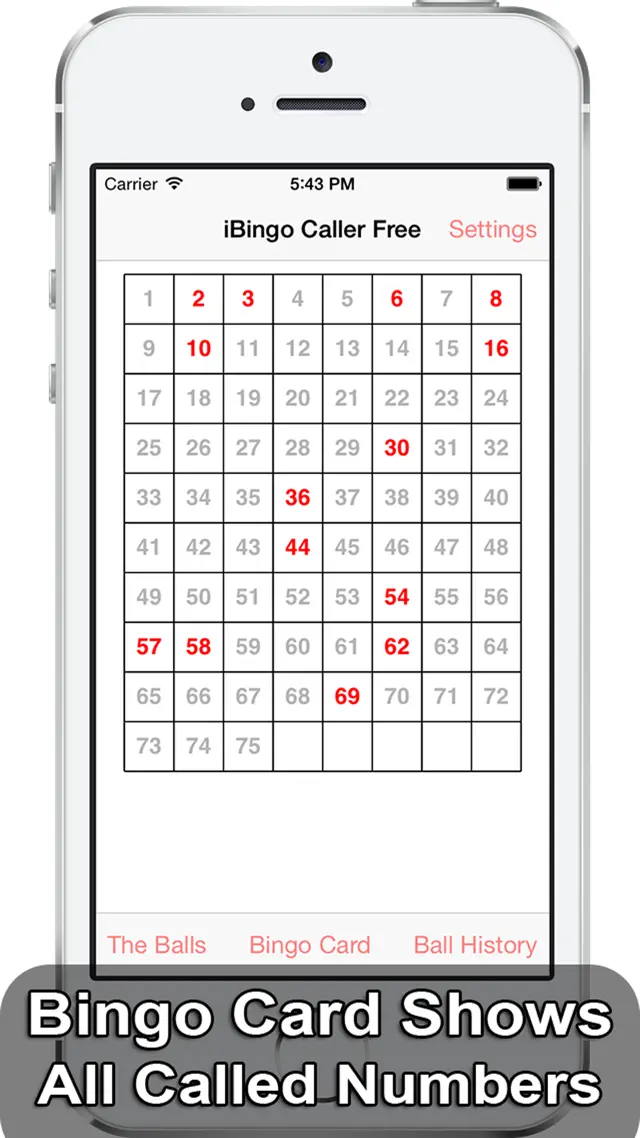
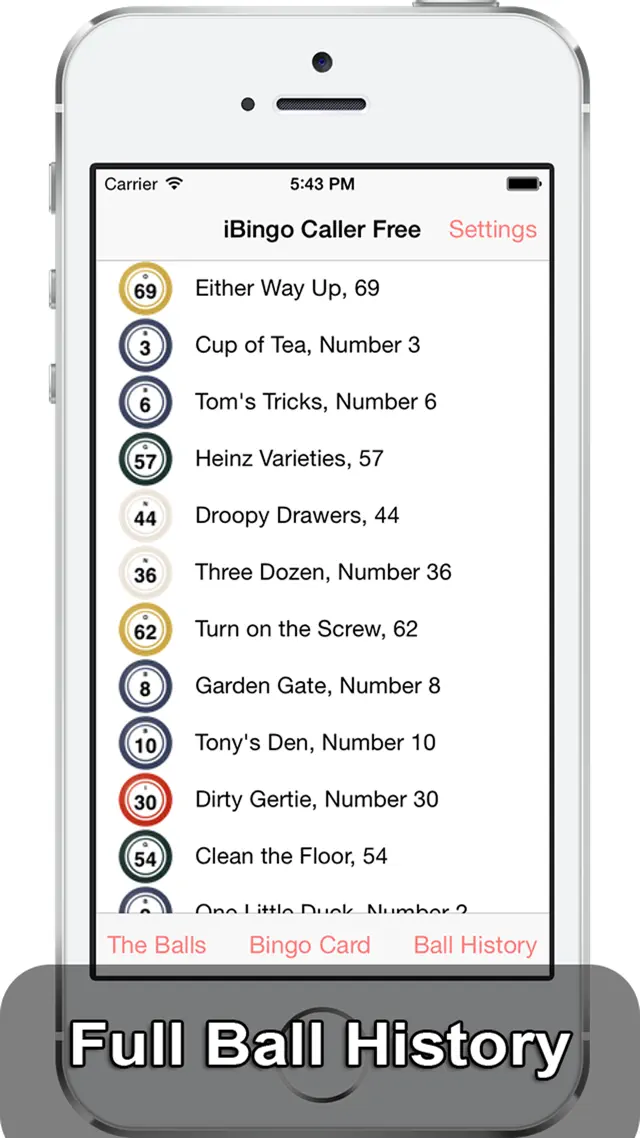
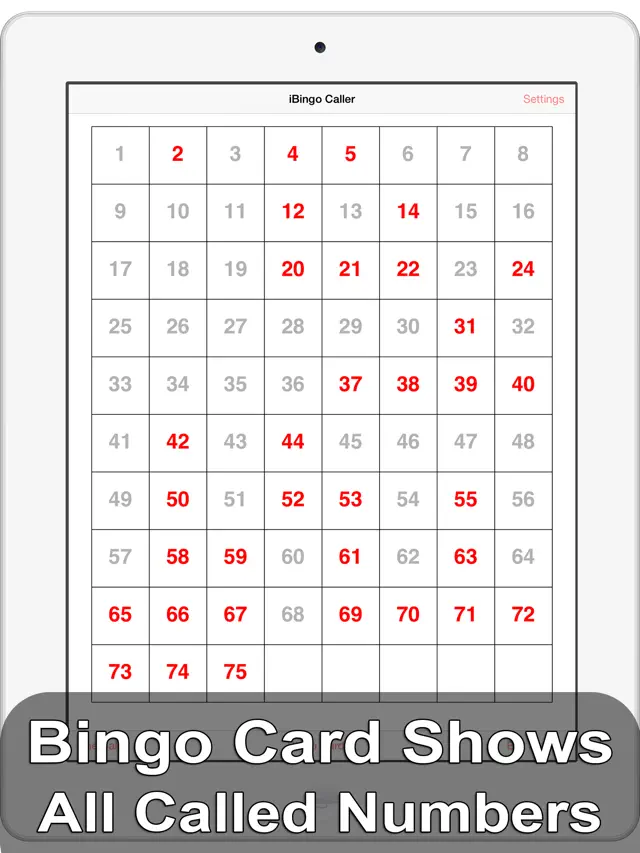
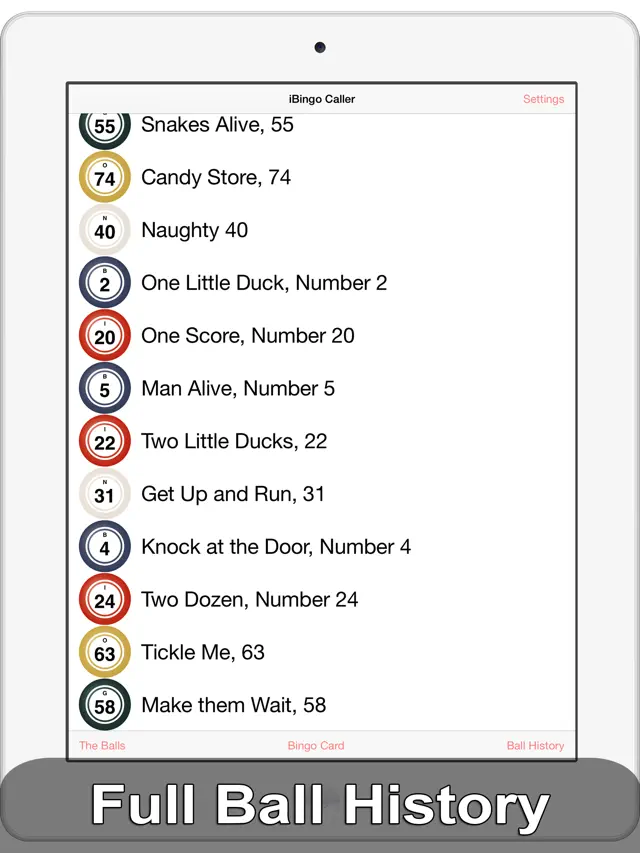
What I appreciate most is the 'board' view, which allows the host to quickly verify a winning card by seeing every number called so far. It eliminates the 'did you call 24?' questions that usually slow down the game. It’s a simple, well-executed tool that does exactly what it promises, turning any living room into a bingo hall.
Features
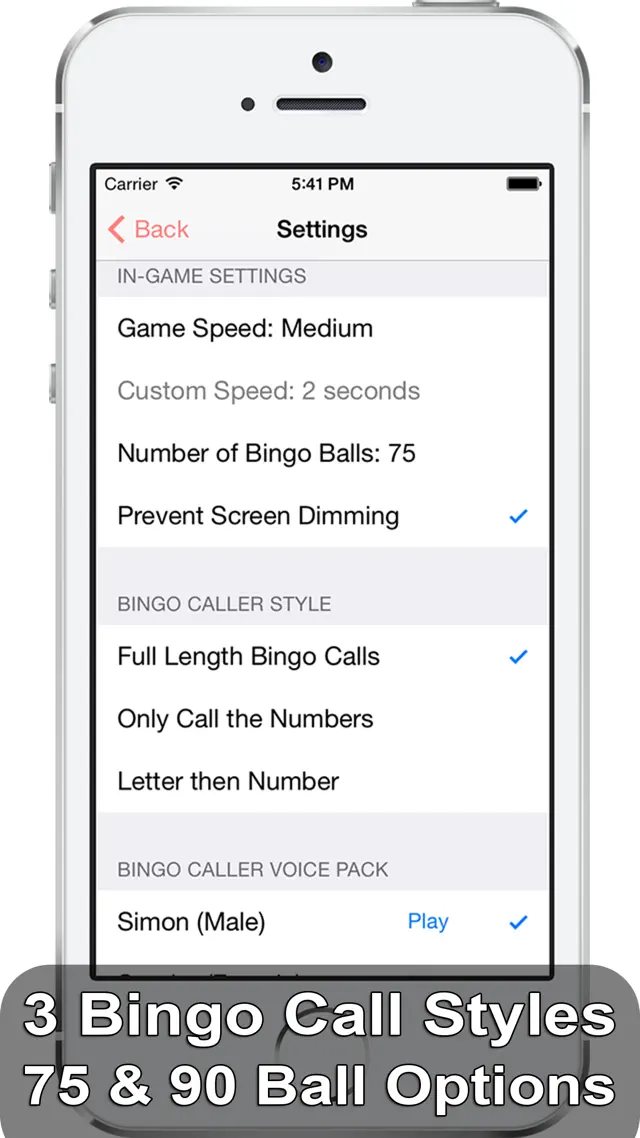
Supports 75-ball and 90-ball Bingo variations
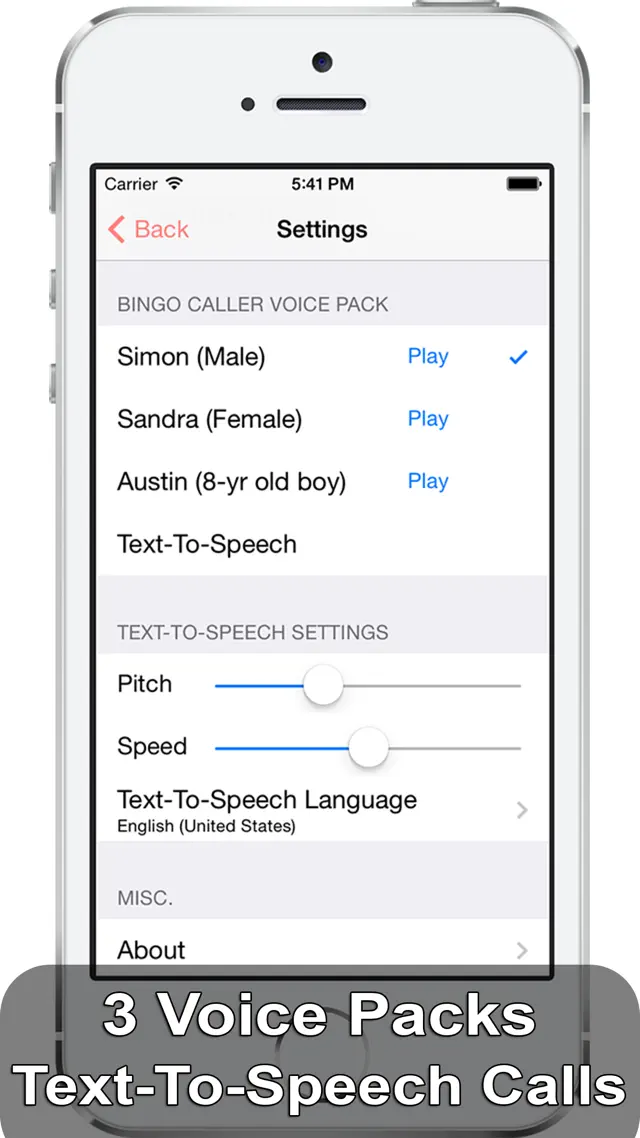
High-quality voice calling in multiple languages
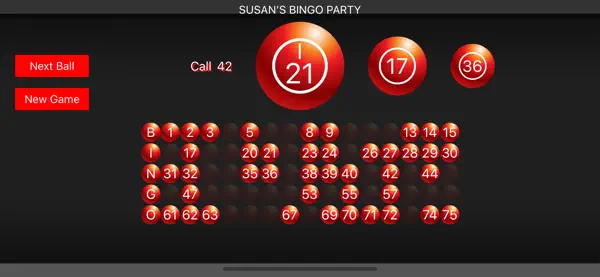
Large Master Board for easy number tracking
Customizable call speed (5-20 seconds per ball)
Universal app for iPhone and iPad
Tips & Walkthrough
Select your game type (75-ball or 90-ball). Tap 'Start' to begin the draw. You can choose to have the app call numbers automatically at a set interval or tap manually for each draw.
Gameplays
When someone shouts 'Bingo!', use the 'History' or 'Master Board' view to quickly cross-reference the numbers on their card with the numbers generated by the app.
Screenshot


Q&A
The app is primarily a caller and master board. You will need your own physical bingo cards or a separate card-generating app for the players.
Ratings & Reviews
Use free version, no difference!!
Sat Feb 20 2016 MARTHACAPOk I purchased the app so I can stop the animation, unfortunately you cannot the only thing you are paying for is to have a female or 8 yr old voice. (Which I am muting the volume anyway). What happened to stop animation? I thought by purchasing this app I would stop animation which is what is advertised. The ball rolling in is very annoying! Just display the number. Keep the free version, don't waste your money!!!
Could be a 5 Star
Sun Dec 13 2015 JESMPD1580Normally when I have any thing to say negative about a app, I like to send a message to the developers first. But I could find no way to contact them, so I hope they check the reviews. Great bingo app. Only two small issues. One is the voice has a distinctive British accent that some in the US have a hard time understanding. This problem ties in with trying to activate the USA English text to speak option. Could select the country (USA), but could not activate the voice. Tried some of the other countries same problem. If this would work, the problem of the hard to understand British voice issue would go away. Occasionally when using the voice call out of letter & number there would be no voice or only the number would be voiced. With the two fixes it would be a SOLID 5 Star app. All the operational screens are great for the actual game play & verification of numbers. Hope to re review this with the above changes & give it the 5 star it would then deserve.
Just one request...
Fri May 15 2015 KcliloThis is good, but there's a few things that would make it excellent. Please change the rolling ball while its waiting for start game. We use this in a nursing home and they keep getting confused as to what the first number is because they think the splash screen animation is the first ball. Next, instead of taking up the whole screen with the called number, make room to show the board on the same screen, if that can't be done, at least make the history and board options a little more obvious. Thanks. Update, five stars. Very responsive developer. Implemented all request above!. Excellent!
Needs a fix!
Fri May 31 2013 Bingo Babe 7-11This is a decent app BUT the screen freezes after using it for a while & the callers voices are hard to understand on some numbers like 13&30, 14&40, 15&50, etc. Also it would be nice if you could adjust the speed of the caller better, even on the fast setting it calls kind of slow. Please fix these issues soon! Otherwise would be a perfect app.
Doesn't work
Fri Jul 29 2016 Out499Don't buy the app, just use the free one. I bought the 2$ version so the voices would work and they do t work. No better than the free version. Worthless.
Spanish voice doesn’t work, app support doesn’t exist
Wed Apr 25 2018 No SpanishSpanish voice does not work, no app support.
Nice app but stops calling
Sun Nov 09 2014 BINGO!!!!!!!!!It's a nice app but it stops calling in the middle of a game. It stops calling frequently on my iPhone 5s but not on my iPod 4th gen. Works nice on my ipod. When I try to go to 'settings' after it stops calling, it kicks me out of the app.
Excellent
Mon Nov 26 2012 Samuel BlankenshipI call at a nursing home. I have tried at least 6 other programs and ibingo is the best - by far. Only wish it had timer for seconds between calls instead of fast medium slow and manual.