
Zendoku
Puzzle
Ratings
Age
4+
Category
Puzzle
Languages
English
Thu Jan 16 2025
Minor bug fixes.

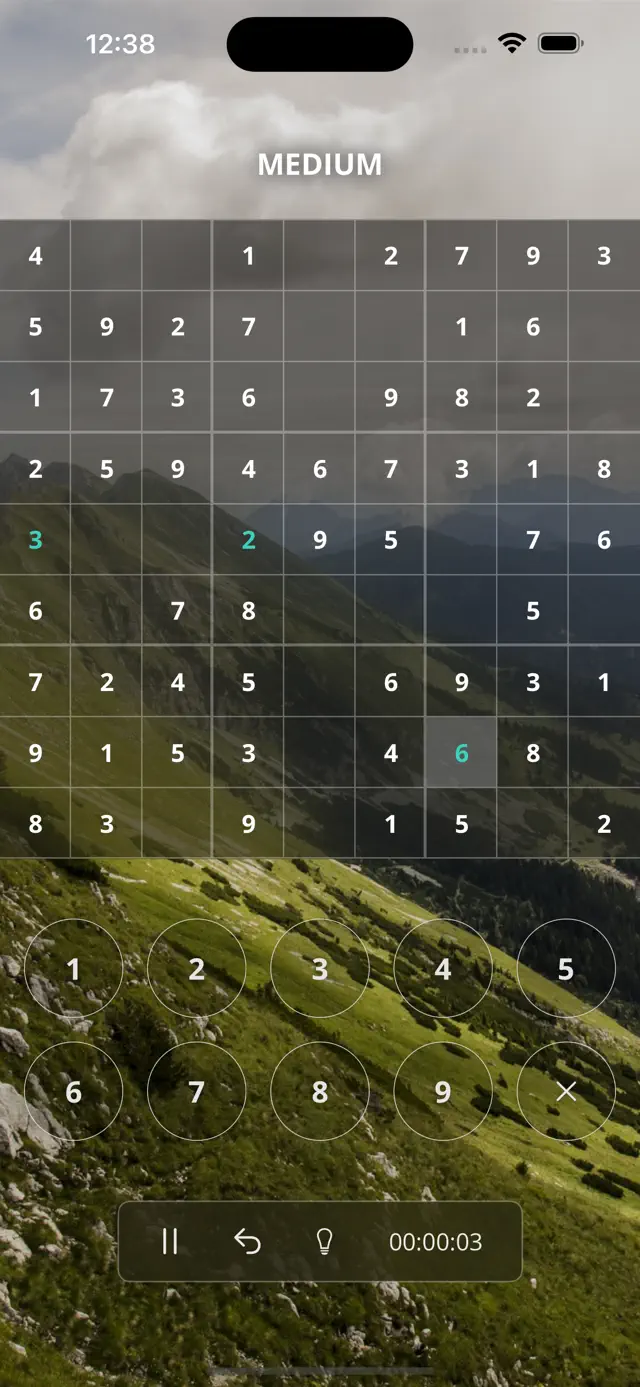
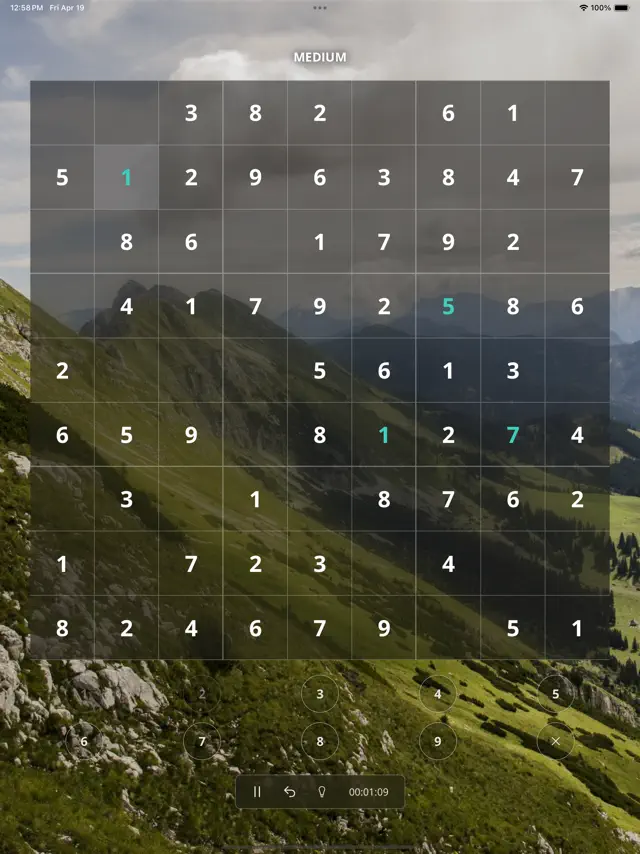
Zendoku provides a refined Sudoku experience designed for both casual players and puzzle masters. With a focus on ease of use and minimalist design, the app offers unlimited puzzles generated on the fly. Players can customize their experience with over 15 themes and enjoy a distraction-free environment that respects their privacy and focus.
Dinsun Expert Review
Our Expert Score
Zendoku is exactly what I want from a mobile puzzle game: clean, fast, and entirely focused on the logic. There are no flashing lights or predatory microtransactions here, just a massive library of Sudoku puzzles wrapped in a very elegant interface. The 'Unfair' difficulty is genuinely punishing for veterans, while the easier modes are perfect for a morning coffee break.
I particularly love the theme system. Being able to switch between a dark mode, a high-contrast theme, or something more colorful keeps the visual experience fresh. The note-taking system is intuitive, and the lack of a forced timer option makes it a great choice for those who just want to relax and think. It’s the definitive Sudoku app for people who hate 'cluttered' apps.
Features
Unlimited, procedurally generated Sudoku puzzles
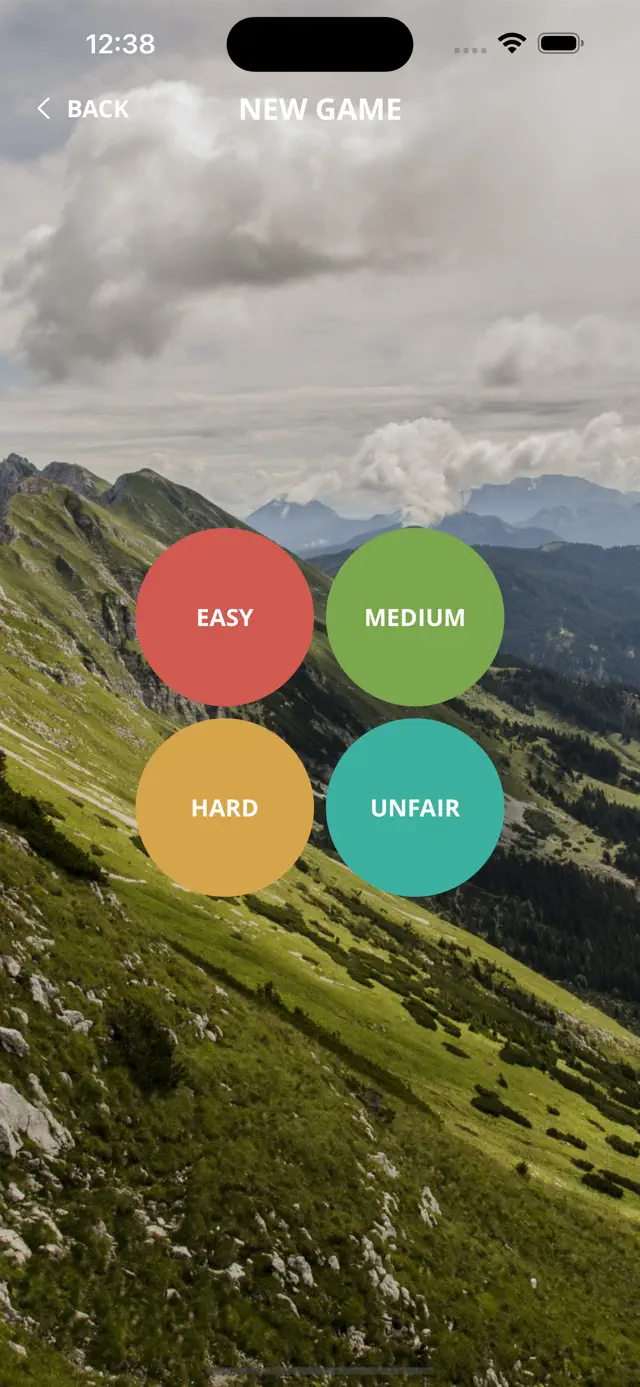
Four difficulty settings: Easy, Moderate, Hard, and Unfair
15+ beautiful themes for a personalized look
Fully functional offline with no ads or in-app purchases
Intuitive note-taking and auto-save functionality
Tips & Walkthrough
To keep track of possibilities, simply tap and hold a number while a cell is selected to enter a note. This allows you to visualize potential solutions without committing to a final digit.
Gameplays
Start with 'Easy' to learn the interface, then work your way up through 'Moderate' and 'Hard'. For a true challenge, 'Unfair' puzzles require advanced techniques like X-Wings and Swordfish.
Screenshot



Q&A
No, Zendoku is a one-time purchase or free-to-play (depending on current storefront offers) with no recurring fees.
Ratings & Reviews
Decent app
Fri Feb 13 2015 outofcntxtBut I would like to be able to turn off the color change when I correct numbers are placed on the board.
pretty....but
Wed Sep 07 2022 NoisyEchothis is very pretty, but this doesnt work easily. I tried the undo button to clear a square, when I accidently hit a square I did not mean, and it did not work on the cell I wanted it to, but took everything else off. I tried doing the instructions again to undo, didn't work. I want to be able to click on a number, then go click all the squares I want for that number, not go back and forth each time. This did not have that option, unless it is hidden.