Virtual Stop Light
Family
Ratings
Age
4+
Category
Family
Languages
English
Mon Oct 01 2018
‣ Minor bug fixes and assorted behind-the-scenes improvements.
Love Virtual Stop Light? Write us an App Store review!
Have an idea? Something not working? Shoot us an email at support@lionheartsw.com.

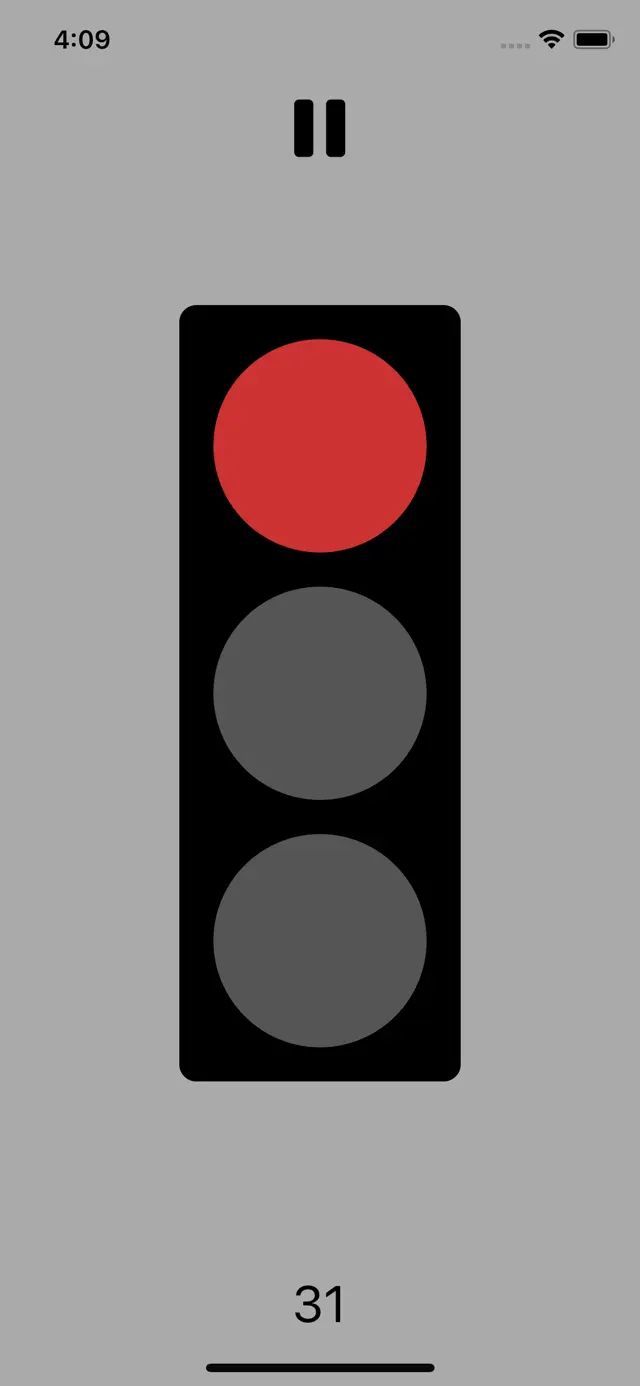
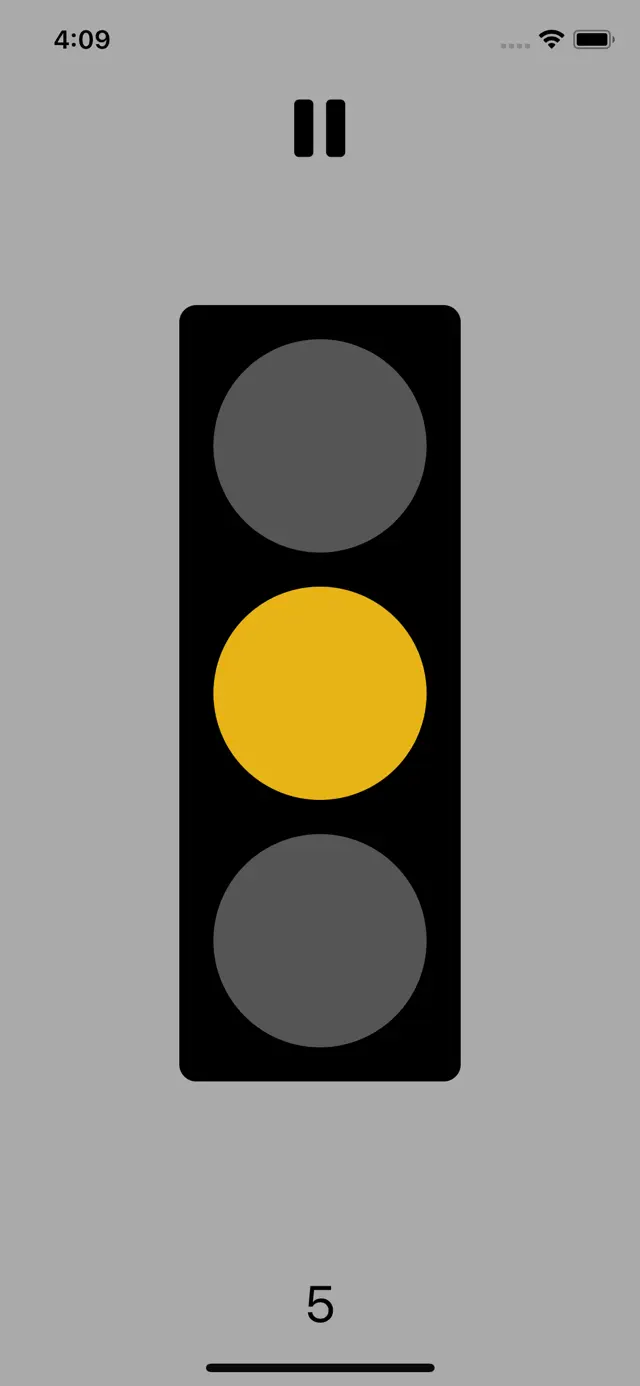
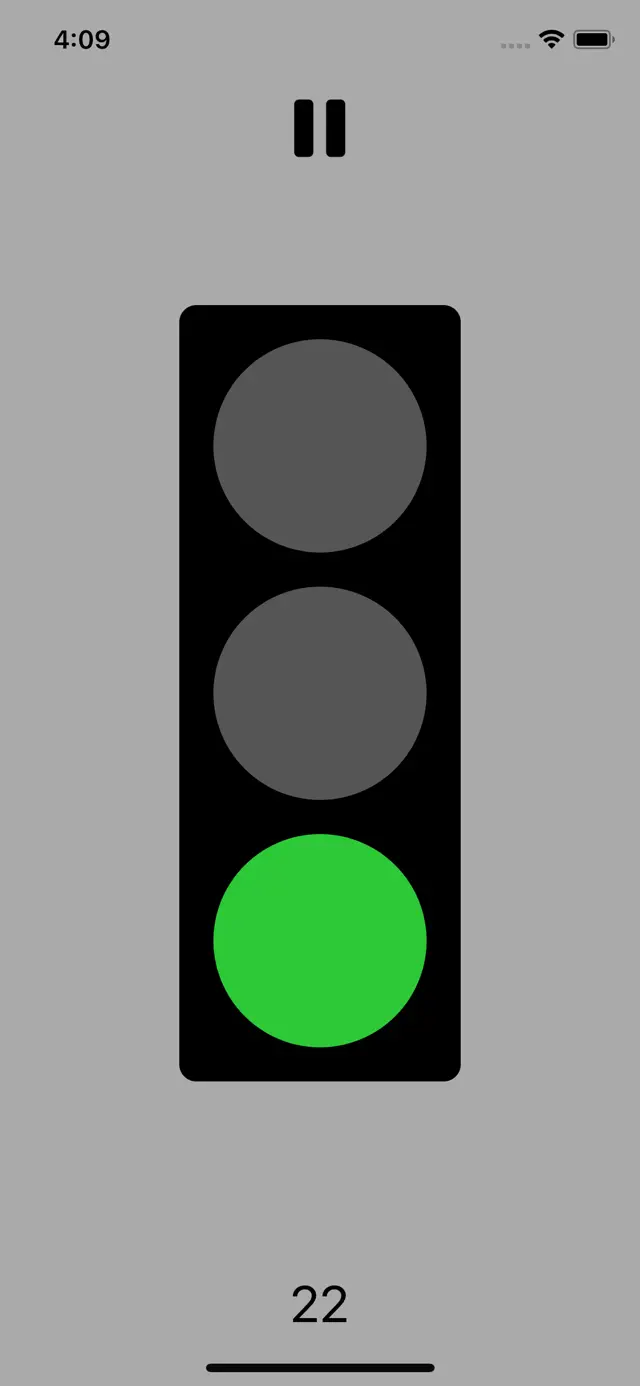
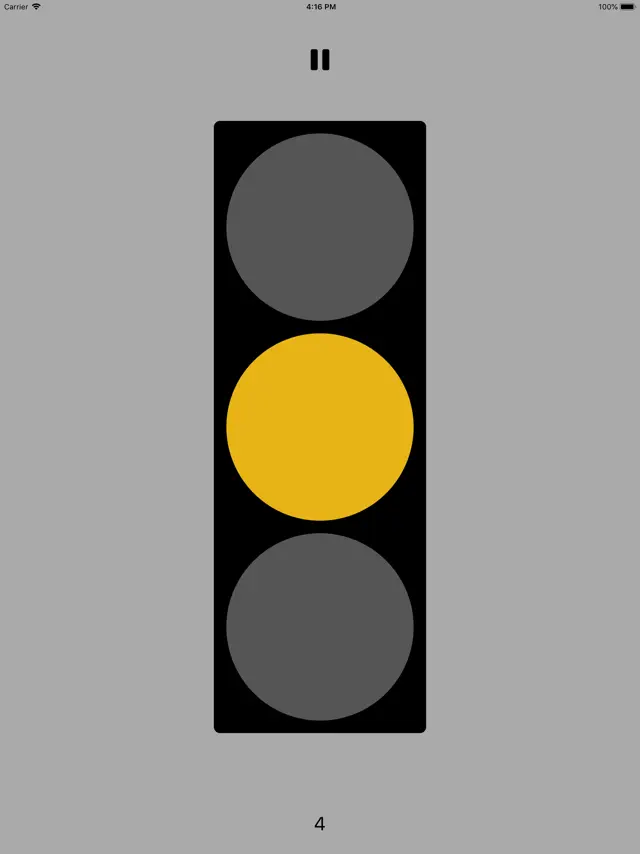
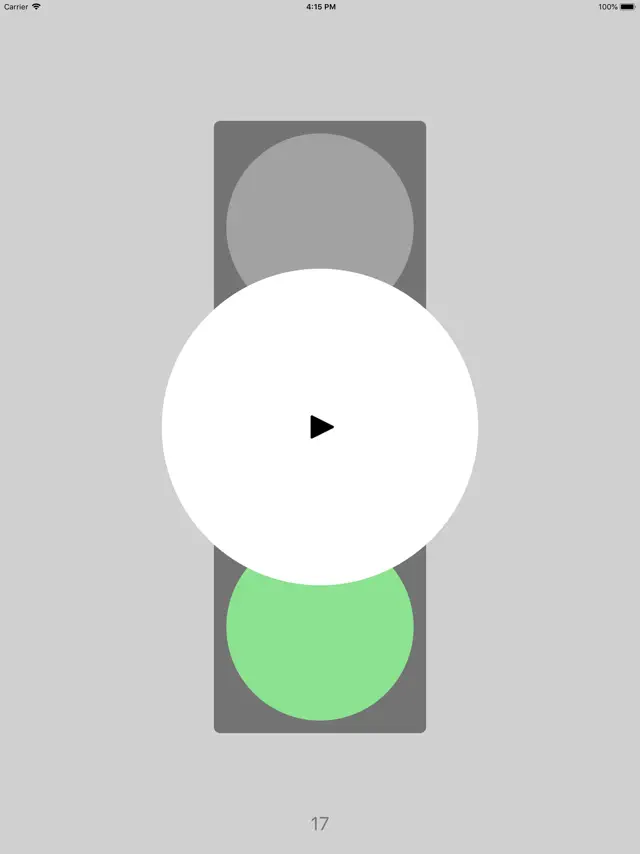
Virtual Stop Light provides a large, clear traffic signal display on your mobile device. With modes for manual switching or automated timers, it's an ideal tool for teachers, parents, and coaches. Use it to manage classroom behavior, time activities, or play classic playground games. The bright, high-contrast colors ensure visibility even from a distance, making it a versatile utility for any group setting.
Dinsun Expert Review
Our Expert Score
Virtual Stop Light is less of a 'game' and more of a specialized utility that serves a very specific niche. As an expert in app utility design, I find the simplicity here to be its greatest asset. It mimics a standard traffic signal perfectly. I've seen this used effectively in classroom settings to manage noise levels or for children's games like 'Red Light, Green Light' when a physical signal isn't available.
It isn't going to win any awards for deep gameplay because there isn't any. It's a tool. The inclusion of a timer and manual control modes are helpful features. It could benefit from a few more sound options or a 'yellow light' duration setting, but for what it claims to be—a virtual stop light—it does exactly what it says on the tin.
Features
Large, bright visual signals
Manual and Automatic modes
Customizable timer settings
Clean, ad-free interface
Tips & Walkthrough
Go to settings to define how long each light stays active. This is perfect for setting up a hands-free visual timer for timed tasks.
Gameplays
Simply tap the screen or the specific light color to change the signal instantly. Use this for interactive games or controlling traffic in play scenarios.
Screenshot



Q&A
Yes, the automatic mode allows you to set specific durations for Red, Yellow, and Green lights.
Ratings & Reviews
Does nothing
Fri Sep 06 2019 gravel gertie 1950Thought I would order this for my grandson to learn about stoplights - red means stop and green means go, but all it does is change colors and beep.
Useless
Sat Jan 25 2025 Islands in the SouthMy grandson loves stoplights but this app does absolutely nothing
Some Youtube Videos found!

TRAFFIC LIGHT GAME - Virtual PE Activity - Kids Movement and Fitness Game - BRAIN BREAK - YouTube

Traffic Light Simulator | PC Gameplay - YouTube
LogixPro Traffic Light TON exercise 2 explanation - YouTube

Lets Play Urban Flow - Control Traffic Light Game - YouTube

Flood of Light (by Irisloft) IOS Gameplay Video (HD) - YouTube

Way to the light - First Person Walking Simulator - Gameplay (PC) - YouTube

Simple Traffic Light PLC Program - YouTube
LogixPro Traffic Control Exercise 3 - Traffic Light With Delayed Green - YouTube
News found!
 Decorate your walk-in closet by Les Placements R.A. Inc.
The Decorate Your Walk In Closet game is a great room decoration game which is capable of releasing your inner interior designer.
AppAdvice Mon Dec 27 2021