VR VNC Desktop Mirror
Virtual Reality Screen Mirror
Ratings
Age
4+
Category
Simulation
Languages
English
Tue Feb 03 2026
Performance enhancements and security updates.
We've optimized our core systems to ensure a faster, more responsive experience across all your devices. This update also includes essential security patches to keep your data protected and the app running smoothly.

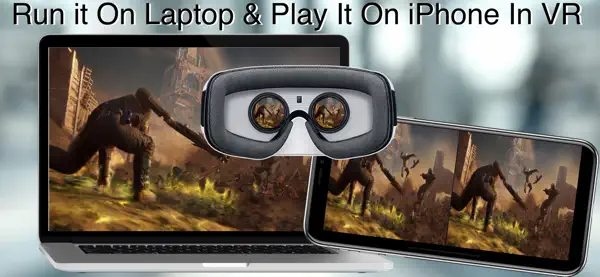
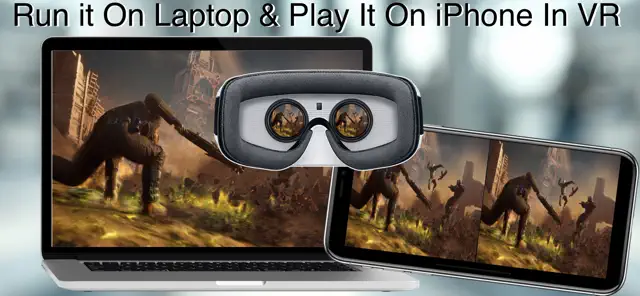
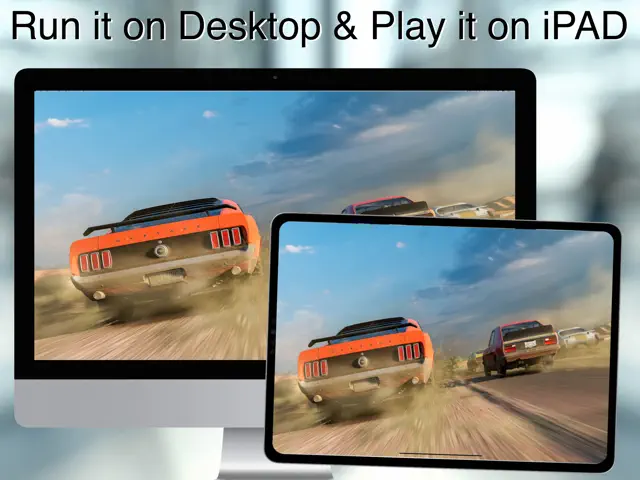
VR VNC Desktop Mirror allows you to experience your computer in a whole new dimension. Connect to your PC or Mac via VNC and view your desktop through any mobile VR headset. Featuring customizable virtual environments and low-latency streaming, it’s the perfect tool for creating a private, massive workspace or enjoying local PC media in VR.
Dinsun Expert Review
Our Expert Score
VR VNC Desktop Mirror is a specialized utility that turns your mobile VR headset (like a Cardboard or any lens-based viewer) into a massive virtual workstation. By mirroring your PC desktop over a VNC connection, it allows you to work or watch media on a 'hundred-foot screen.' It’s a niche tool, but for those who need to access their PC remotely in an immersive way, it’s surprisingly effective.
The latency is the biggest hurdle, and it depends heavily on your local Wi-Fi speed. However, once connected, the app offers several 'environments'—like a cinema or a quiet office—to place your screen in. The text readability is better than expected, provided you have a high-resolution phone. It’s not a game, but it’s a powerful productivity bridge that makes the most of mobile VR hardware that many have lying in a drawer.
Features
High-resolution VNC mirroring
Multiple 3D virtual environments
Adjustable screen size and distance
Bluetooth mouse and keyboard support
Tips & Walkthrough
You must have a VNC server (like TightVNC or RealVNC) running on your computer. Enter your PC's IP address and the VNC password into the app while both devices are on the same Wi-Fi.
Gameplays
While in VR mode, use the volume buttons on your phone to zoom the screen in or out. You can also center the view by tapping the screen or using a Bluetooth remote.
Screenshot




Q&A
While technically possible, VNC latency is usually too high for fast-paced games. It is best suited for work, browsing, or movies.