Talking Carl
Entertainment
Ratings
Age
4+
Category
Entertainment
Languages
English
Mon Dec 20 2021
Small fixes

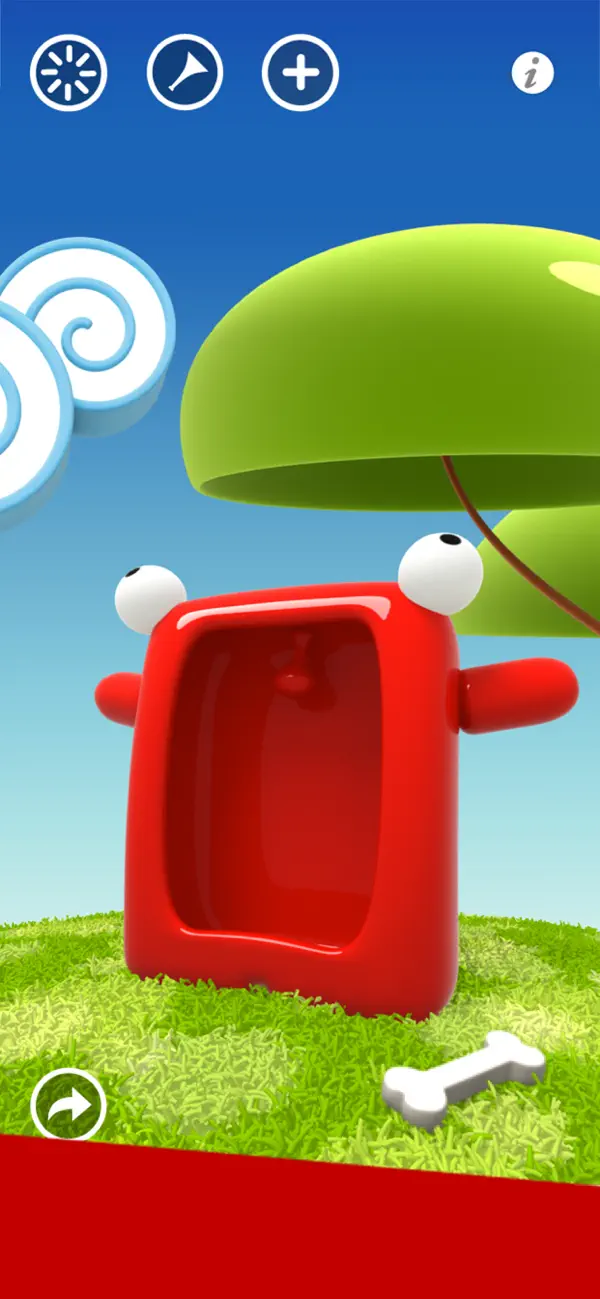
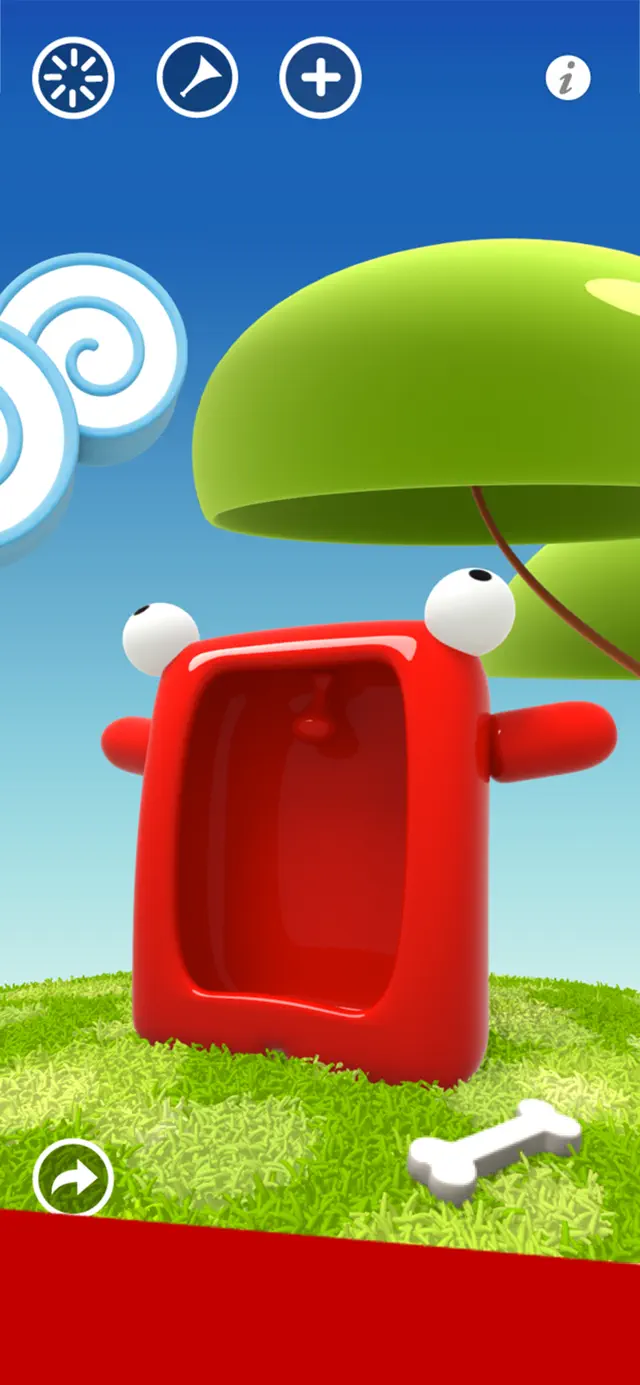
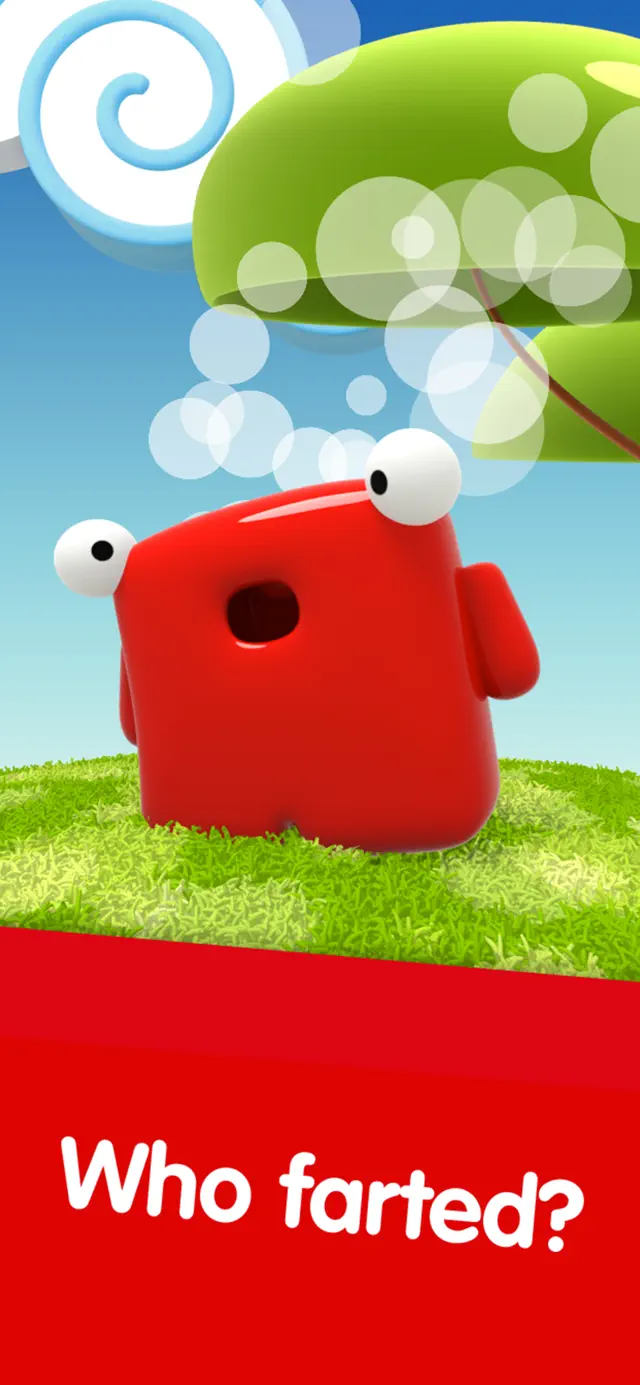
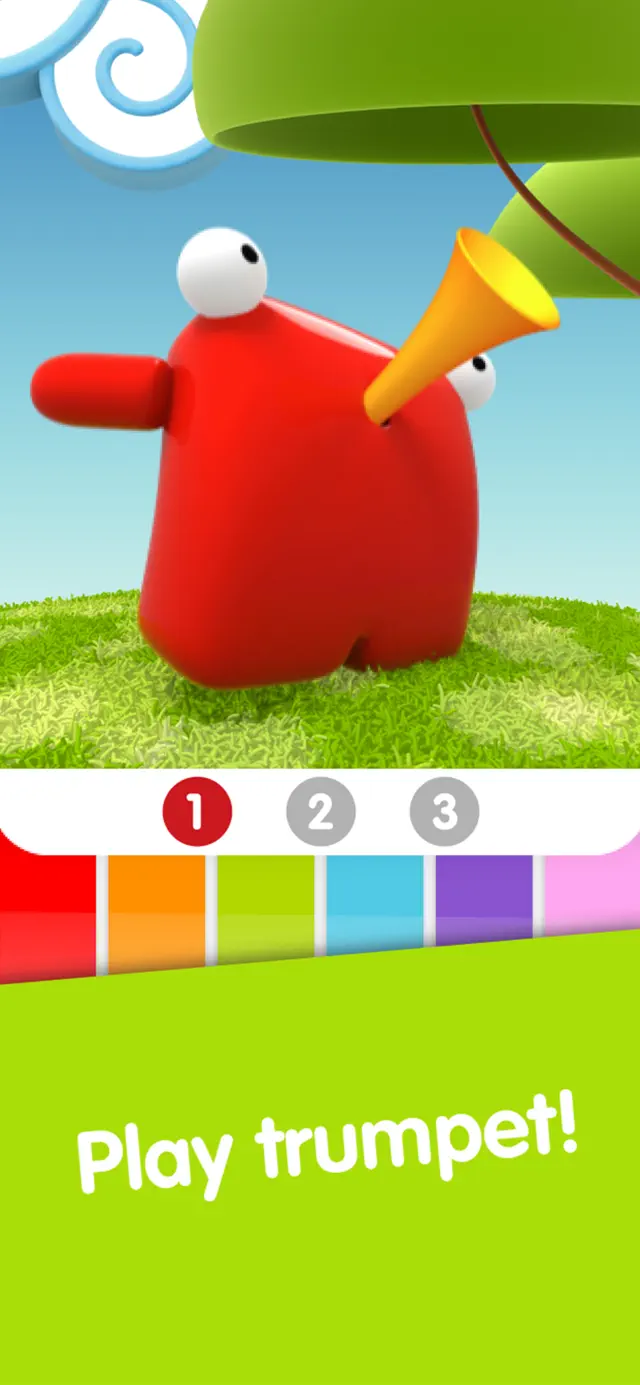
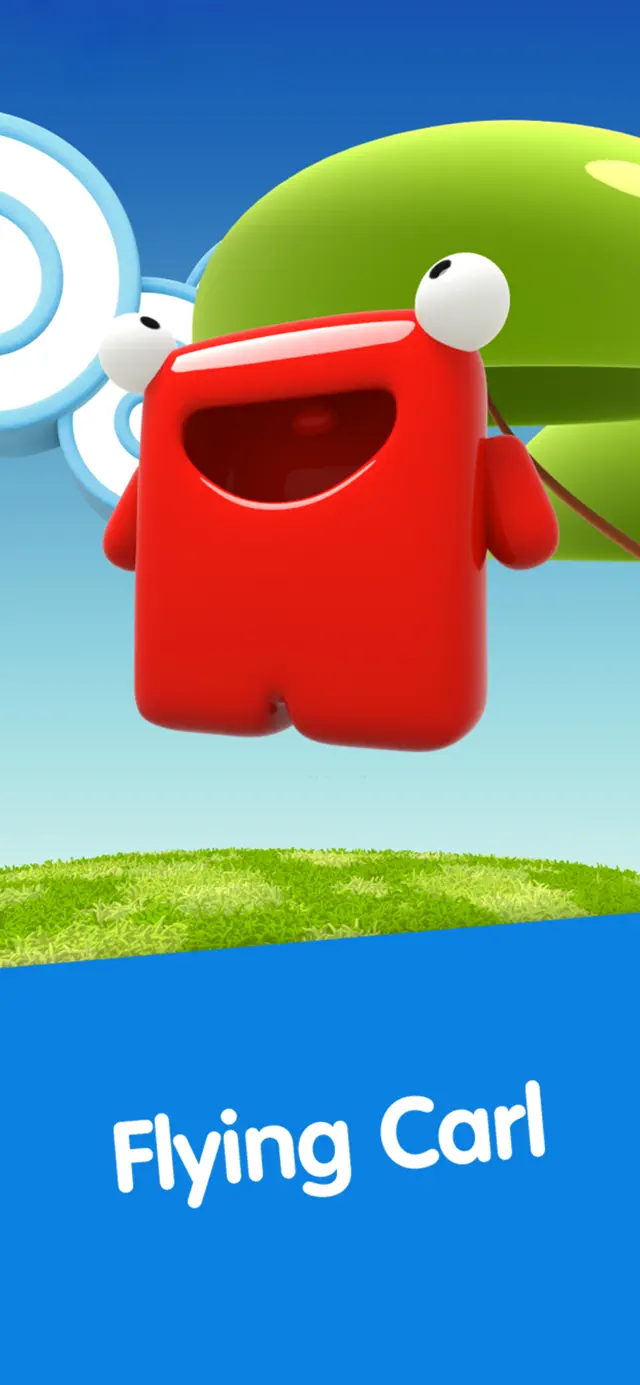
One of the absolute pioneers of the interactive App Store companion genre, Talking Carl introduces users to a lovable, blocky red creature with a giant personality. Speak to Carl and he will instantly repeat your words back to you in a hilarious, high-pitched voice. Poke him, pinch him, tickle him, or feed him snacks to watch his wild animations and listen to his comical screams and laughs.
Dinsun Expert Review
Our Expert Score
Talking Carl is a brilliant blast of pure App Store nostalgia. Long before interactive companion apps became bloated with complex mini-games and heavy advertisements, Carl won over millions of users with a simple, high-energy concept executed with flawless comedic timing. His bright red square design is instantly recognizable and visually timeless.
What makes Carl so enjoyable is the pitch and speed of his voice playback. It sounds inherently funny to kids and adults alike, making it hard not to chuckle when he mimics a long sentence back to you. The touch reactions are snappy, and the sheer variety of grunts, giggles, and dramatic falls keeps the casual entertainment alive.
It is obviously a light, novel digital toy rather than a deep, mechanical progression game, so don't expect hours of complex strategic depth. But as a delightful interactive toy to hand to a child or to enjoy for a quick nostalgic laugh, Carl remains a legendary character in mobile history.
Features
Hilarious real-time voice pitch modification and repetition mechanics
Highly responsive touch interaction system triggering distinct, expressive character animations
Bold, vibrant 3D art design that appeals perfectly to younger audiences and nostalgic fans alike
Simple, child-friendly user interface with no complex menus or rules
Tips & Walkthrough
To discover all of Carl's hidden animations, try combining multiple gestures quickly. Tickling his belly immediately after a heavy swipe across his eyes will trigger a hilarious dizzy spin animation that you won't see through standard poking.
Gameplays
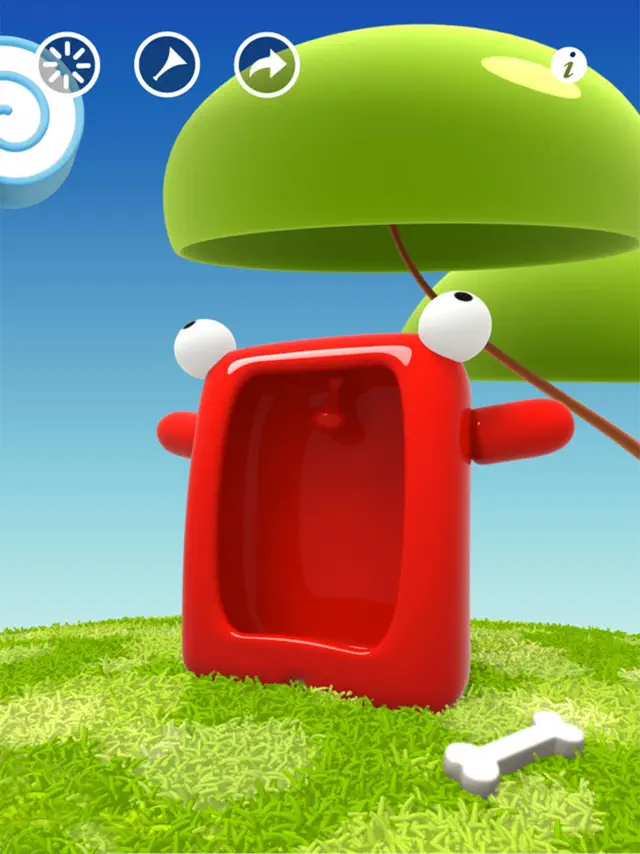
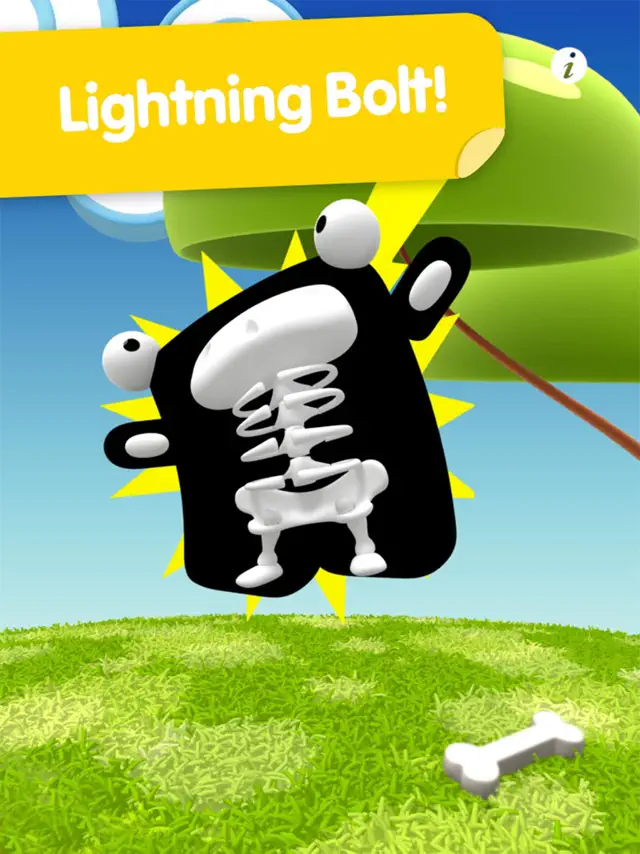
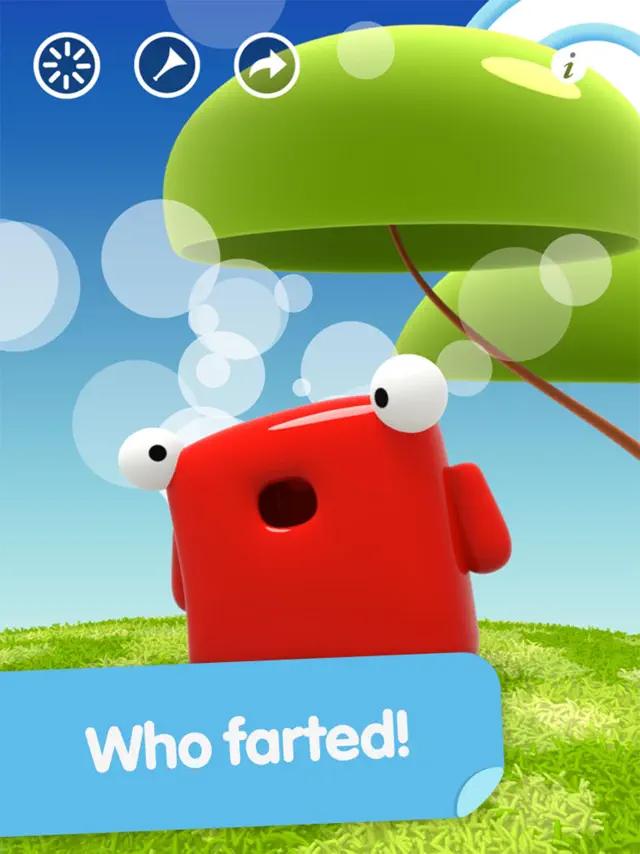
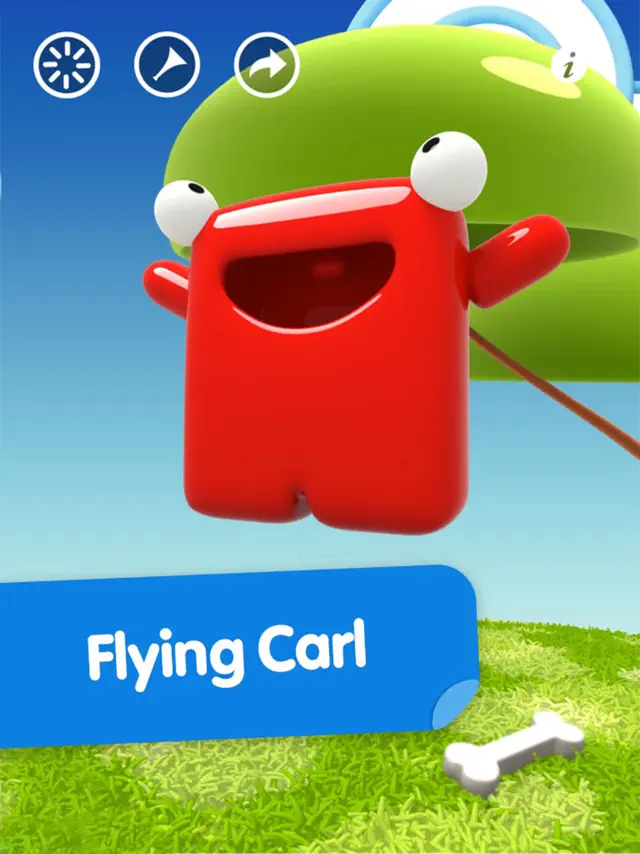
The core app interaction relies on microphone monitoring and screen gestures. Carl listens carefully to ambient audio and repeats anything it captures. Users can tap, slap, and tickle different body zones on Carl to trigger distinct physics-driven animated reactions.
Screenshot



Q&A
No, Carl processes all touch interactions and voice playback entirely offline, making it perfect for road trips.
Ratings & Reviews
Love Talking Carl!!
Tue Jan 30 2024 kores76I don’t remember when I first installed Talking Carl, (maybe iPhone 4 or 5) but have enjoyed his presence since day one. I worked with people with disabilities at the time, some used voice recognition software so I was familiar with the processes and the mistakes frequently encountered when setting up a voice file. But Carl is very different, not only is he very accurate in recognition, his cute personality changes the whole aspect of the app. And I am grateful to whoever designed his voice!! Thank you!! He ALWAYS manages to elicit a smile from me. There was a period when work was difficult and I frequently found it depressing and hopeless UNTIL I pulled out my phone one day as I left my office area and opened Talking Carl. I had the volume at max and proceeded to hold a conversation with him as I walked outside among other people hurrying on their way somewhere. At first I didn’t look up but the longer I talked and got Carl’s response the more curious I became: did other people hear? How were they reacting? I gradually looked around and there were quite a few people who ‘eavesdropped’ on our conversation; some stopped in their steps to listen as there was no person present. Most people smiled or laughed out loud. Carl was not only comic relief, he was like a secret pal, a broadcaster of whatever things I would normally not say out loud or in public. He was just what I needed to engage a feeling of control, a chance to channel my thoughts to more positive subjects and maybe lighten someone else’s day, too. Thanks for developing Carl and I highly recommend installing and enjoying the app!!🖖
this red funny square is one of the best “talking” apps that i’ve EVER played!
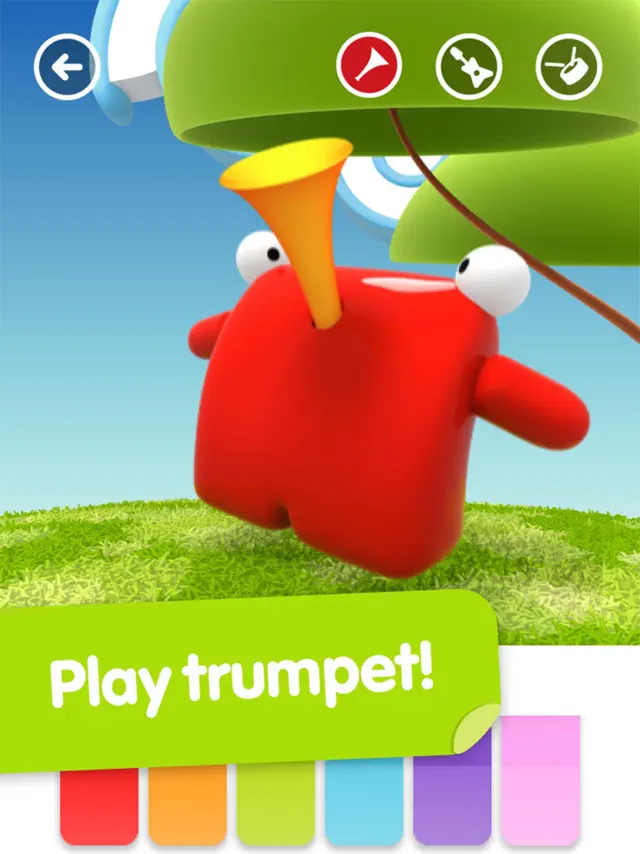
Mon Nov 11 2024 Alejandro. PI love this game! you can feed him, hurt him, change him, play the trumpet, and record videos in the app! this is so cool. I recommend it for sure, but this game costs 0.99 so you will have to pay a dollar. If you have kids or you’re just a simple type, I also recommend talking gugl & it’s free! If you’re waiting on talking carla, yea. it’s never coming out… anyways, yea this was actually the first “talking” apps ever. this funny red square is older than talking tom! can you believe it? anyways, I know this is too long but I gotta say, the talking carl & gugl series is very cool! alr I gotta go. bye! -Alejandro Perez
You Forgot To Put a timing for the animation and Fix the button pressing
Tue Jul 01 2025 AForever2025-FutureWhen I make him spin, he spins fast instead of normal. When I make him jump high, he comes down fast. When I give him a bone, he jumps and eats it so fast. Please fix the version. Also, when I press the plus sign, it didn’t show something. When I press the buttons exactly on my iPad, it did not register. And why are the animations so fast. When I touch Carl’s eyes, he didn’t react. Why is the background still here when another background appeared? And why are the swirled clouds so fast instead of going slow to the right?
Childhood meomories
Thu Jul 29 2021 Mathyman42I am still like this, but when I was a kid, I would make so many different crazy sounds: because I could! And that made there be no other app I would rather grab m itouch and get on rather than talking carl! Talking carl is still even at this outdated time, ridiculously hilarious. I recommend you to download it, even if just to say a few things into it every once in a while. I remember sometimes as a kid, I would minic it to the point of turning a word that doesn’t exist (xnopit for example), into a high pitched mess. Such a good app, and I recommend to all.
Record in message app gone
Fri Oct 27 2017 sharinozI’ve had Carl since it came out many years ago… And shared it with all my family who have also downloaded and enjoyed it… Recently however, it was taken away from the apps that are in my text messaging, for easy access, where it was something you could tap on and record quickly and include in your text messages. With the latest version however, that feature is gone… There are stickers in its place with your fine but the fun of Carl is the voice so I am not using it at this point. I have written them but got no response as to how I can go back to the Last version so that I can have that feature again. If anyone out there knows how to do that, I would be so appreciative and would begin to use Carl once again.
Love it, but..
Wed Jul 01 2020 layla furryI love this goofy playful little dude. Also, the mean Carl is also funny. 😁 But here’s what I have to say, why is it 99 cents? I mean, I personally don’t care as I had this game when I was younger and was able to redownload it for free, but I don’t really see many aspects to make it the price it is. This doesn’t make it a bad game, though. Not at all. It’s a cute game and I have many memories of it. The price is peculiar to me, though.
The app kept freezing. Please fix. 😐
Fri Nov 07 2025 bhghgjgjgOkay, so it’s been forever since I’ve been in this app, and I decided to go on this app, and I noticed that it kept freezing, like I thought it was gonna crash or something! ☹️ Like, is this a bug or something, maybe a glitch? 🧐 What even is happening? 😫 But anyways, I know I said I wanted a 100% complete fix on this app recently, and that is what I want. 🫥 And when you do so, make sure you get Talking Carl to respond to me again, because I think he wasn’t even doing that recently. 😶 So yeah. 🙁
Am I an idiot?
Tue May 05 2020 Bryan BazThis app just seems broken. I originally downloaded it on an iPad Pro but none of the buttons on the top of screen seemed to do anything. Also the bone animation didn’t seem to work when put near Carl’s mouth. So I tried it on my iPhone 6+ and I can only seem to record a voice one time. After that, the button turns into an arrow and allows me to listen to that first recording, but doesn’t allow another recording..even if I’ve deleted the first. And it still plays that first recording when I press that arrow button even if it’s been expressly deleted. Oh, and speaking into the microphone does not elicit any response from Carl. I found this odd because the first sentence on the “How to Play” page says that Carl reacts to every word. Seriously, am I just being an idiot and missing obvious things here? I have made (simple) apps over the last few years and understand basic UI. Getting this app to work as it could be expected to has been puzzlingly difficult.