My Coloring Book
Family
Ratings
Age
4+
Category
Family
Languages
English
Mon Nov 27 2023
My Coloring Book is now even easier to use!
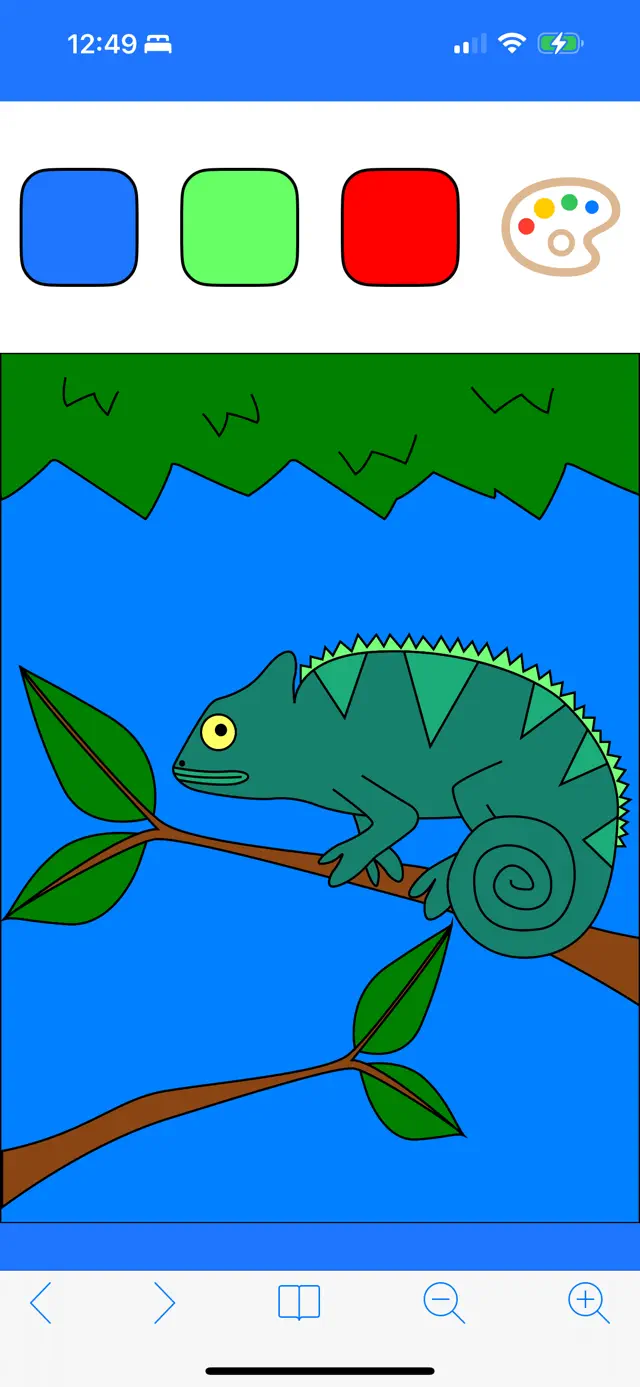
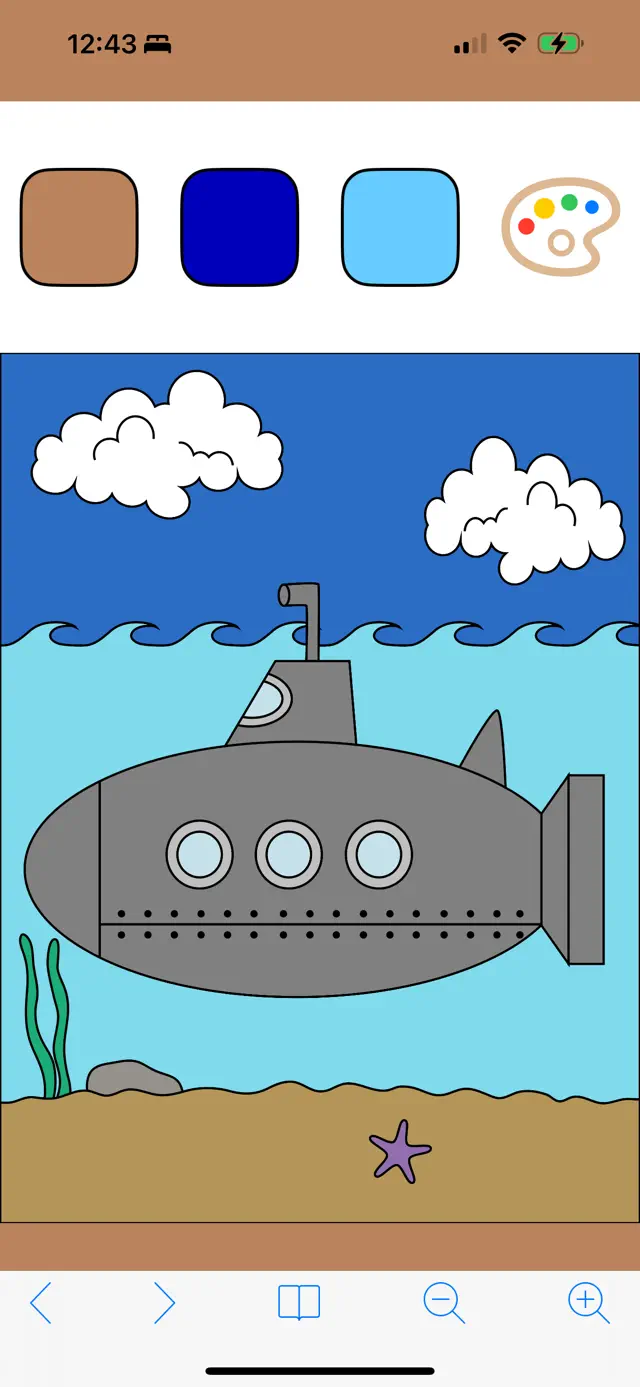
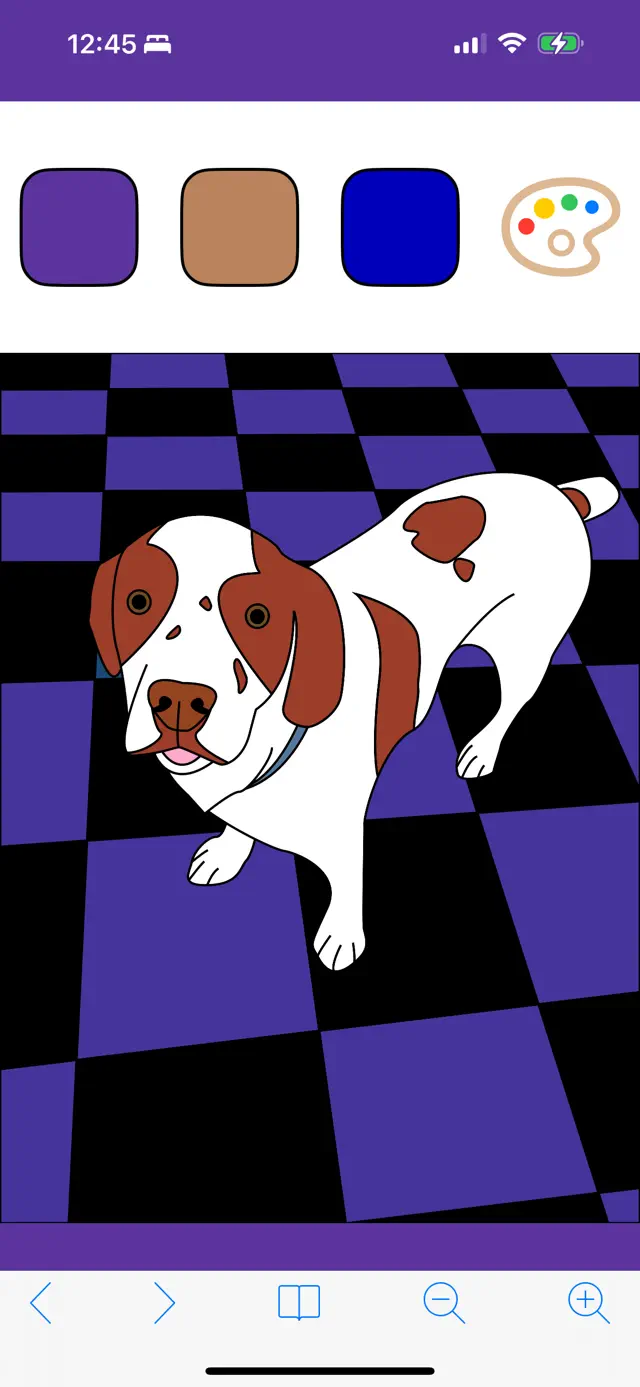
This version gives you easy access to your last few colors for fewer trips to the palette, and introduces a new grid-based drawing picker to make finding your favorite pictures faster and easer!
This version now shows previews of your previously colored pictures when browsing the library -- Thanks all for suggesting it!
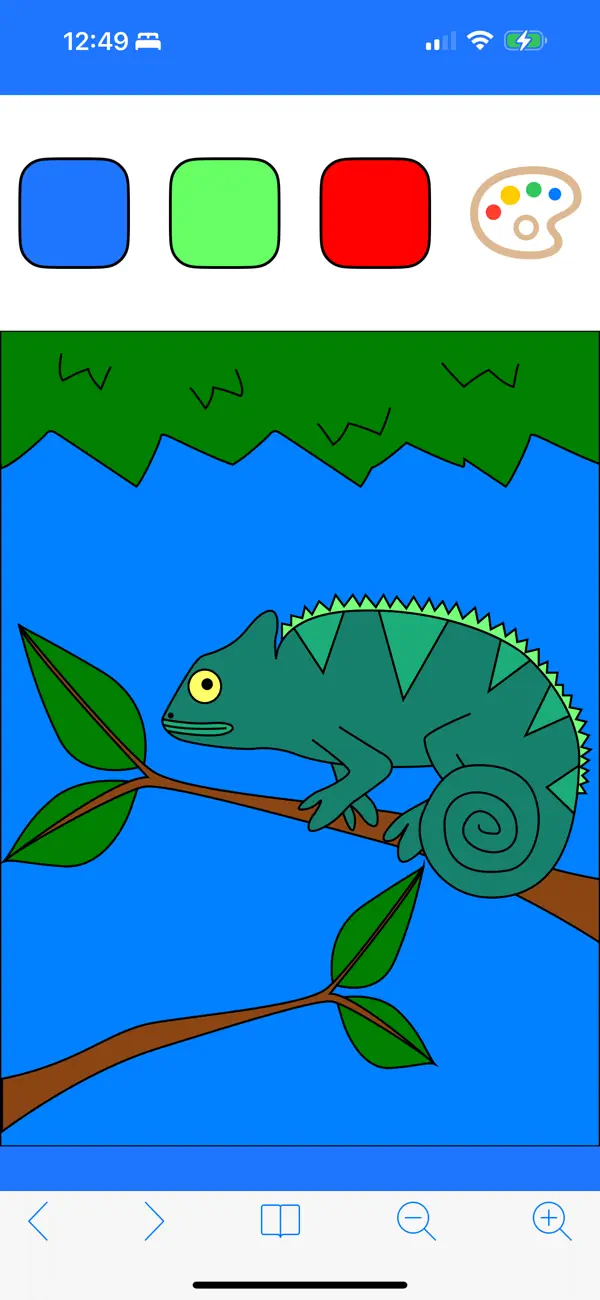
My Coloring Book is a versatile digital coloring app designed for all ages. With a wide selection of categories including animals, holidays, and patterns, there is something for everyone. The intuitive 'tap-to-fill' interface makes coloring easy and satisfying, while advanced features allow for custom color palettes and sharing your finished work with friends and family.
Dinsun Expert Review
Our Expert Score
My Coloring Book is an excellent digital alternative to the physical hobby. What sets it apart from many 'paint-by-number' apps is the freedom it gives the user. You have a full palette of colors and can apply them to intricate drawings without worrying about staying inside the lines—the app handles the boundaries, but you choose the soul of the piece.
The variety of drawings is impressive, covering everything from simple animals for kids to complex mandalas for adults. It’s an incredibly relaxing experience that functions well as a stress-relief tool. The interface is unobtrusive, allowing the artwork to take center stage. Whether you have five minutes or an hour, it’s a great way to engage your creative side without needing any actual art supplies.
Features
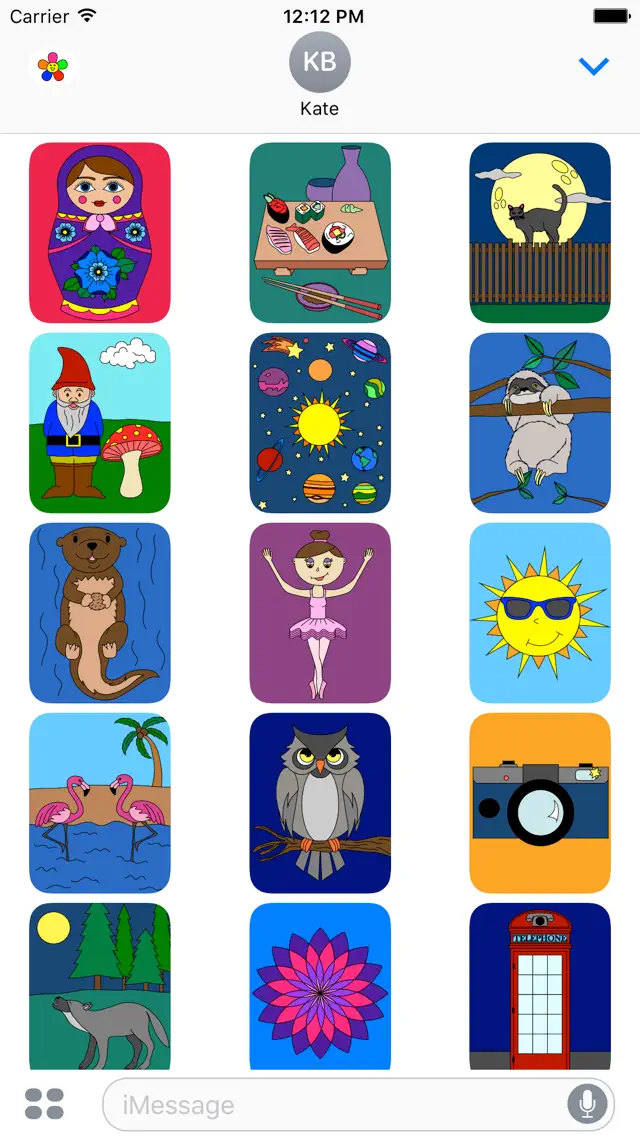
Hundreds of high-quality coloring pages
Customizable color palettes
Zoom feature for detailed work
Easy social sharing options
Tips & Walkthrough
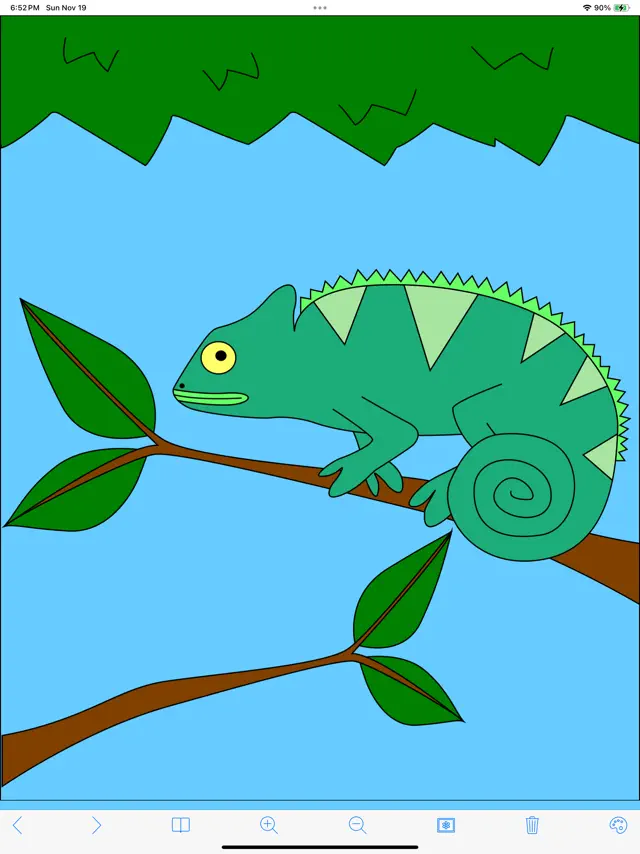
Select a color from the tray at the bottom. You can tap the current color to open a mixer and create your own custom shades.
Gameplays
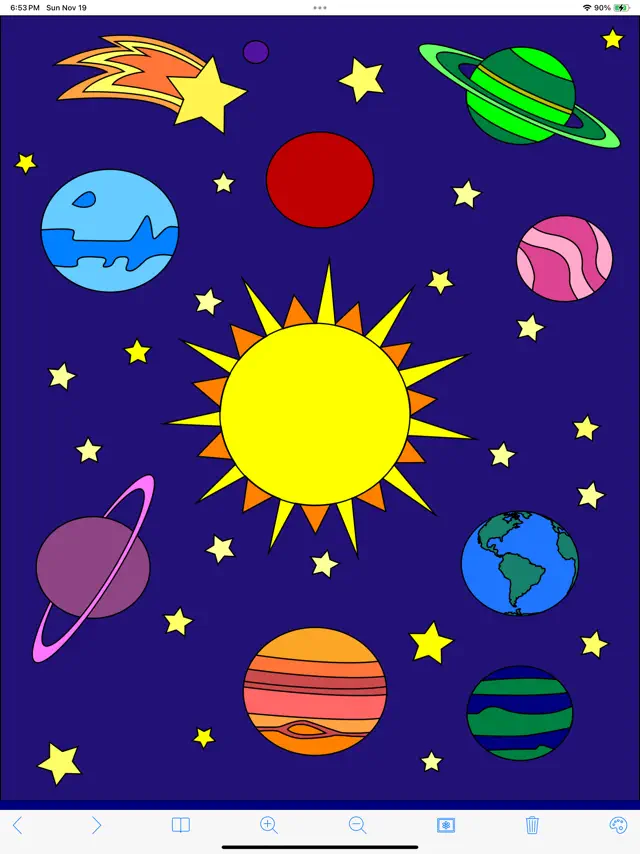
Simply tap inside an area to fill it with your chosen color. If you make a mistake, use the undo button to go back one step at a time.
Screenshot





Q&A
Yes, the app is frequently updated with new content and seasonal themes.
Ratings & Reviews
Review
Mon Nov 13 2023 Richard Abreu JuniorIf they made it so that you can use half rating s, I would give this 3.5, but 4 is the highest I’ll give it. It is a pretty good app, but I do have some critiques. 1. Screen size too small - I have an iPhone XR, and I know this was probably made for phones with a home button, but they should make it fit for phones without a home button, due to the fact that the screen size in phones have gotten a lot bigger. 2. No undo button - instead of having to go to the color picker and pick the color a specific part of the art was, you can just press the undo button. This will be a simple addition. 3. Make the color slider more accurate - what I mean by this is that you should make the end where it gets darker, black. When it’s on the left side completely, it should be black. Same in the right, it should be white. These are the only problems I have with the app, everything else is pretty good.
Great fun, but needs an undo button
Mon Nov 27 2023 njburritoThe app is great and simple to use. Not much to it, in a good way. However after spending forever on the color wheel finding the perfect shade of a color, then later accidentally coloring over that perfect shade, there needs to be a way to undo the last action. This would help so much with the issue of never being able to get an exact shade after you've accidentally colored over it
K
Tue Nov 28 2023 kiki/kayHonestly I like it! I see the new update and am excited! I will love how we can see the drawings we have already colored! This has been great for my friends kids! When I watch them or babysit they love to be able to pick what they like and color it! It’s really simple to use and makes it easy to pass time and just enjoy it! Also for this being a free app it’s absolutely amazing! I would love to have somewhere to donate money though!
More functions
Fri Nov 10 2023 BrigibookatI like this app for a mindless little craft to kill some time. BUT I would say it would be nice to have an “undo” button and maybe a dropper function to use colors you’ve already created. Also, I completed a dozen and enjoyed looking through them until they just randomly all cleared back to all white. :(
Great concept needs work
Tue Nov 14 2023 cheergal013This app has create templates and a ton of color options but it is incredibly difficult to use because once you change colors you can’t see the color you just used. I feel like there should be a toolbar with recently used colors. Also at the top it makes it difficult to see where you left off because even after you’ve been working on a piece it stays white at the templates portion.
I want all devices
Sun Nov 19 2023 gfdj hi fhj gif sfhg D cThe reason why I put 3 stars is because I want more devices to be able to use this app because I want to do this color trend on TikTok and we have to use this app to compare these pictures to my friends pictures but my friends don’t have iPhones and we really want to do this so can you please update the app to have all devices added to be able to use this app please I’m begging you
Totally awesome, but needs help
Mon Jan 29 2018 Rig*I REALLY love this game, but sometimes I am playing it and I will click on one of the pictures that I already completed. So maybe in your next update you should make it so once you finish the picture it will show how you colored it, so you don't click on one you already did.
Fun (& frustrating??)
Mon Nov 20 2023 maysonaterTikTok made me get it & it’s been fun!!! I know it’s a long shot that this app will be updated, as it’s been 6 years since it’s been updated. However, as mentioned in other reviews, several things are needed to make this a better functioning app. 1. The color picker —recent colors would be the biggest game changer! This has been the most frustrating part 2. Undo button 3. Rather than have images to color at the top, it would serve well to have them be on their own page. Additionally, if you could sort by type. (More of a folder view, e.g., Dinosaurs: each page of dinosaur options)
Some Youtube Videos found!

News found!
 TikTok trend boosts obscure ‘My Coloring Book Free’ game to the top of the charts
'My Coloring Book Free' is currently the top of the iOS game charts in several major western markets thanks to a TikTok trend.
Mobilegamer.biz Tue Feb 11 2025
 Toddler Talk: Best Apps
Today's babies are born with this strange innate ability to work a touchscreen, and toddlerhood is the perfect time to flex those skills.
Mom.com Mon Aug 11 2014