Game Creator 2D
Create your own game
Ratings
Age
9+
Category
Action
Languages
English
Fri Jan 31 2020
- improving internal functions

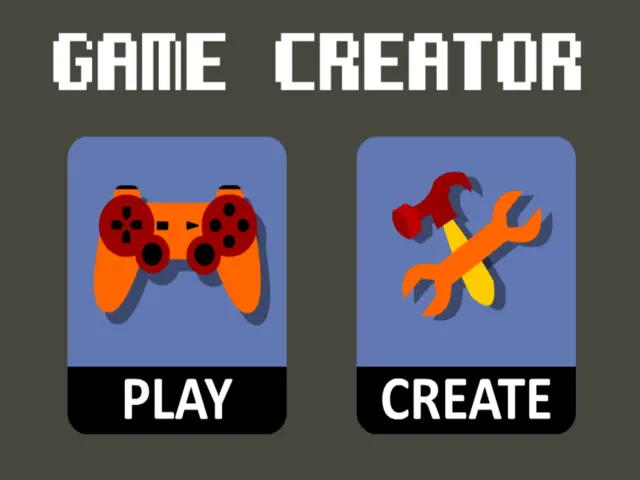
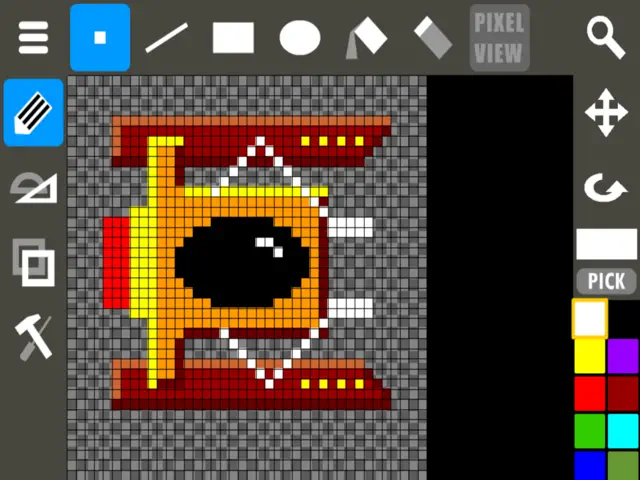
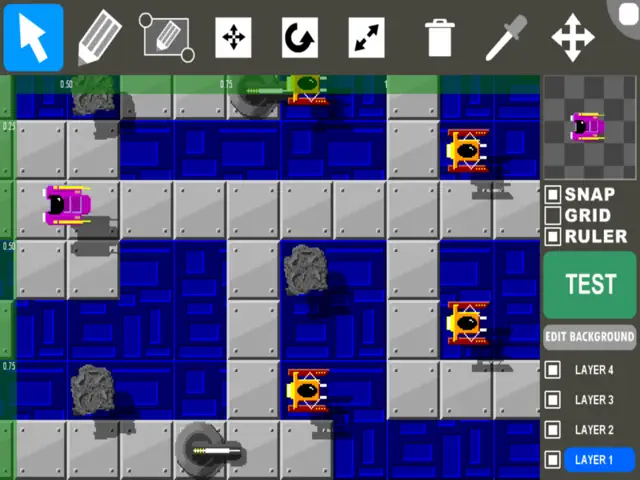
Game Creator 2D is a comprehensive mobile game development suite. It features a powerful sprite editor, level designer, and a logic-based behavior system that allows anyone to create functional games without programming knowledge. Once your masterpiece is finished, publish it to the online gallery to see how other players around the world rank your design.
Dinsun Expert Review
Our Expert Score
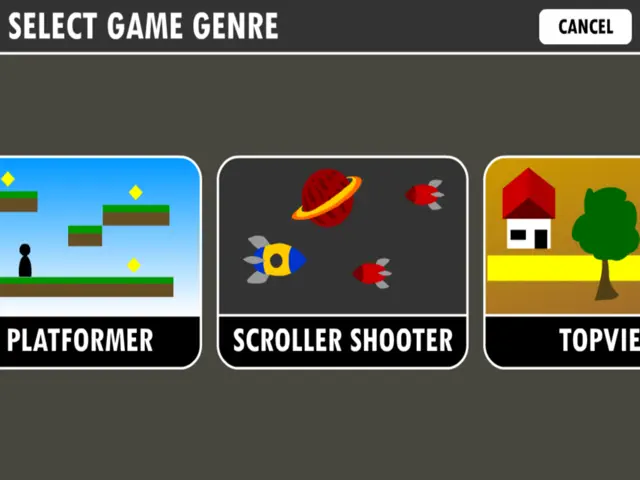
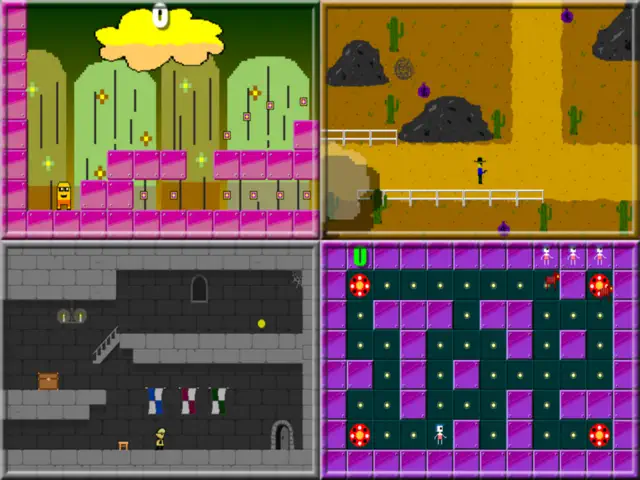
Game Creator 2D is a fantastic entry-point for aspiring developers who want to understand logic without staring at lines of code. It’s essentially a digital sandbox that gives you the assets and the 'logic blocks' to build everything from a side-scrolling platformer to a top-down shooter. The touch interface is remarkably well-thought-out, allowing you to drag tiles and set enemy behaviors with ease.
What truly makes this app special is the community hub. You can publish your creations for others to play and, conversely, play thousands of levels created by other users. This provides infinite content and inspiration. While it's limited to 2D, the flexibility within those bounds is impressive. It turns game design into a game itself, making it an excellent educational tool for kids and a fun prototyping platform for adults.
Features
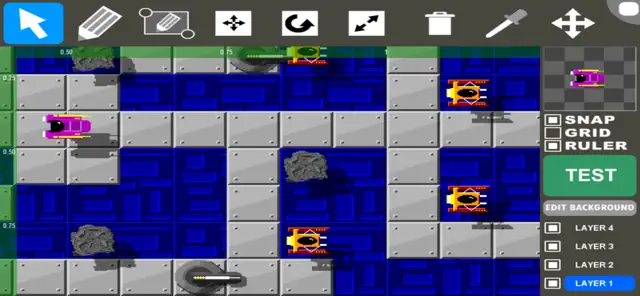
Intuitive drag-and-drop game editor
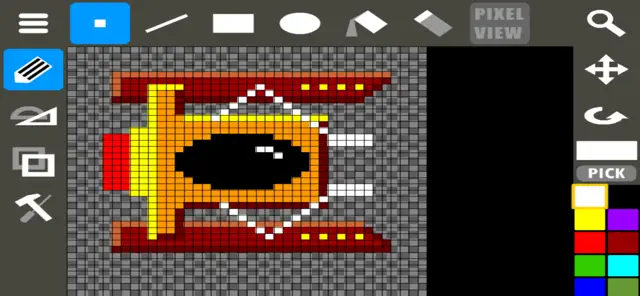
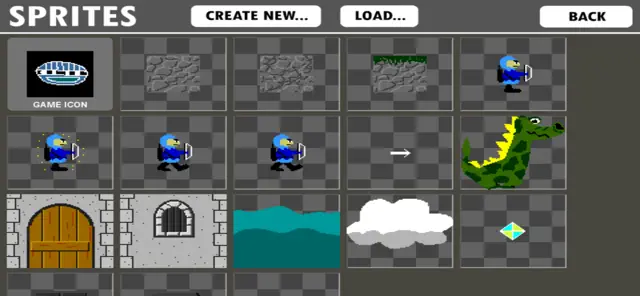
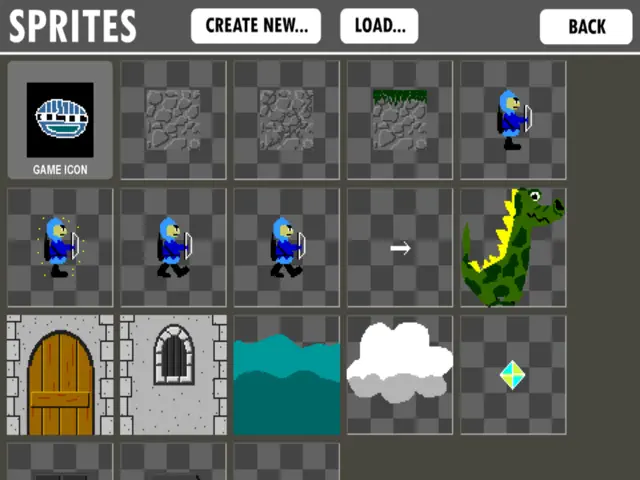
Built-in sprite and character creator
Global community sharing and playing
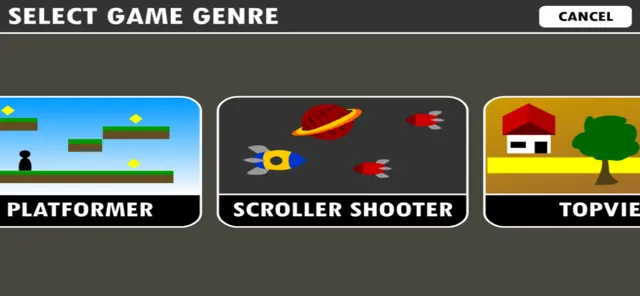
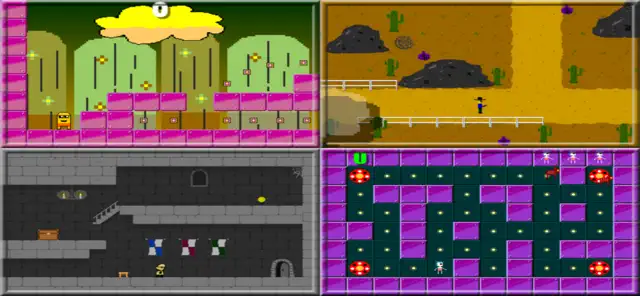
Support for multiple game genres
Tips & Walkthrough
Start by selecting the 'Platformer' template. Use the tile tool to draw the ground and the 'Player' tool to set the starting position. Don't forget to place an 'End Goal' flag, or your players will be stuck forever!
Gameplays
You can assign behaviors to any object. For example, give a monster a 'Patrol' behavior so it moves back and forth, or set a button to trigger a 'Door Open' event when the player touches it.
Screenshot
Q&A
Games are playable within the Game Creator 2D app ecosystem and can be shared via links to other users.
Ratings & Reviews
Great game but could have more features
Wed Jul 22 2020 benson160So first off, I LOVE THIS GAME! it’s super easy to make any game you want, and right now I’m working on a metroid style platformer. That being said, the game is missing a few features, most importantly, the power ups: they are a good addition, however they seem to be lacking some features. Normally in old school games power ups would give you a new ability (ex: Mario getting the fire to shoot fireballs) but in this game, I can’t to do that. In the already mentioned platformer, I want to make it to where you can get different weapons, but I don’t see an option to do that. Now I’m no expert on the game, but I do know how to make games, so I could simply be doing it wrong, but that would be a great feature to add, Another thing you could add is the ability to do a double jump(tapping jump twice) but that’s not as important as the former, but anyways, like I said in the beginning. This game is great, but with these features, it could be even better!
Just 2 problems
Mon Jun 05 2023 megaman lover/fan boiI love this. It’s awesome how you figured out how to make a game that has to do with creating games without coding. But when your making a platform game or a top view game , you should make boss selection when your making an enemy. Also you should make us have an option to publish our games or play other people’s games that they made. But it’s pretty good so far. So thank you Silentworks for bringing us joy.
This is great!.. With clever use.
Sun Feb 02 2020 IssacCChaseI’ve been using game creator for quite some time now, and overall with the improvements the app has great potential. One current gripe I have with the software though is when you are constructing a level longer than 1 screen after picking a different object to place on the level, the level position switches back to the beginning of the level which makes it tedious to make longer levels. I also feel somewhat restricted turning some of my ideas to games sometimes, like implementing a non spammable double jump or different mobility and/or power up options. What I like about this, however, is that there are clever ways to implement this such as having a catapult that stays onscreen right out of the player’s reach, and the player reaches it through a change in the player’s hit box (triggering the double jump). I used this technique in a game called jump gem). Silent works, I had a great time with this app and playing other people’s creations. Thank you. -also, for some reason, my access to download and upload games have been removed...- Creator username:Isaac 2
Request
Wed Nov 23 2022 CalifomparableLove the app! Two suggestions for updates 1. add ability to import image! 2. a way to transform “player” into something else when they touch a power up. For example: player turns into another sprite when touching power up Other than that is amazing!,
Bug Issues with My Games.
Sat Mar 29 2025 Deluxe MikeyGood app that I like but, I encountered many issues with a most of my games. A crash keeps appearing when I try to open my games in the project menu. It keep on telling me that it is a error, the game icon turns black, and I am unable to open that project anymore. It happened many time to my games and projects, and I am unable to open or enter the game. As far as I know this only happens on the Apple Port. Whenever you get the chance please fix this bug.
It’s ok
Tue Oct 06 2020 @i❤️snapIt’s ok for a beginner game creator but the options limit your creativity, because I wanted to make a game where u earned money and can upgrade stuff like a car or something so I would like a update to the app for more game development options pls, I rated it a three star because this app has helped me a lot in my past years of development, but it rlly does need a update for multiple reasons this is my main engine so it would help not only me but plenty of other ppl😃
Ease and Cleverness
Sun Jun 14 2020 TheogoreThis app is a great addition to Covid-19 homeschooling projects and downtimes for parents. I see that Apple has discontinued our ability to share games. Is there possible way to create a link for personal use to share with our kid so she can play games she created on her Chromebook? (I have no idea how this stuff works). Other than that, brilliant app!
My god this game is great
Fri Feb 05 2021 David Alan PhelpsSo get this you can create you’re own game WITHOUT coding. You have so many genres items blocks enemies and you can easily make levels. But if you want to upload games you might want a Samsung as Apple deleted the function of uploading games but that’s not their fault. So over all this game is a 10/10.
Some Youtube Videos found!
Game Creator 2 - Perception 2 - YouTube

Game Creator 2 - Getting Started - YouTube

#1 Getting Started with Game Creator 2 - Overview - YouTube

Rendering game worlds in text - YouTube

Game Creator del exito al fracaso - YouTube

Game Creator 2D - Tutorials: My first racer - YouTube

Game Creator 2D - Tutorials: My first topview game - YouTube

Game Design for Competitive Gaming - YouTube