Deep Green
No-nonsense classical chess.
Ratings
Age
4+
Category
Board
Languages
English
Mon Jun 09 2025
Fixed
- Moved to scene-based life-cycle to comply with upcoming iOS requirements
- Cleaned up and smoothened launch sequence
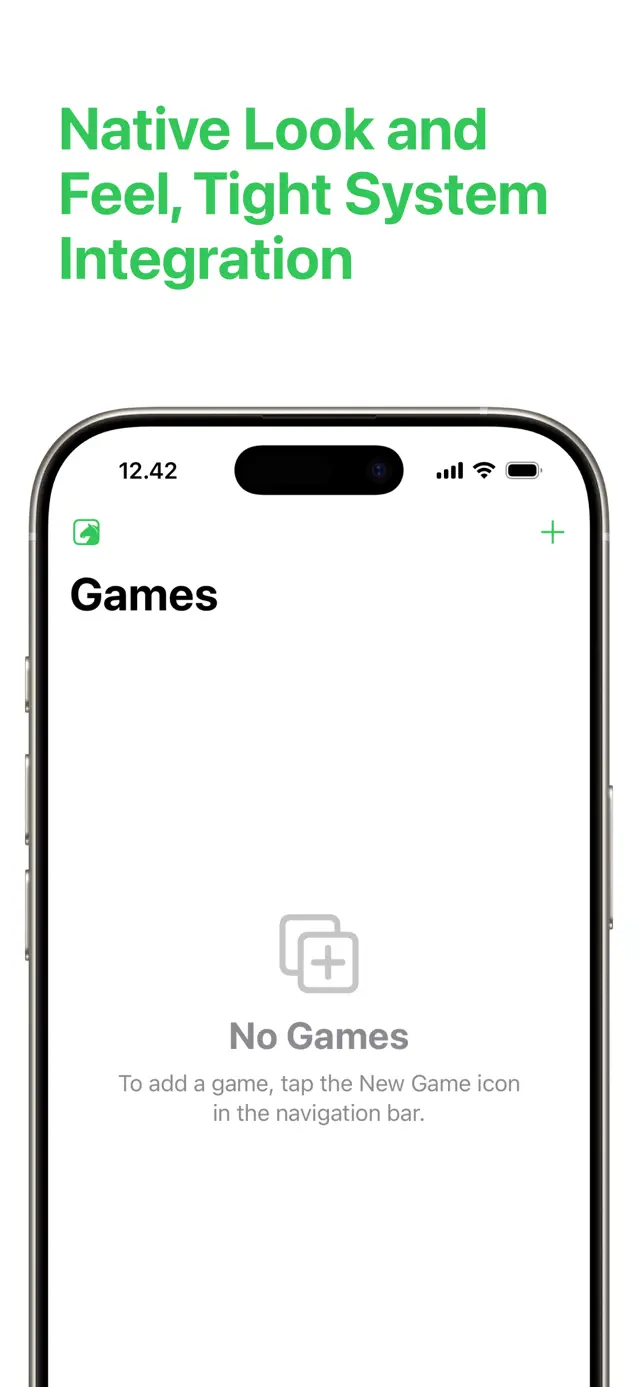
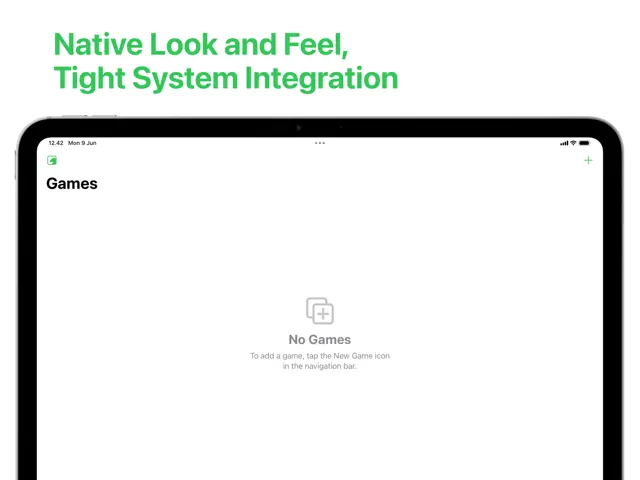
- "No Games" placeholder is now vertically centered on screen
- Reduced binary app size by more than a megabyte

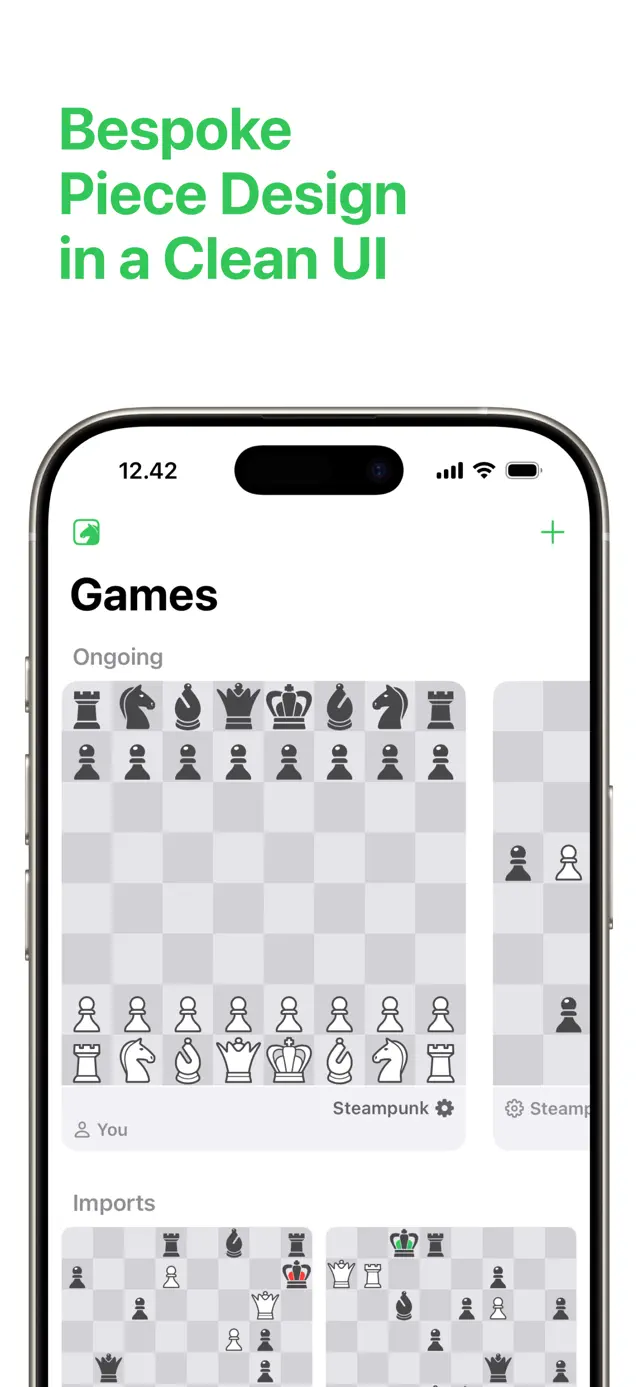
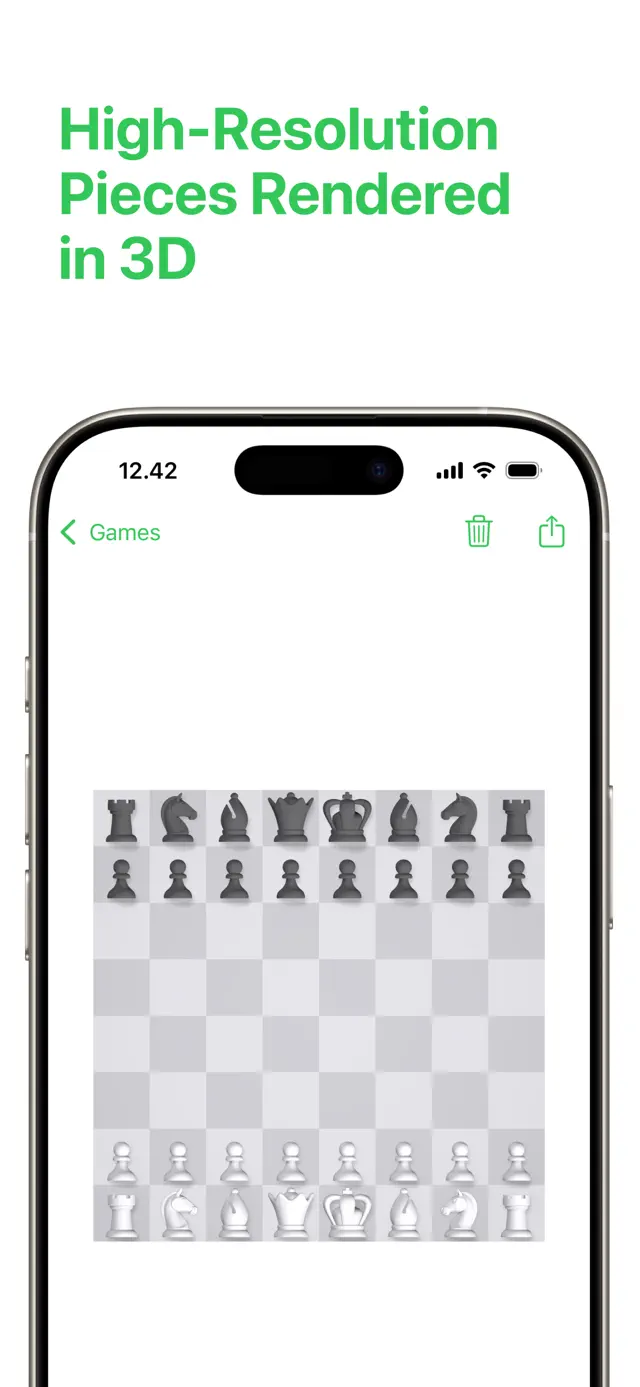
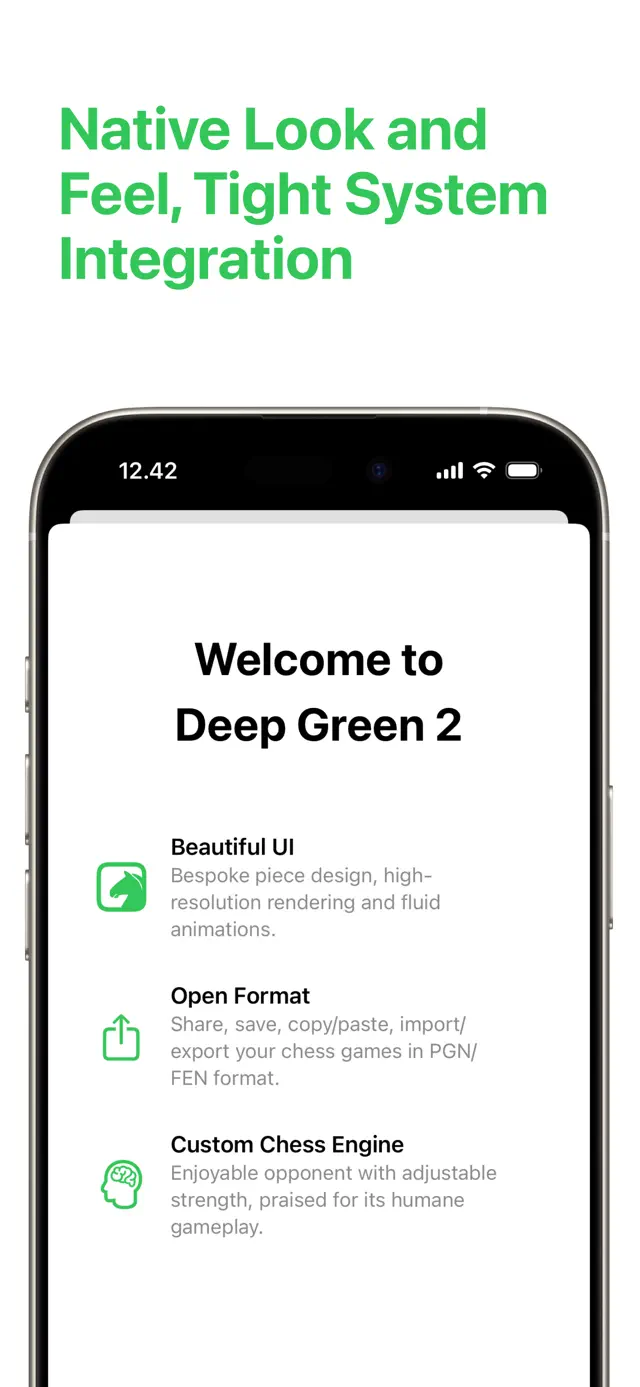
Deep Green is a world-class chess game for the iPhone, known for its exceptional design and friendly personality. It features a powerful engine that can challenge players of all levels, yet it remains accessible and fun. With smooth animations, undo/redo support, and a focus on the pure joy of play, Deep Green is the chess player's choice.
Dinsun Expert Review
Our Expert Score
Deep Green is arguably the most beautiful chess app ever made. It’s not just a chess engine; it's a work of art. The animations of the pieces moving, the soft lighting of the board, and the overall aesthetic feel incredibly premium. It’s the kind of app you use when you want to feel sophisticated while you play.
Underneath the beauty is a very capable engine that provides a great range of difficulty. It’s not quite as 'hardcore' as tChess in terms of analysis tools, but for the average player who wants a pleasant, distraction-free environment, it’s unbeatable. It’s a joy to use and a staple on my home screen.
Features
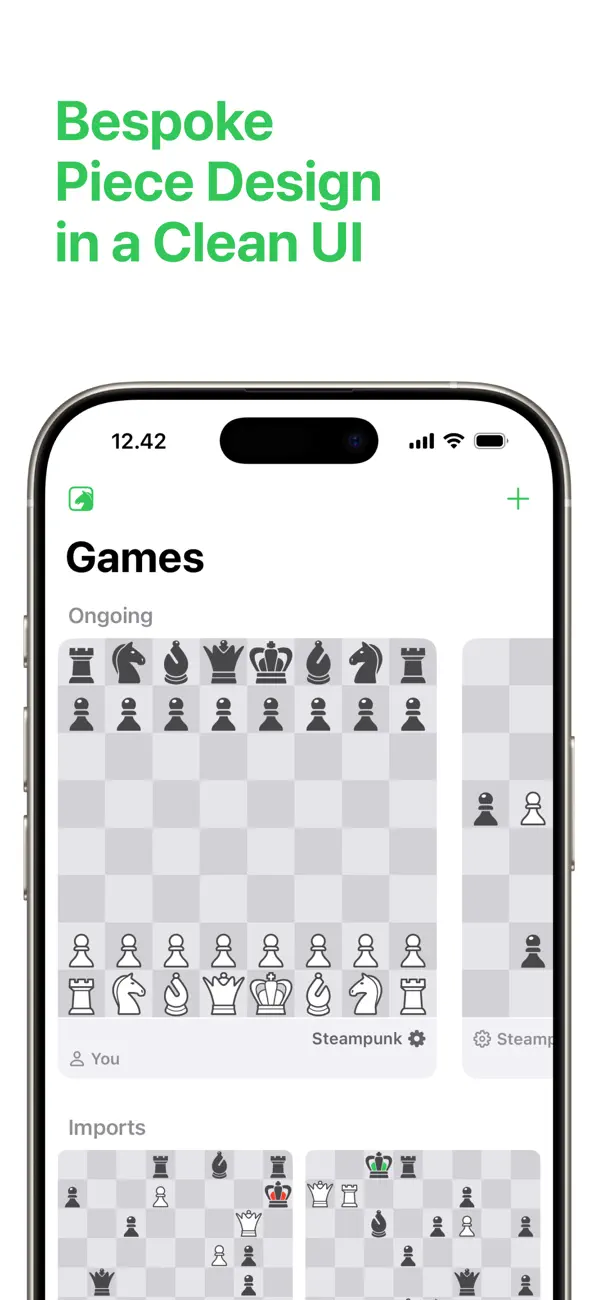
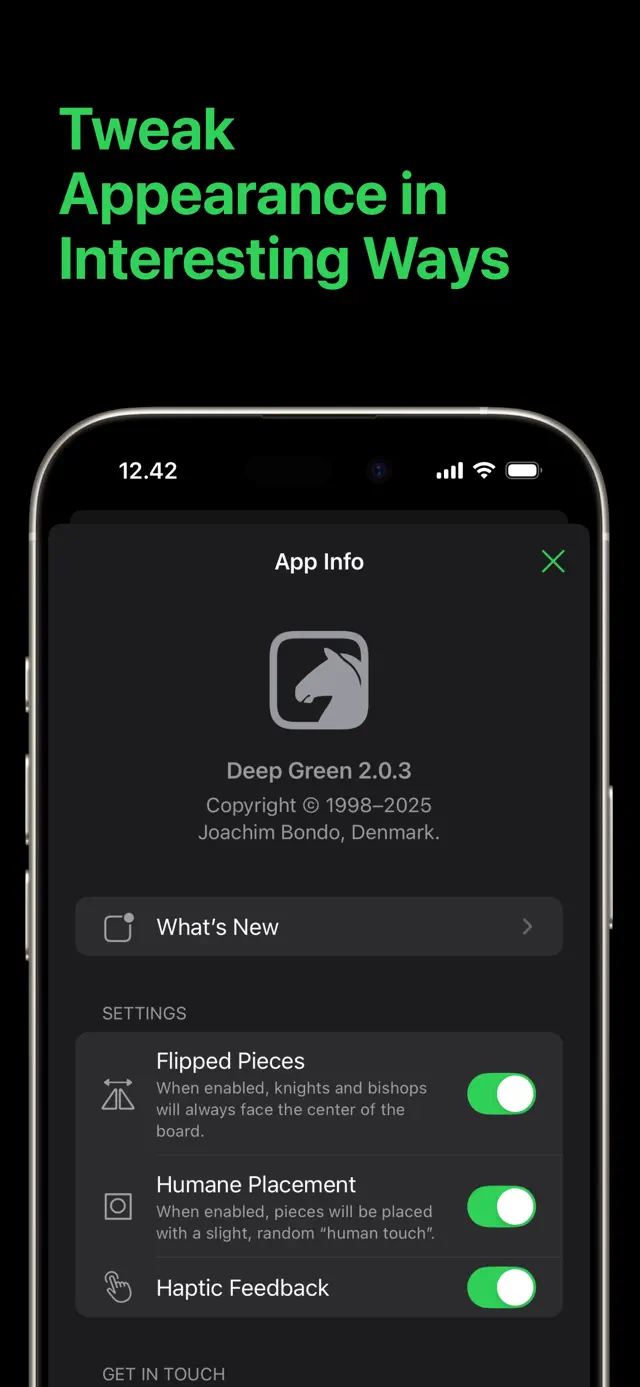
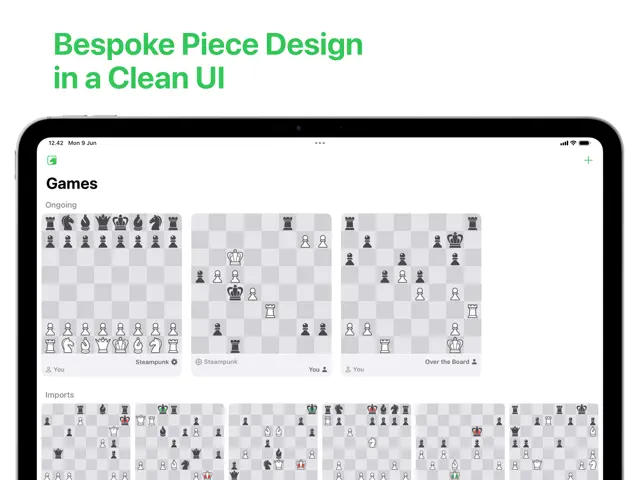
Gorgeous, minimalist design
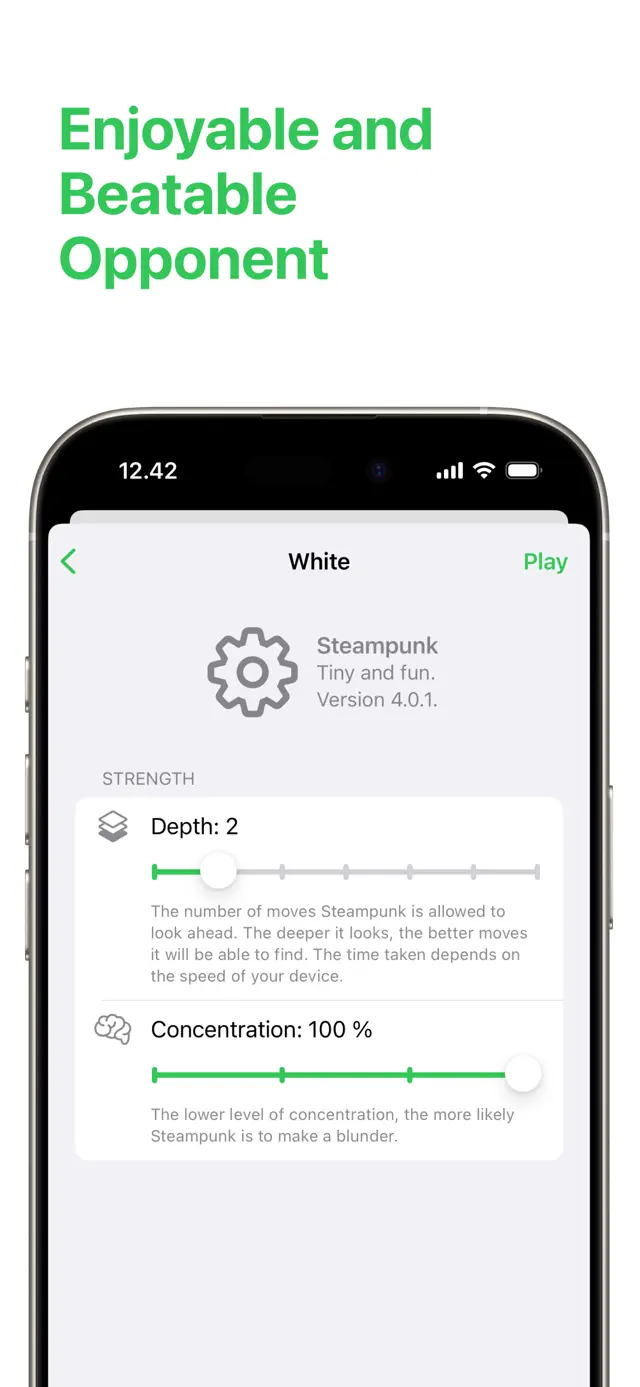
Strong adaptive engine
Infinite undo and redo
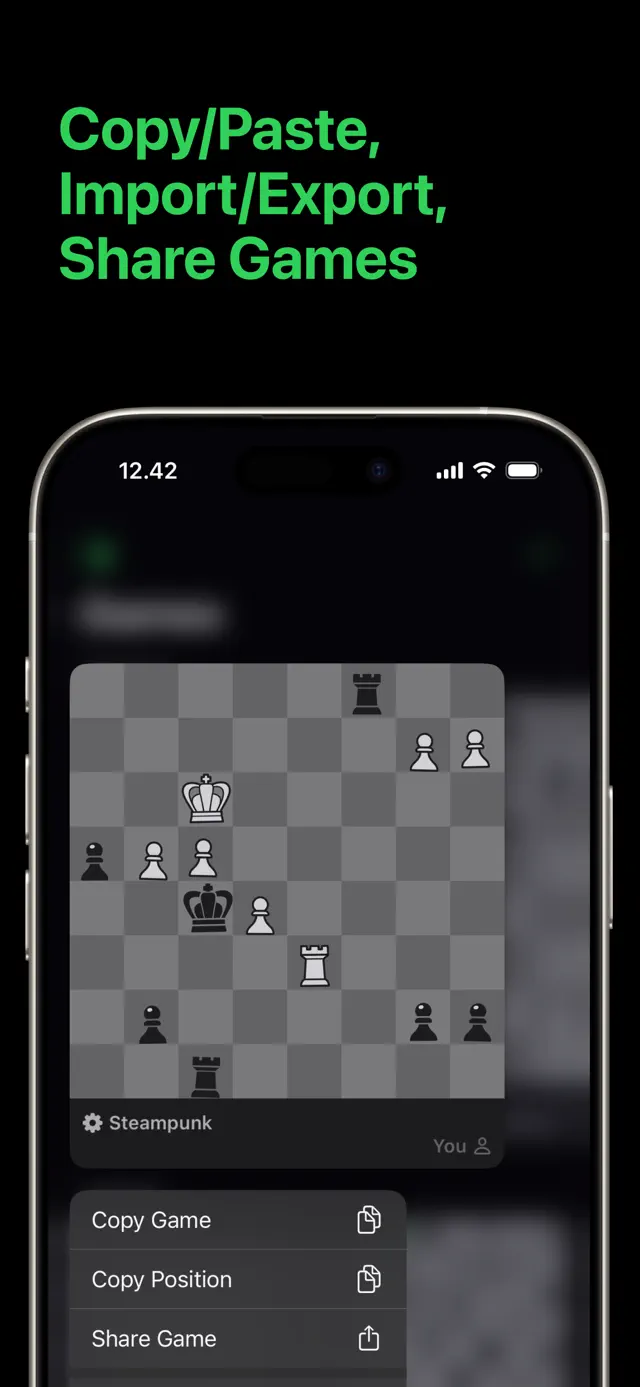
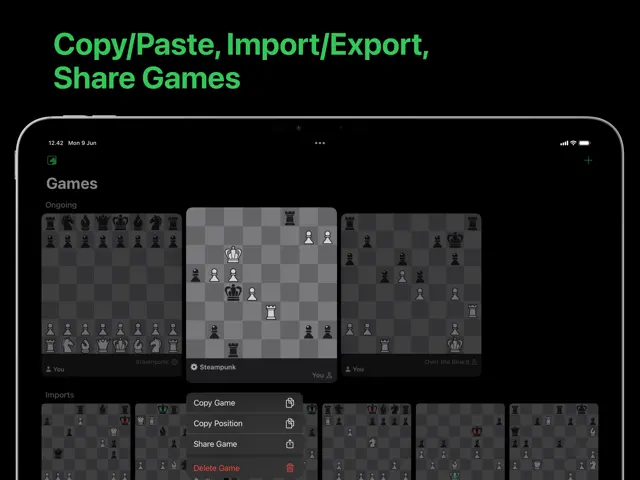
Game history and PGN support
Tips & Walkthrough
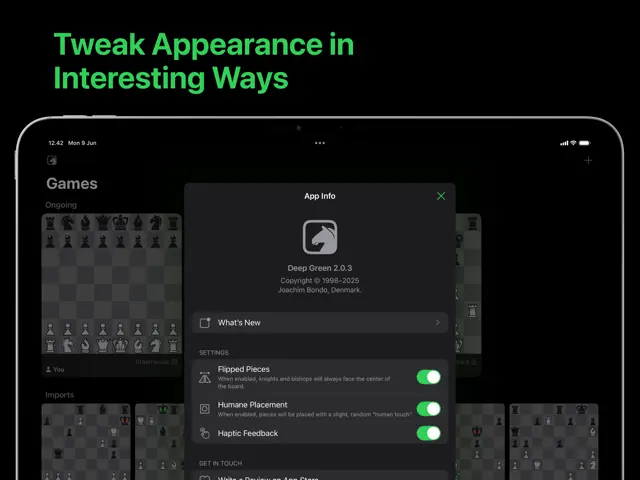
Use the 'Auto-Adjust' setting. The game will observe your wins and losses and subtly change its playstyle to keep you challenged without feeling overwhelmed.
Gameplays
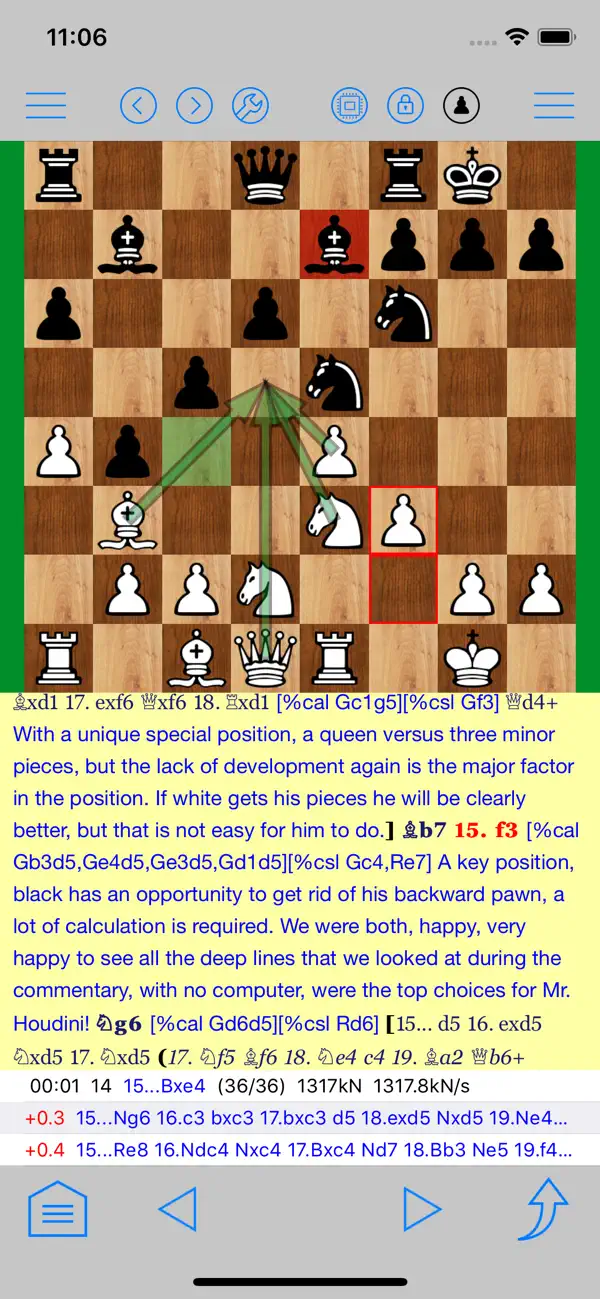
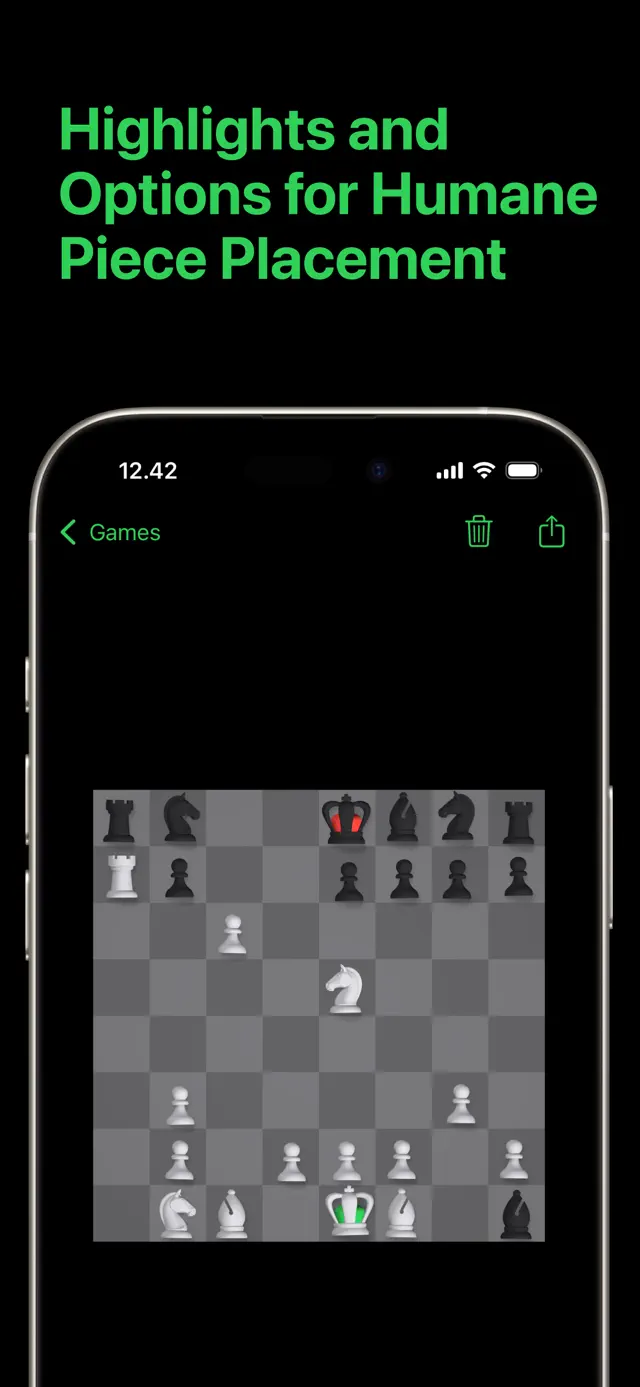
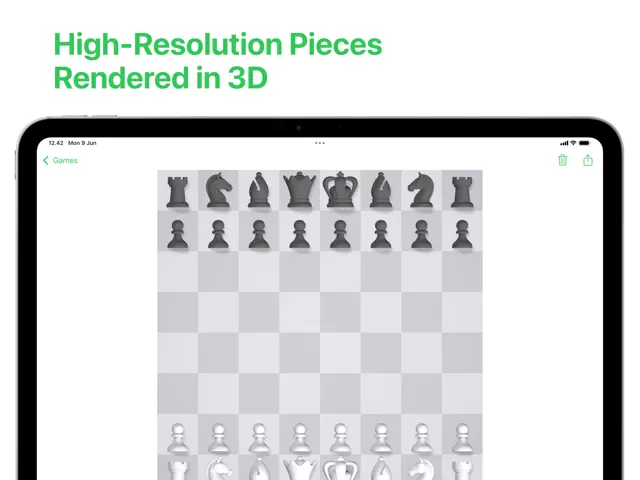
The pieces move with a lifelike fluidity. Simply tap or drag to move, and use the 'scrub' gesture to quickly review the history of the match.
Screenshot





Q&A
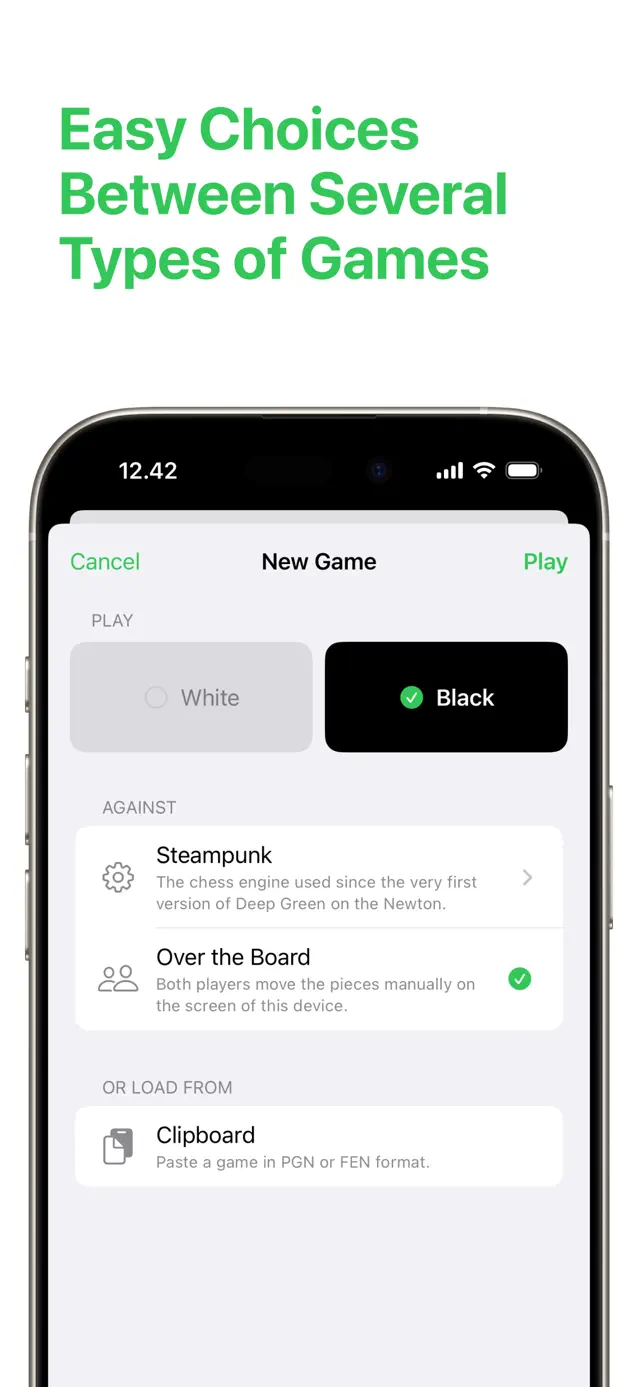
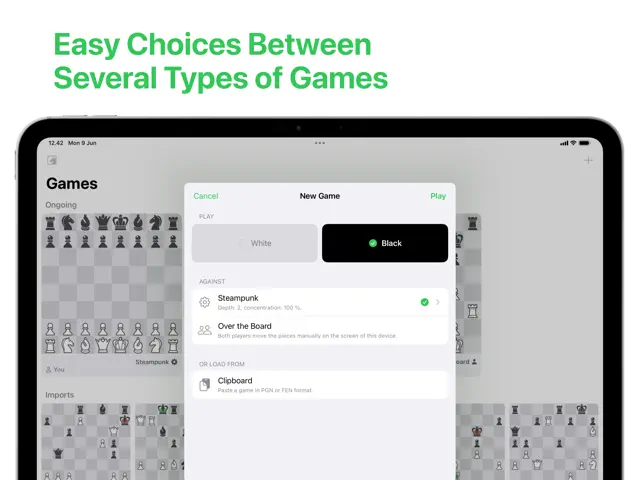
Yes, Deep Green supports a local two-player mode on the same device.
Ratings & Reviews
Prone to CRASHES
Wed Mar 29 2023 RPj1956For years I have enjoyed playing chess using Deep Green but over that time it has become prone to crash. Often it will crash in the midst of a game but it can be restarted and resumes back where it was. But there are time when it crashes in the midst of an intense contest and restarting the application avails nothing; the board will flash back and immediately crash again. Fortunately, I have actually been able to capture the fatal board setups with a very quick screen shot to later continue on a more competent platform. I would consider this a fatal flaw for Deep Green especially considering that the last time this app was updated was at least 7 years ago at the time of this review; obsolete. Ostensibly the developers have become complacent.
Is the new design permanent?
Mon Apr 24 2023 AvielgThe main reason I bought this game was the gorgeous design, and the new design just look like a generic life-less chess app :( The old icon is also 10x nicer than the new one… Is there any chance of making the old green-classic them & app icon be an option? I am currently holding back from updating the app 😬😬 Thank you!!
Major UI Change READ BEFORE UPDATING
Tue Apr 25 2023 JcalchiThis chess app is top notch—always has been. No other app is as enjoyable to use. BUT! This new update is a major change to the wooden board and pieces. It is no longer the green felt and classic wood. Look at the new version previews and make sure you’re ok with that before you update. The classic wood board is not an option. I wish it was. Also, the Steampunk engine’s gears no longer make noise. I miss both that and the old wood board.
Latest update ruined this game.
Wed Feb 11 2026 cuervobravoI used to love and play this chess app every single day. But, the latest update, 2/26, took away the ability to take back or replay moves, which completely takes away the game’s use as a learning tool. You can no longer back up and try different moves and outcomes. Features have been stripped away slowly for years, but this is the last straw for me. I’m now looking for another chess app. Very sad. :(
Beauty crafted and polished
Thu Jun 29 2017 Mike Bradshaw (bmike)This chess app is the best I've found. I'm not a strong player - so the lower levels allow me to have some less strenuous matches. I can also ratchet up the brains for a real challenge. I also appreciate the developer continually not charging again for the added functionality of new screen sizes. I enjoy using this chess program and am very happy the money I spent went to such a great developer. (Rotating the iPad is one of the best easter eggs I've seen in iOS for some time - so beautiful and delightful!)
Deep Green
Sat Jul 02 2016 WilliamsmwDeep Green is a stellar game, if not the best of the chess games available anywhere for not much green. If you are looking for a game with brilliant offerings, one of my favorites is the manual setup option, than search no farther. Please do yourself a favor and pay the price for this game.
Deserve to be first on top searches for chess games
Tue Mar 08 2016 N3Ls0n ri0sI find simplicity the strongest point for this app. Good job from the developer on graphics and sound. Attention to detail without overwhelming just as chess is intended to be played.
Redesigned app not working on iPad mini
Mon May 01 2023 foobarfoobarfoobarI opened the app after the update, opened my game in progress, then went back to the games page and deleted my in-progress game in order to start fresh. Now, I’m stuck on an unresponsive “Games” page—neither the “+” icon in the upper-right, nor the knight icon in the upper-left respond to taps. I’ve quit the app, as well as reinstalled it completely, with no change. 6th-gen iPad mini with iOS 16.3.1 installed.
Some Youtube Videos found!

BMF100 Green's Gaming Gang: Splatoon 3 Chocolate Splatfest Collab Gameplay! (w/ VAF, DCG & CYL) - YouTube

Day One Jungle Survival | Green Hell Gameplay | S5 Part 1 - YouTube

HAUNTED CHOCOLATIER Hypothesis Early Gameplay & Reaction! | Concerned Ape Stardew Valley - YouTube
Roblox Rainbow Friends are NOT our Friends = (FGTeeV Gameplay w/ Drizz) - YouTube
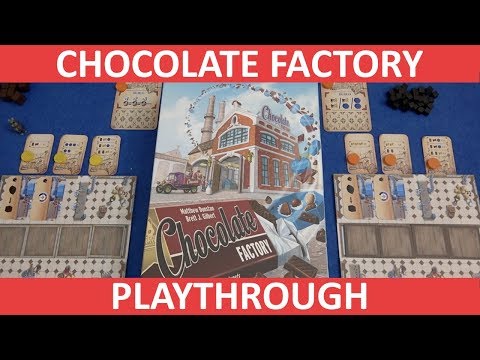
Chocolate Factory - Playthrough - slickerdrips - YouTube

Splatfest Sneak Peek! Dark, Milk, White Chocolate! - Splatoon 3 - Gameplay Walkthrough Part 79 - YouTube
Candy Land (Windows, 1998) Gameplay - YouTube

Making chocolate from scratch to feed an addiction - YouTube