Bingo Machine - Number Caller
Call bingo ball numbers
Ratings
Age
4+
Category
Casino
Languages
English
Mon Sep 02 2024
Fixes an issue with VoiceOver compatibility with the game timer setting.

Bingo Machine replaces traditional tumblers with a powerful digital caller. It supports 75-ball and 90-ball variants, featuring both recorded human voices and synthesized speech in multiple languages. With AirPlay support for external displays, a Dark Mode theme, and full VoiceOver accessibility, it's the perfect companion for schools, charities, and home games.
Dinsun Expert Review
Our Expert Score
Bingo Machine is the definitive tool for anyone looking to host their own bingo night without the hassle of bulky equipment. It transforms your iPhone or iPad into a professional-grade number caller that is both elegant and incredibly functional. Whether you’re running a small family gathering or a large charity event, this app handles everything from ball selection to game history with ease. The interface is clean, modern, and—most importantly—completely free of ads.
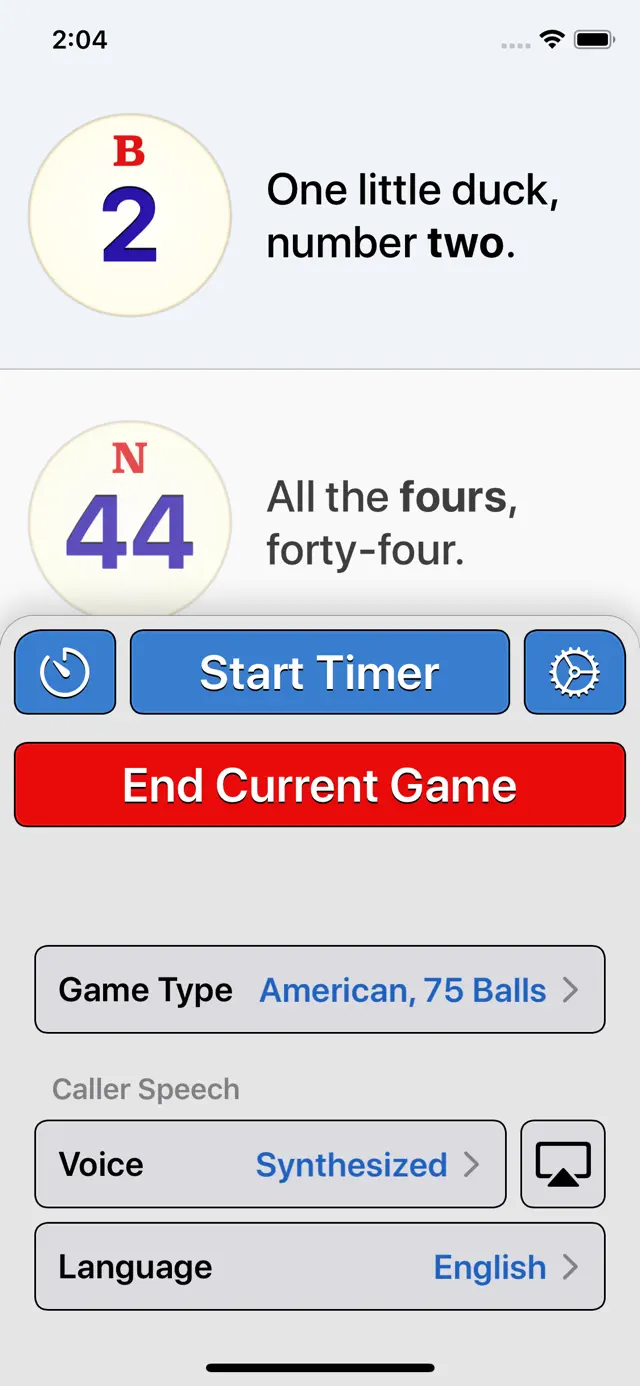
The app's versatility is its greatest strength. It supports both 75-ball American and 90-ball English bingo, and the inclusion of high-quality human and synthetic voices makes it accessible for everyone. One of the best features is the ability to connect to an external display or projector via AirPlay, effectively turning any room into a bingo hall. It’s a specialized tool that does one thing exceptionally well, proving that sometimes the best apps are the ones that simplify real-world tasks.
Features
75-Ball & 90-Ball Support
Human & Synthetic Voice Options
AirPlay External Display Support
No Ads or Data Collection
Multilingual (English, Spanish, etc.)
Tips & Walkthrough
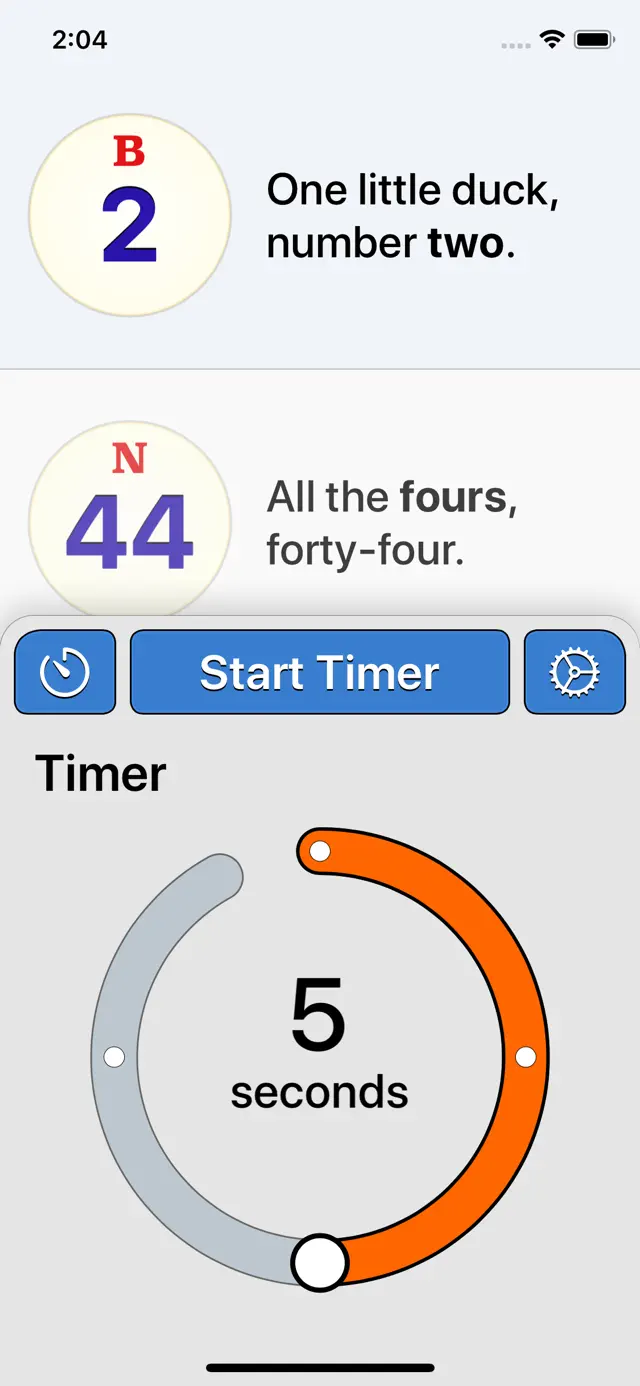
Use the Timer feature to set a repeating interval. This allows the app to call balls automatically every few seconds, letting the host play along with the group.
Gameplays
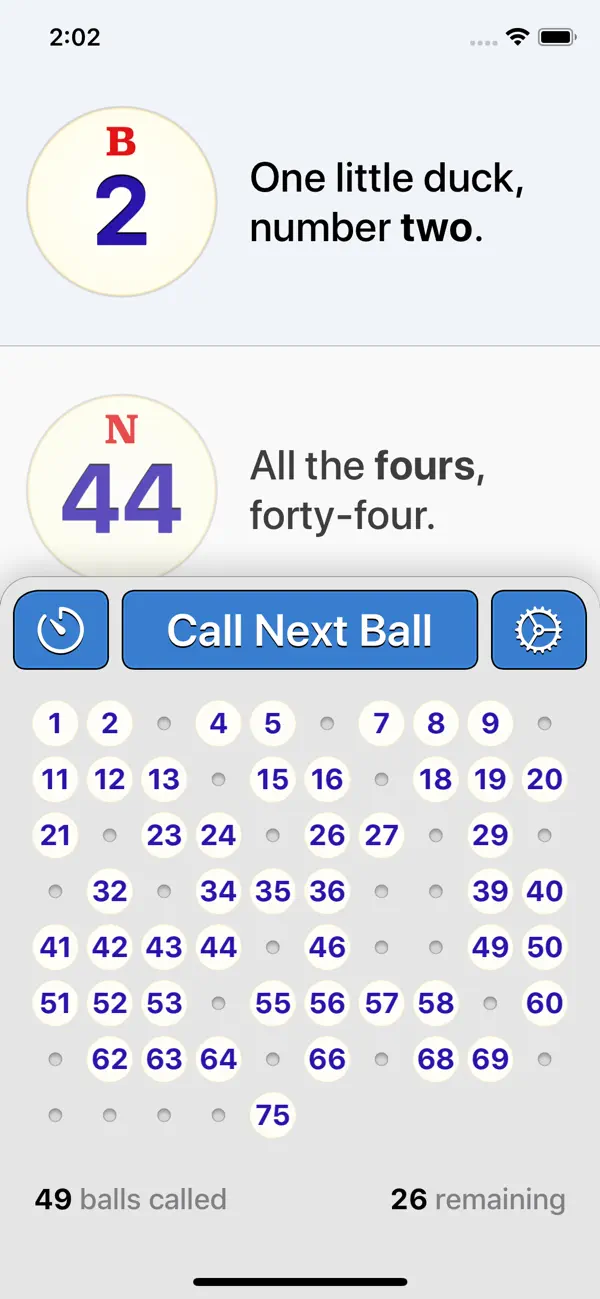
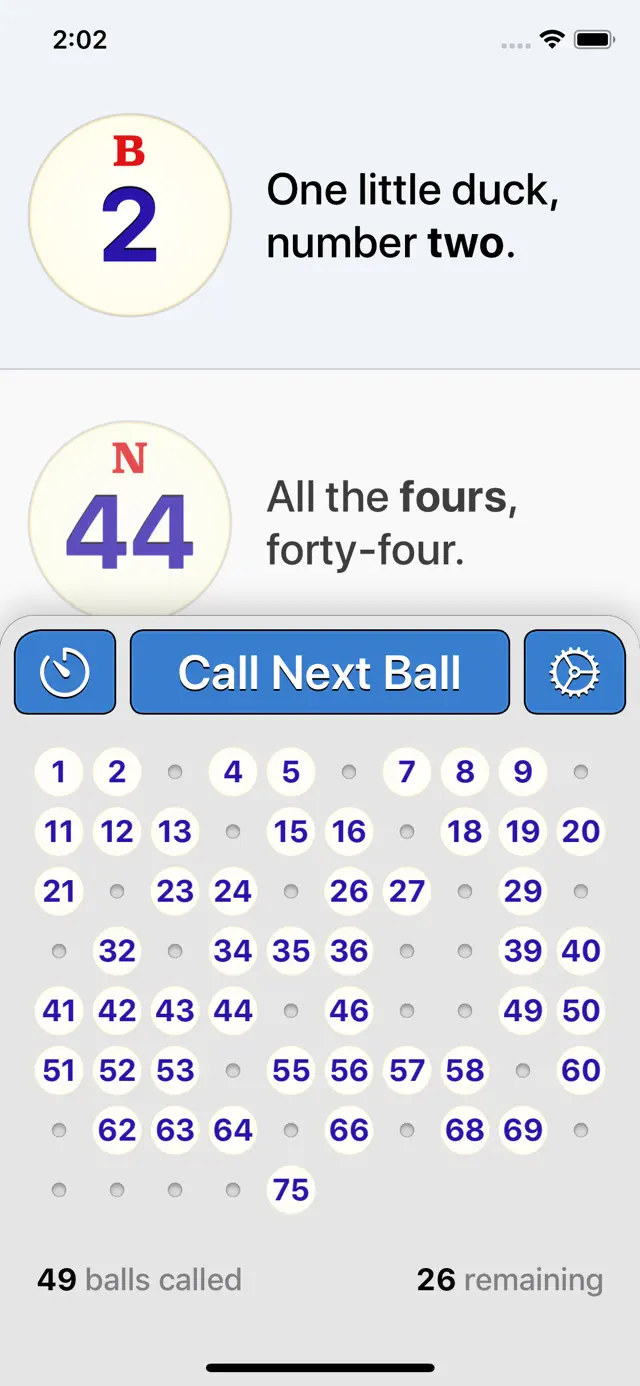
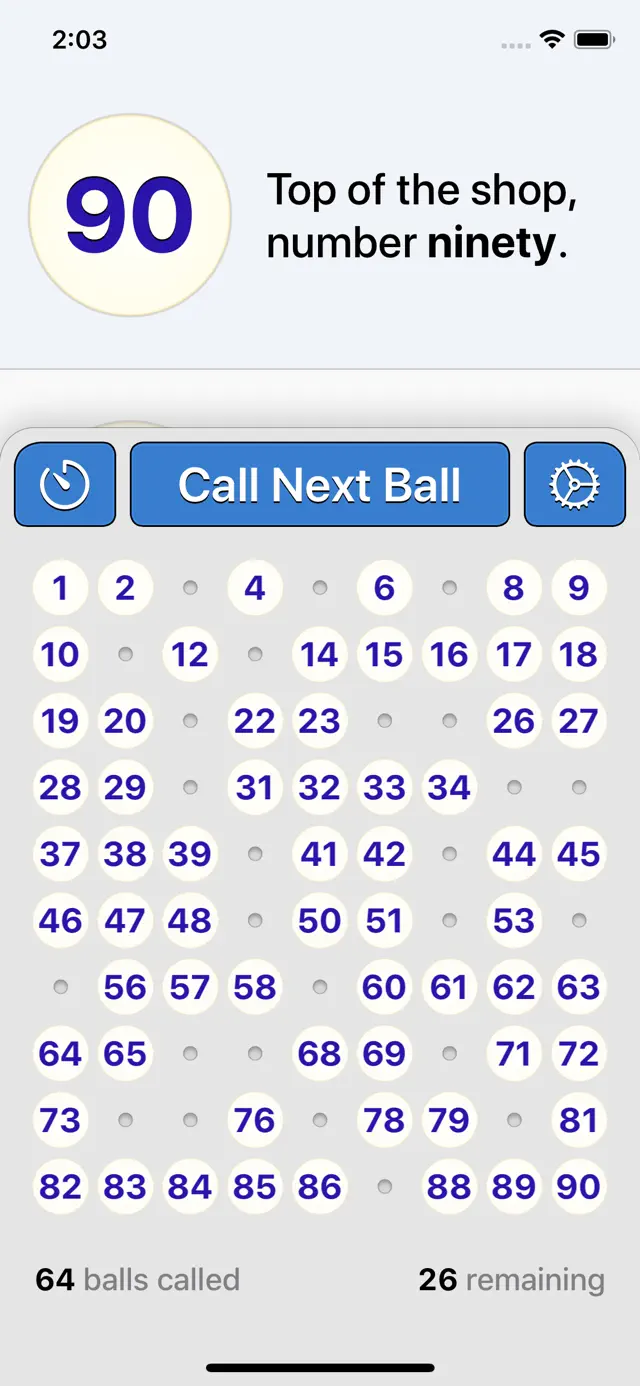
Select your game type (75 or 90 balls) and tap the 'Call' button to draw a number. The app tracks the history of all called balls for easy verification.
Screenshot

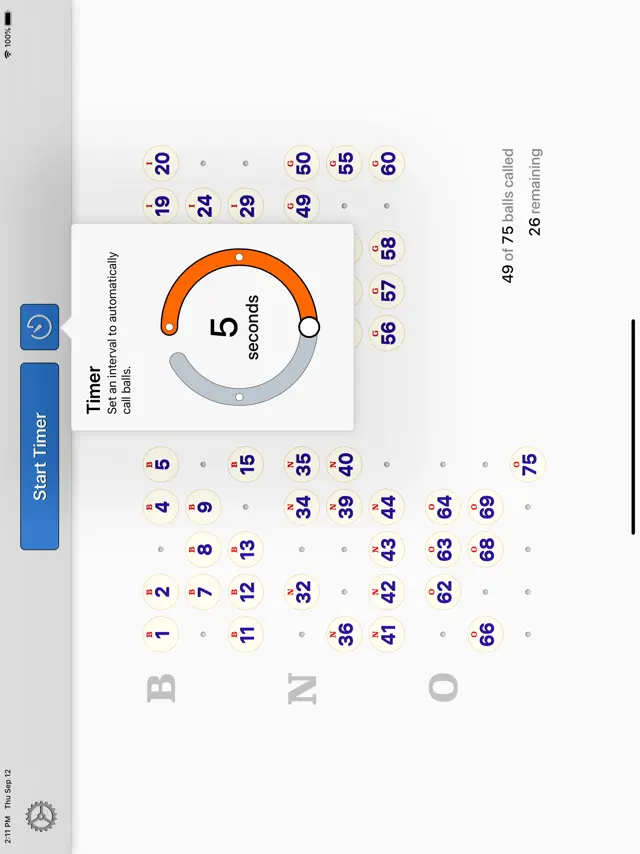
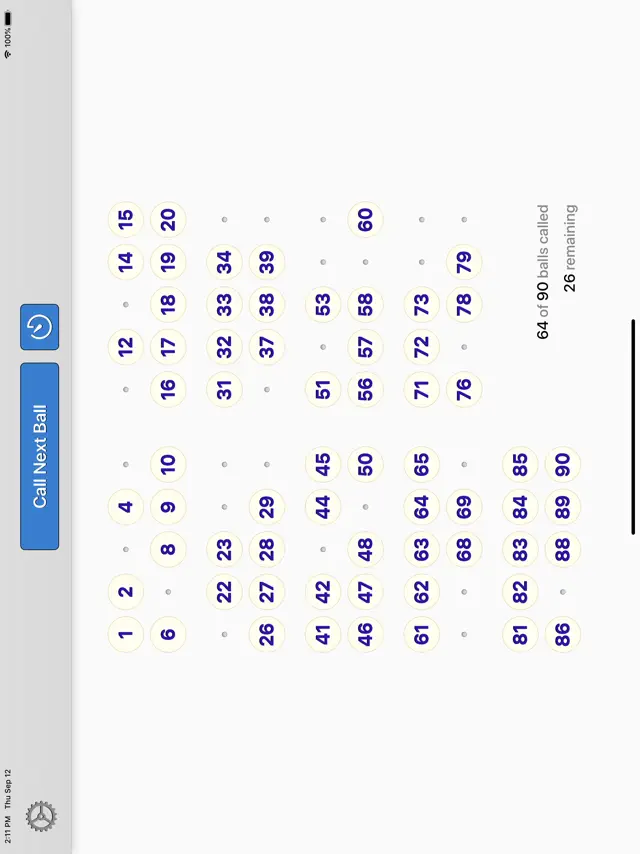
Q&A
Yes, you can use AirPlay Screen Mirroring to show the bingo board on a large screen via Apple TV.
Ratings & Reviews
Great app, needs one small fix
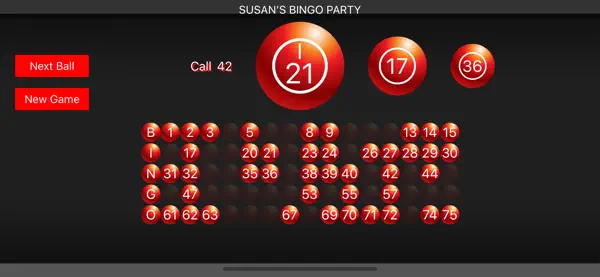
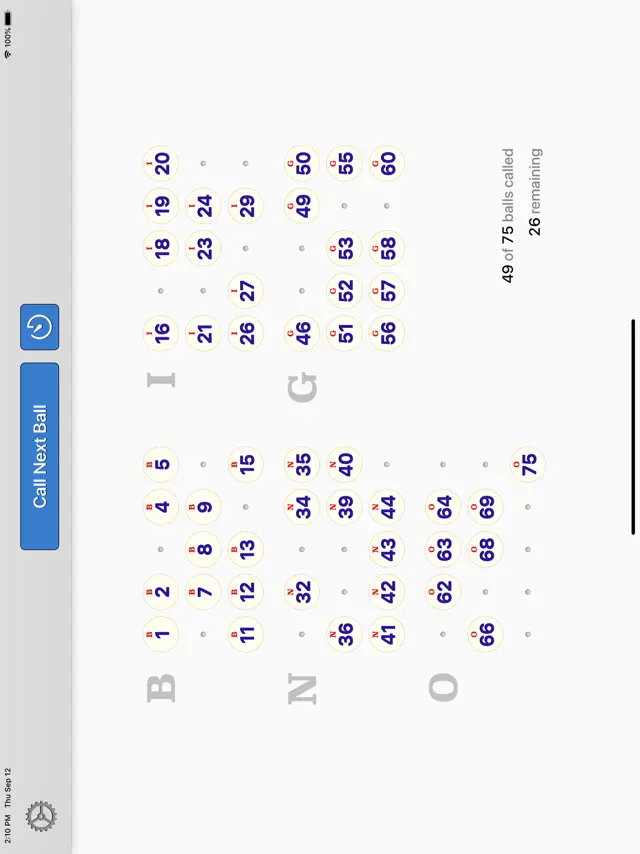
Sat Jan 20 2018 Jen.29I love the look and function of this app! It is the only one I found that shows a grid of called numbers side by side with currently and recently called balls (iPad version). Unfortunately for us Americans, when projected through screen mirroring, the called ball doesn’t show a letter, even though it shows on the device. I recommend a true screen mirror for Apple users, rather than the current modified TV-Out function. Other than that, a perfect app. Side note: super quick response from app developer, very helpful.
Call letter too
Thu Jan 31 2019 Didot1Family and friends likes playing bingo and this is a great app. But it would be perfect if they would have an option to call the letter (BINGO) prior to calling the number. Some of our players are kids not very familiar with the concept of bingo. It would be easier of the can look up the numbers by letters. Otherwise I would recommend this to friends.
Great app
Thu Oct 03 2019 YabishphillyLoved the new the set up but i work with elderly people and now it’s hard for them to see the numbers because of the color blue and red. Can you please fix that issue 🙏🏼 and make the number bigger again. I play it on the TV for them.
Frustrated purchaser- not as described
Tue Feb 13 2018 0RikkiTikki0Purchased for a school fundraiser to use with American style (B-23) number calling and the app only uses English style, regardless of trying to change the settings to American. The ball graphic itself will display a letter (B, I, N, G, O) but will not say or display that along with the called number. You are left to looking at the tiny letter displayed to understand what column the number is to be played. I can’t use this app due to this reason as that’s now how the game is played here. Disappointed and that functionality was not listed in the app.
Not listening family members
Mon Dec 16 2019 whatdatWhen I call bingo numbers family members are not listening (too busy talking) then they ask what was the last number called. Any way to hi-light/flag last number called? Love the app so far
Disappointed with this app.
Fri Jan 03 2020 Laughing.CroneThis app has a lot of glitches on my iPhone. All of a sudden the voice stops working, but the numbers continue on the screen. Also will not stop when I hit pause. We enjoy playing bingo with our disabled son, but this is very frustrating. Please create a fix.
Lost iPad Functionality with 4.0
Tue Jan 14 2020 10KStreamsI used this app almost weekly for various bar gigs, but found a completely different app when I updated to 4.0. The iPad version has very tiny text on the called numbers layout. Previously, call history was prominent, but now it is no longer there, leaving only the tiny text as your way of seeing which column a number falls into. Called numbers are no longer grouped by column. There is no longer a counter for total number of balls remaining. The timer function is inconsistent and inaccurate. A “two second” timer will actually take five seconds. The iPhone version sounds nice though.
Horrible
Sun Oct 27 2019 RoyalPrince93Purchased and want my money back there should really be a video preview of the way it sounds I want my money back and this app isn’t good you can’t even here when the voice says the letter and doesn’t matter if you slow it down still can’t hear the letter just the number