
Alliance Alive HD Remastered
Roleplaying
Ratings
Age
13+
Category
Roleplaying
Languages
English
Mon Jan 30 2023
Fixed a language change issue that occurred in some languages.
In a world ruled by Daemons, humanity is divided by the Great Barrier. Join a group of unlikely heroes as they form an alliance to fight back against their oppressors. The Alliance Alive HD Remastered features a unique 'Awakening' system where characters spark new skills during battle, and a 'Guild' system that allows you to strengthen your party by recruiting members worldwide. With a script by Yoshitaka Murayama and a beautiful world to explore, this is a premium RPG experience now optimized for mobile.
Dinsun Expert Review
Our Expert Score
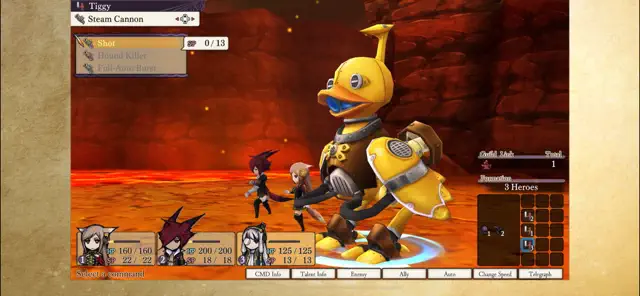
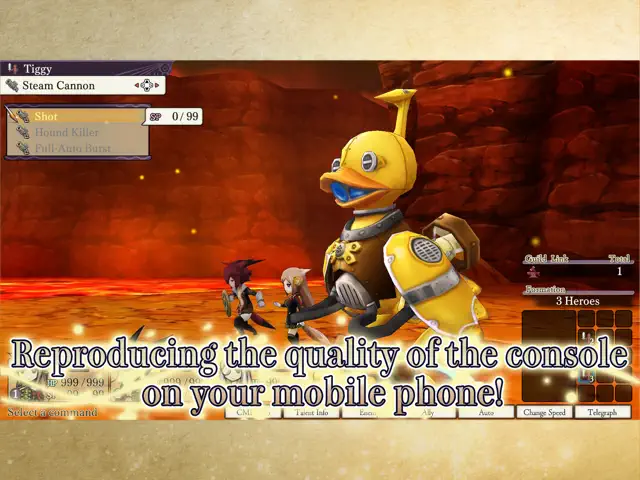
The Alliance Alive HD Remastered is a breath of fresh air for JRPG fans, bringing a classic, high-quality experience to mobile with impressive technical polish. Originally a 3DS title, the game’s unique world—where humanity is divided by magical barriers—looks gorgeous in high definition. The 'Awakening' combat system is the standout feature, where characters learn new skills mid-battle based on their weapon proficiency, adding a layer of excitement to every encounter.
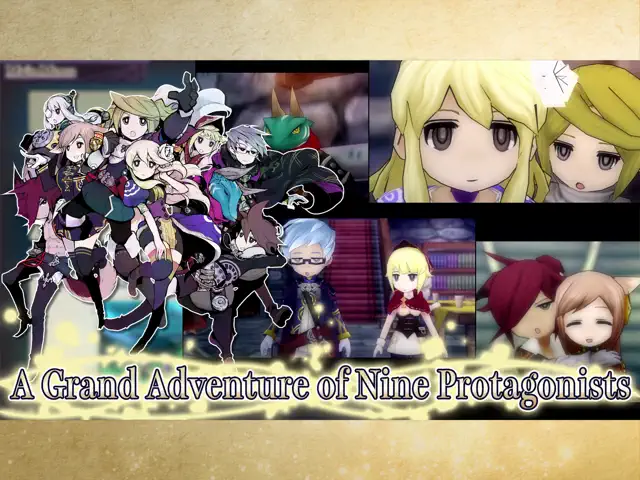
The narrative is written by Yoshitaka Murayama (of Suikoden fame), and it shows. The multi-perspective storytelling allows you to see the world through the eyes of nine different protagonists, each with their own motivations. While the world map can feel a bit traditional, the sense of exploration and the ability to travel via ornithopters and other vehicles makes the journey feel grand. This is a substantial, 40+ hour RPG that respects the player's intelligence and time.
Features
Stunning HD remastered visuals
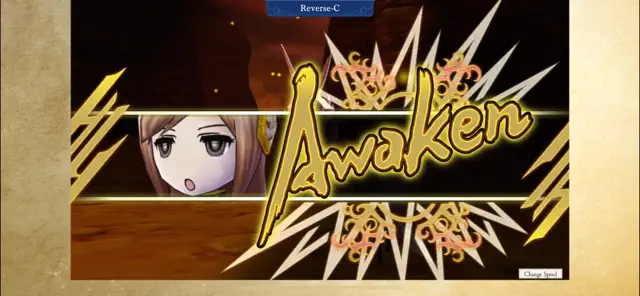
Innovative 'Awakening' combat mechanics
Deep guild and recruitment systems
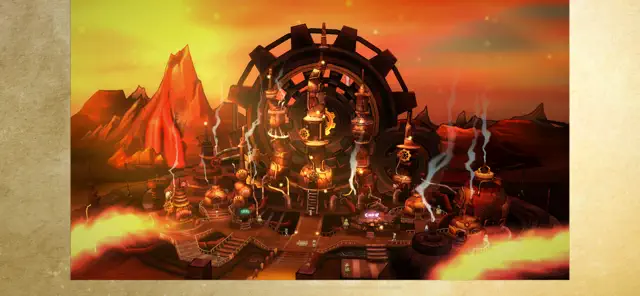
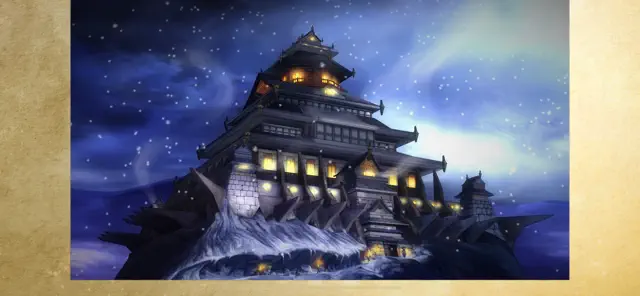
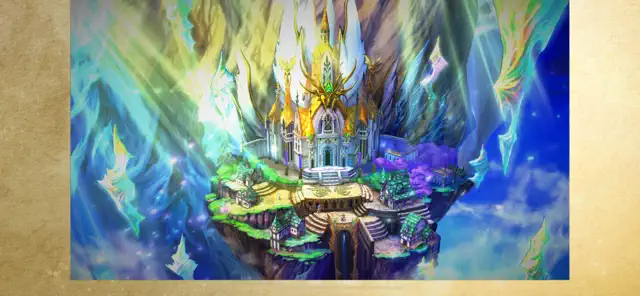
Expansive world with diverse vehicles
Tips & Walkthrough
To unlock powerful skills, challenge enemies that are slightly stronger than you. The more difficult the encounter, the higher the chance your characters will 'awaken' new weapon techniques.
Gameplays
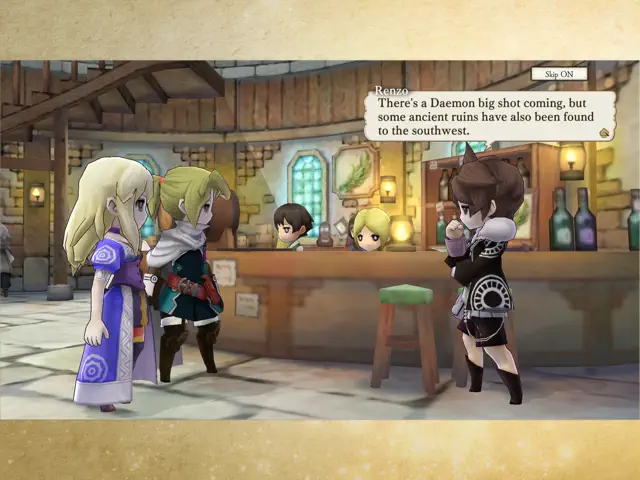
Switch between nine main characters across different continents, eventually bringing them all together to form a powerful resistance against the Daemon rulers.
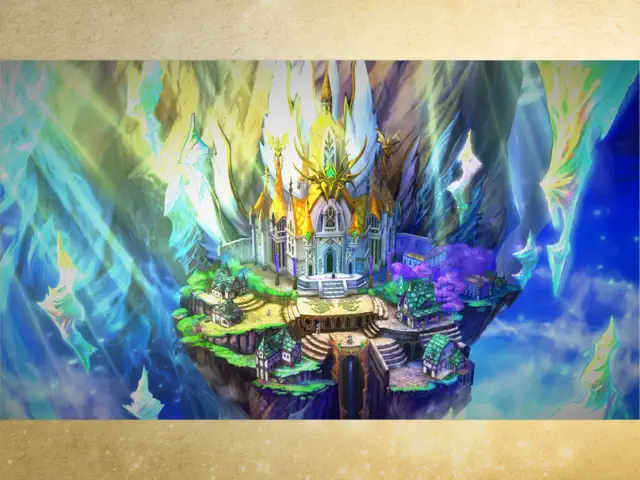
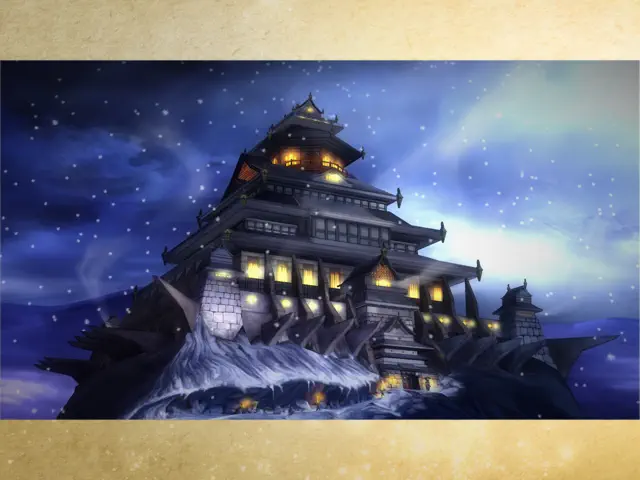
Screenshot


Q&A
Yes, this is the complete HD Remastered version with all story content and optimized touch controls.
Ratings & Reviews
Touch screen controls are kinda jank
Fri Jul 14 2023 QuadragintaThe actual game itself is 5/5 stars, but the touch screen controls and odd screen windowing make this version kind of weird to play. If you can adapt to this version’s jank controls as well as the weird non-full screen picture mode, having Alliance Alive on your phone is quite convenient. No need to shove a 3DS in another pocket, no need to carry around your switch in a switch case, just have the game on your phone. I managed to beat the game this way with few complaints, so it’s definitely playable. The sheer quality of the game itself definitely outshines what otherwise feels like a lazy port. If the idea of non-full screen and jank touch screen controls don’t appeal to you, maybe play another version of the game.
A frustrating port of a charming game
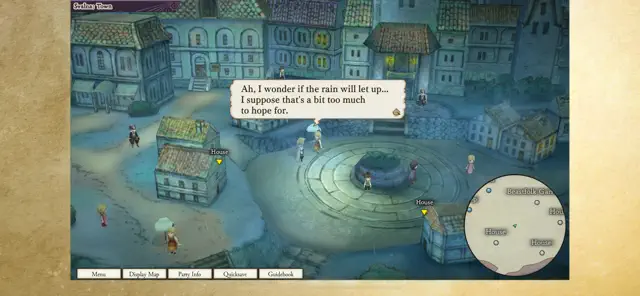
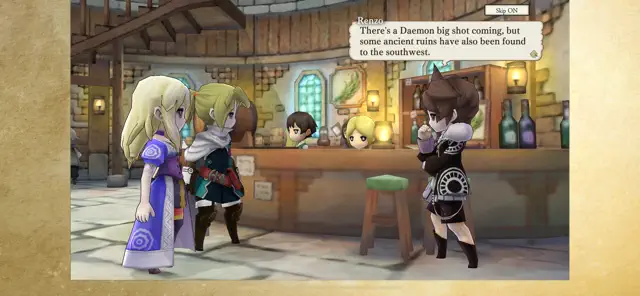
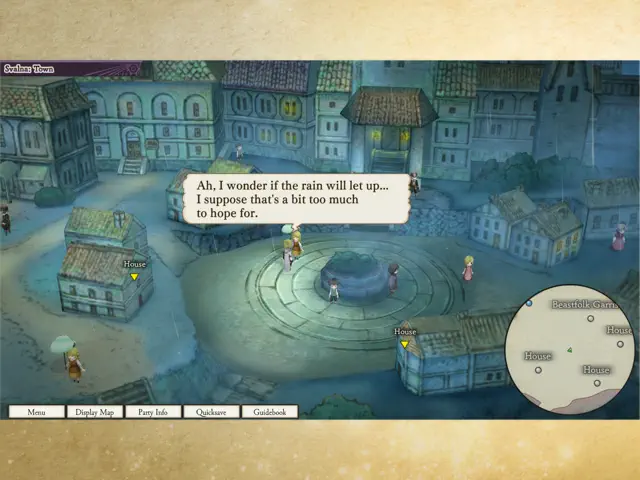
Sat Jan 07 2023 EricRandallFor a review of the actual game, see any number of reviews of the originals or previous ports. As for the iOS version, it is extremely frustrating. First, physical control options have been unnecessarily removed. Forget playing this with a Backbone controller or something similar. This alone ruins the game as far as I am concerned. The touch controls are basically serviceable, but why remove control options? It just makes no sense. Second, the pictures in the description here are accurate. Very accurate. That lopsided brownish border is exactly what you will get (at least on an iPhone 14 Plus—on iPad it is just letterboxed), and there are no options to change it as far as I can tell. Third, no cloud saving so forget playing it across devices. As it is, the game basically works but it just seems like the developers really didn’t care much about making it a truly good port. I am (probably naively) hoping for some updates which sort out the ugly screen windowing and add controller support, but based on past experiences, that hope is likely in vain. My recommendation: Pass if you have any other way of playing this game.
Game issue without controller support
Sun Dec 15 2024 NobodyexistI bought this game without read the reviews which I should have done so to avoid a bad experience. I absolutely love this game like I have it on PS and Switch. So, I thought I would have an amazing experience and wanted to play it again, but with my phone. Turn out… there are some things that I can’t do or have the access to due to no controller support like I couldn’t switch to different character on the menu for their status, equipment, etc. that’s when I realized I wouldn’t be able to play this game with full functionality without controller support in the beginning. I’m really disappointed. I wouldn’t recommend this game on your phone. Till this game has a controller support, you’re better off play it on switch or PS without worry that you wouldn’t be able to have access to certain things like few features in menu and such.
Almost there!
Sat Jun 22 2024 rhljk14So close, so very close. First issue is the screen. Not sure why it is set up the way it is, makes no sense. I can certainly understand side borders, we get that often, but the bottom border is bizarre. Second issue, and it is quite honestly the biggest, is the controls. Why controller support is missing is unclear, and with the significant mobile gaming push recently, not including support is just a poor decision. Controller use with mobile phones is so commonplace now that without it, players will just opt for other games that do offer controller support. This is mobile gaming with so many options out there that not having it limits sales. So again, so close, but sadly off to something else.
Almost perfect
Mon Jul 08 2024 Rexgrave06Would be nice if it had controller support or proper touch controls instead of dragging controls, the game works just fine but it would be nice to have the alt options for the controls. Arc Sys pleas update the game.
The people in the reviews are right for once
Fri Apr 11 2025 CakePopArtist18I think for once, the people who are reviewing this game are right! Because there is no way to customize the controls to fit your style of gameplay and worse of all, I have a big phone(iPhone 16 plus) and it makes absolute NO SENSE why there should feel the need to have a golden border on the screen, it makes the game and the screen smaller!! Worse of all, it’s hard to play without the controller! I hope that this game supports backbone controller because I want to play this game with a backbone!
Controls are wonky.
Thu Dec 15 2022 TanisNikanaThe OK/cancel ring could be made good if cancel was infinitely big around OK, but it’s too small to reliably hit with normal speed. Also, the d-pad needs swipes to push arrows, instead of individual taps. Navigating the menu is cumbersome. Played this game on DS and Switch, and it was awesome there. Hopefully they’ll adjust this here too.
Low effort port
Wed May 15 2024 Entity017The game uses a cheap onscreen controller that doesn’t work well. Add real touchscreen support or controller support. I don’t recommend buying this version.
You may also like


PARANORMASIGHT


Doom & Destiny Worlds

FF IV: THE AFTER YEARS

Lunar Silver Star Story Touch


Sands of Salzaar


Temporal War

