
Accessible Sudoku
Puzzle
Ratings
Age
16+
Category
Puzzle
Languages
English
Fri Feb 06 2026
Background audio now plays when selecting
guess

Accessible Sudoku is designed from the ground up to be playable by everyone, including those with visual impairments. With full VoiceOver support, large fonts, and high-contrast color schemes, it removes the barriers common in digital puzzle games. The game offers thousands of Sudoku grids across multiple difficulty levels, from beginner to master. Features like smart notes, auto-check, and hint systems ensure a smooth experience, while the clean, distraction-free interface keeps the focus on the logic and the fun.
Dinsun Expert Review
Our Expert Score
Accessible Sudoku is a triumph of inclusive design. It’s rare to see a game that so thoughtfully considers the needs of visually impaired players while remaining a top-notch puzzle experience for everyone. The VoiceOver integration is flawless, and the high-contrast modes are a godsend.
The gameplay itself is pure Sudoku—no gimmicks, just well-crafted puzzles ranging from 'Easy' to 'Expert.' The interface is intentionally minimalist to avoid clutter, which actually makes it one of the most relaxing versions of Sudoku I've played. It’s a masterclass in how to make a classic game truly universal.
Features
Full VoiceOver and Screen Reader support
Customizable high-contrast themes
Four balanced difficulty levels
Offline play supported
Tips & Walkthrough
Enable VoiceOver in your device settings to have the app read out cell coordinates and numbers. Use the 'High Contrast' mode in the game settings to improve visibility of the grid lines.
Gameplays
Fill the 9x9 grid so that every row, column, and 3x3 section contains the numbers 1 through 9. Use the 'Note' tool to keep track of possibilities for each cell.
Screenshot

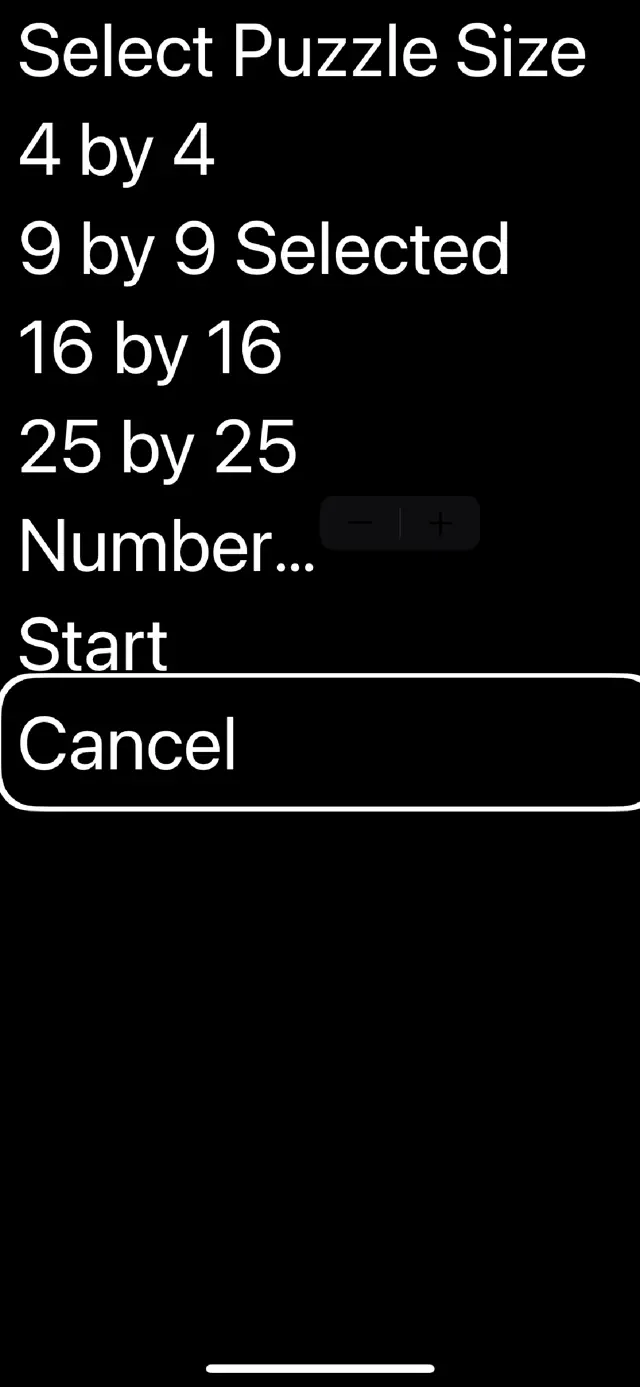


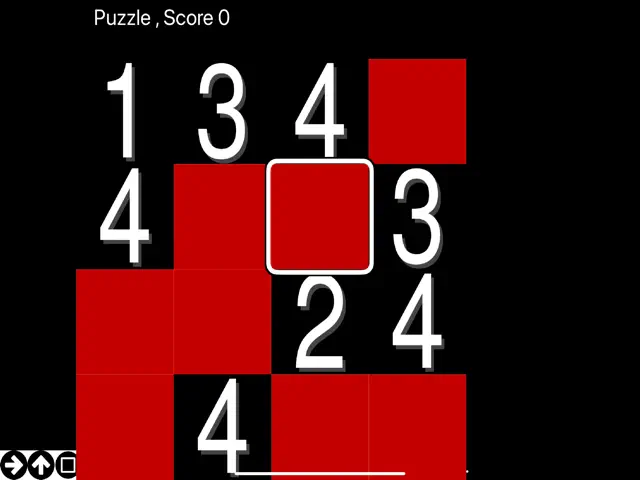

Q&A
Yes, through iOS VoiceOver, the game is compatible with most refreshable Braille displays.
Ratings & Reviews
Hard to play
Mon Apr 29 2024 Yodel cloudThis a very good game but it’s hard to play cause the big square boxes have no lines can you get leases make this game more accessible
Not accessible for people with usable vision
Fri Jul 18 2025 HTXCatDadAs you can see in the images from the developer, the left half of the first column is not visible. There is no way to make it visible. The right half of the numbers 3 and 8 look the same. If it weren't for that, this game would be really good. For me, it can be unwinnable. There is no reason for me to keep this on my phone.
Very good with voiceover.
Sun Nov 27 2022 Ashleigh PeachThis game is very good with voiceover. I do, have a few suggestions, however. well, it’s actually one suggestion, but to use across-the-board… Literally. Why not, after finding a missing cell, have the keyboard pop up with the numbers as on a telephone style keypad. Then, A user could just touch on the number they want, and if the right parameters are active in voiceover, they could lift their finger, and the number would be entered into that so. here is the second part of my suggestion. Instead of having number to number coordinates, what about having letter to number coordinates as in an Excel spreadsheet… A one through a 9, or by nine, in that case. however, the current way could be expressed as well, under “Cartesian style, “this means, of course, that the Cartesian grid would be used with number to number coordinates for students who are learning to find a slope in mathematics. The “business, “style would be applied for people who want to have an Excel styles spreadsheet, listing with their screen reading software. Of course, that is a one through my 9. now, for the last part of my suggestion. I know that sudoku is not a mathematical puzzle, at least not in the following way. however, let’s take the shortest puzzle we have. The first and fourth columns could be how they are now with numbers one through four. The second and third columns could be used for an addition or subtraction thing to start with. So, for example, have two in the first column, plus in the next three in the next column, and a blank in the final one. The answers have to be given in that column. Of course, people who read in real would read this from left to right, using either Németh or UEB real codes. keep up your good work on these and your other games. it could be randomized, however. The choice would not be given for the student as a student needs to work on the mathematical addition, instruction skills. Of course, it would be easy to start with. Later on, letters (exponents) will be added for algebraic expression. What do you think? Seeing this game is more than it is, as I am going to be probably a future special educator. Could probably be used with switch access.